
Restaurant & Café Demo Videos
Everything a restaurant or café needs, in the order you will use it. Watch the videos below, then message us on WhatsApp for a live walkthrough.
WhatsApp 012-530 08001. Take the order at the counter
Café counter POS for dine-in and takeaway: pick items, take payment, print the receipt.
 ▶
▶2. Dine-in tables and the kitchen slip
Choose a table, send the order, and the kitchen slip prints automatically.
 ▶
▶3. Kitchen display
Orders appear on the kitchen screen so the cooks see what to make next.
 ▶
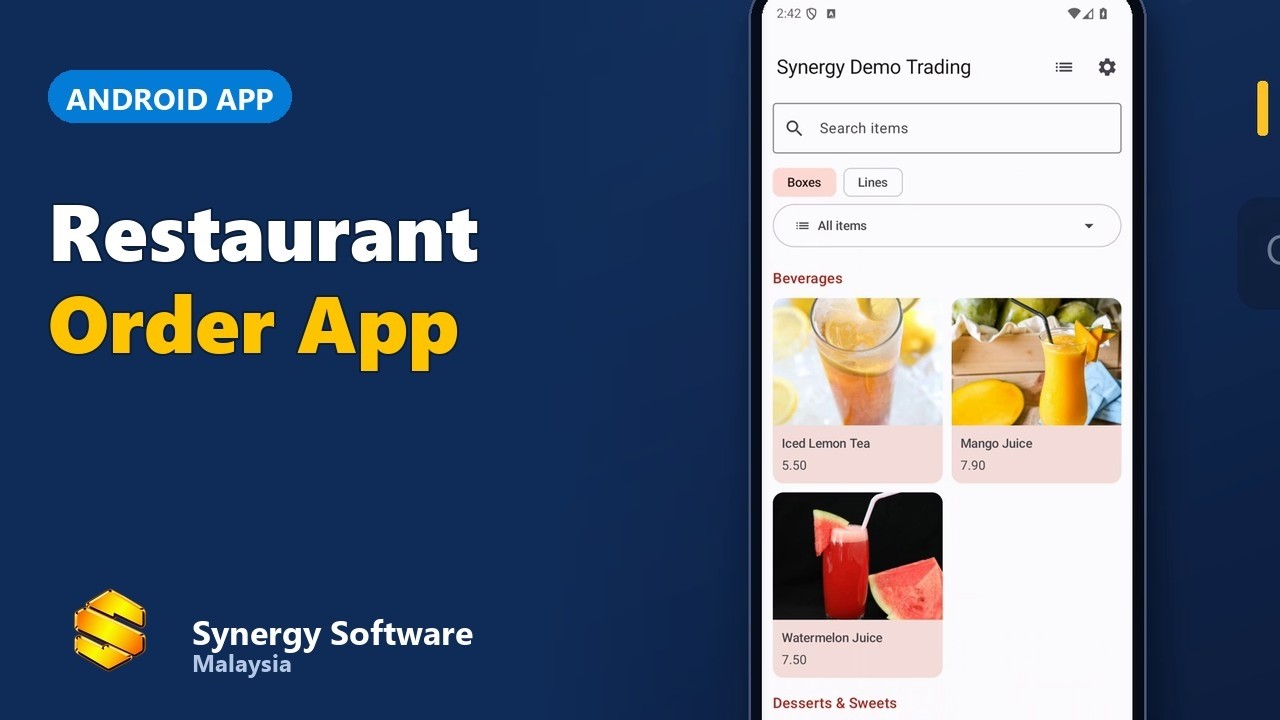
▶4. Waiters take orders on phones
The Order App for waiters: dine-in and takeaway from a phone.
 ▶
▶4b. Android POS: choose the table and print in the kitchen
Android POS sends the order to the kitchen printer.
 ▶
▶4c. Android POS on a tablet
The same POS on a tablet at the counter.
 ▶
▶4d. Burger stall on an Android tablet (Bahasa Melayu)
Picture menu, add-ons, cash payment, kitchen slip, receipt and daily sales, with sample shop data.
 ▶
▶4e. Order and pay at once on a counter or self-service tablet
Pick the items and pay straight away by cash, card or e-wallet; the kitchen slip and receipt print after payment.
 ▶
▶4f. Set up your menu yourself on Android
On a standalone shop: start with an empty menu, add categories and items in Back Office, then sell from the ordering screen. When the app is linked to the desktop software, the menu comes from the desktop instead.
 ▶
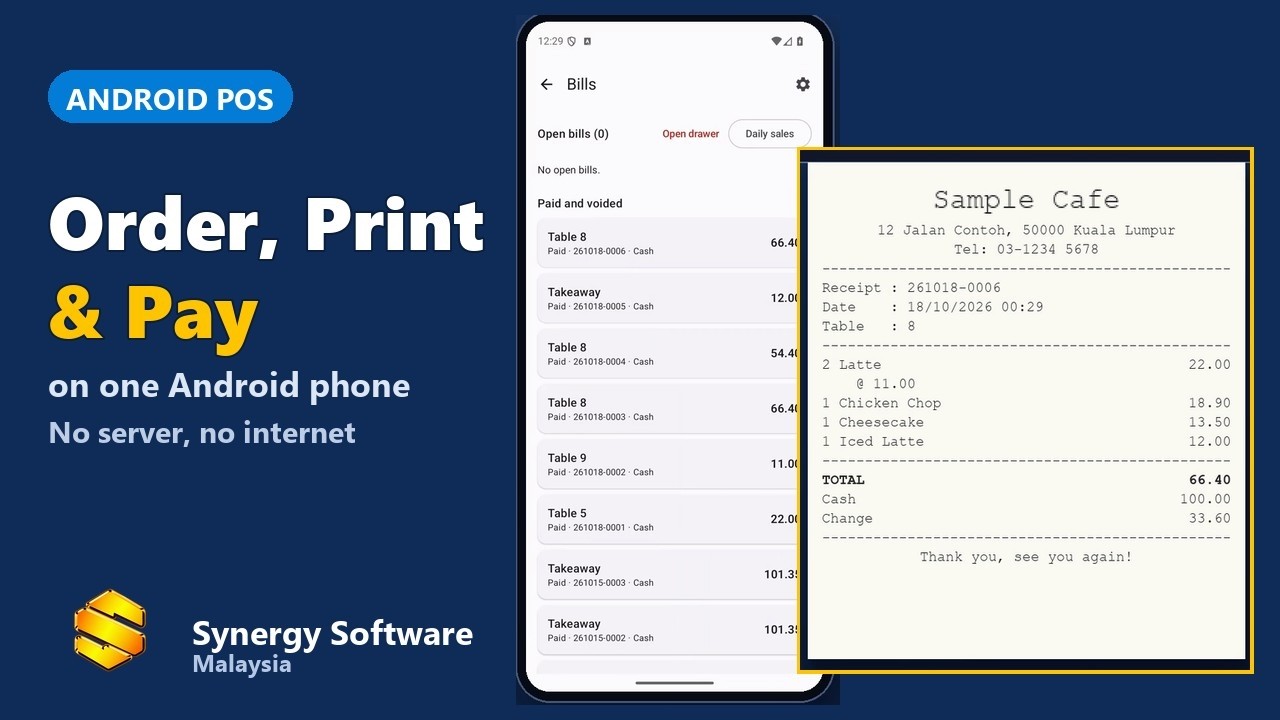
▶5. A café run from one phone
Order, slip, payment and receipt, all from one phone.
 ▶
▶6. QR ordering at the table (add-on)
Guests scan the table QR and order; QR ordering is an optional paid add-on.
 ▶
▶7. Table booking
Reserve a table, then bring the booking straight to the bill.
 ▶
▶8. Payment: cash, card, e-wallet, split
Take every kind of payment, including split bills.
 ▶
▶8b. End-of-day sales report
Daily sales summary, payments by type, items sold and the printed report with the cash count.
 ▶
▶9. e-Invoice
Issue e-Invoices to LHDN from the same system.
 ▶
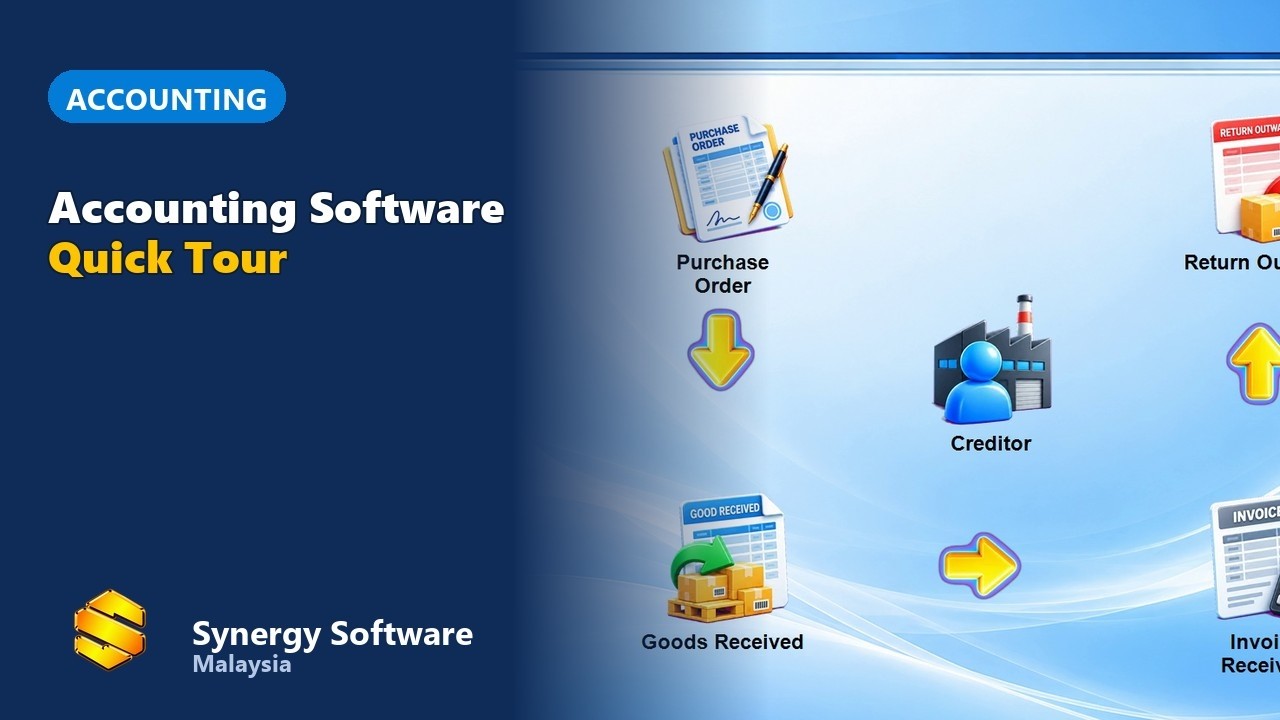
▶10. Accounting built in
A tour of the accounting that comes with the POS.
 ▶
▶Frequently asked questions
Do I need special hardware?
The software runs on a standard receipt printer and a PC, and the Android POS runs on a phone or tablet. WhatsApp us and we will advise what suits your outlet.
Can guests order from their own phone?
Yes, with QR ordering, an optional paid add-on. The Android POS can also run in a pay-right-after-ordering mode for counter or self-service tablets.
Does it handle e-Invoice?
Yes. See video 9 above.