
Salon POS Demo Videos
Everything a salon needs, in the order you will use it. Watch the videos below, then message us on WhatsApp for a live walkthrough.
WhatsApp 012-530 08001. Book appointments by stylist
Book by stylist, mark the customer as arrived, then bill, all in your POS.
 ▶
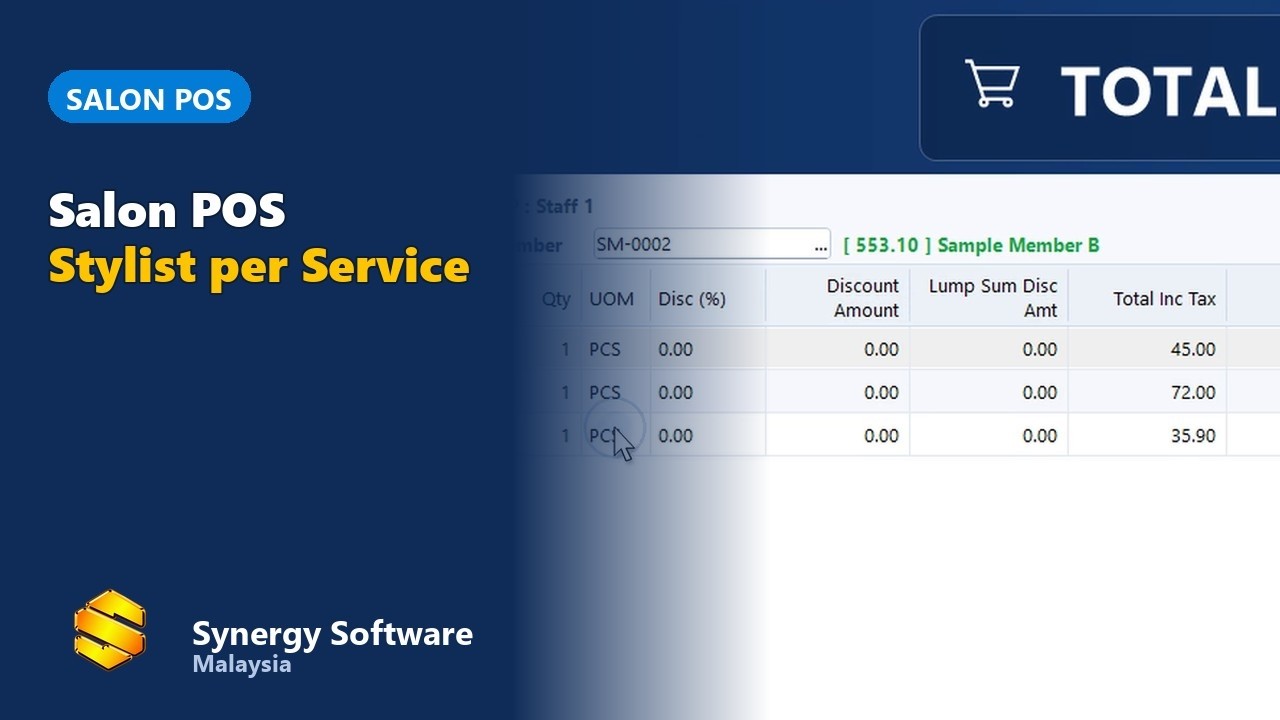
▶2. Services, stylists and members
Sell services with the stylist on each line, and link the bill to a member.
 ▶
▶3. Member prices and points redemption
Give members their prices and let them redeem points at the counter.
 ▶
▶4. Loyalty and membership
Reward regular customers with member points and offers.
 ▶
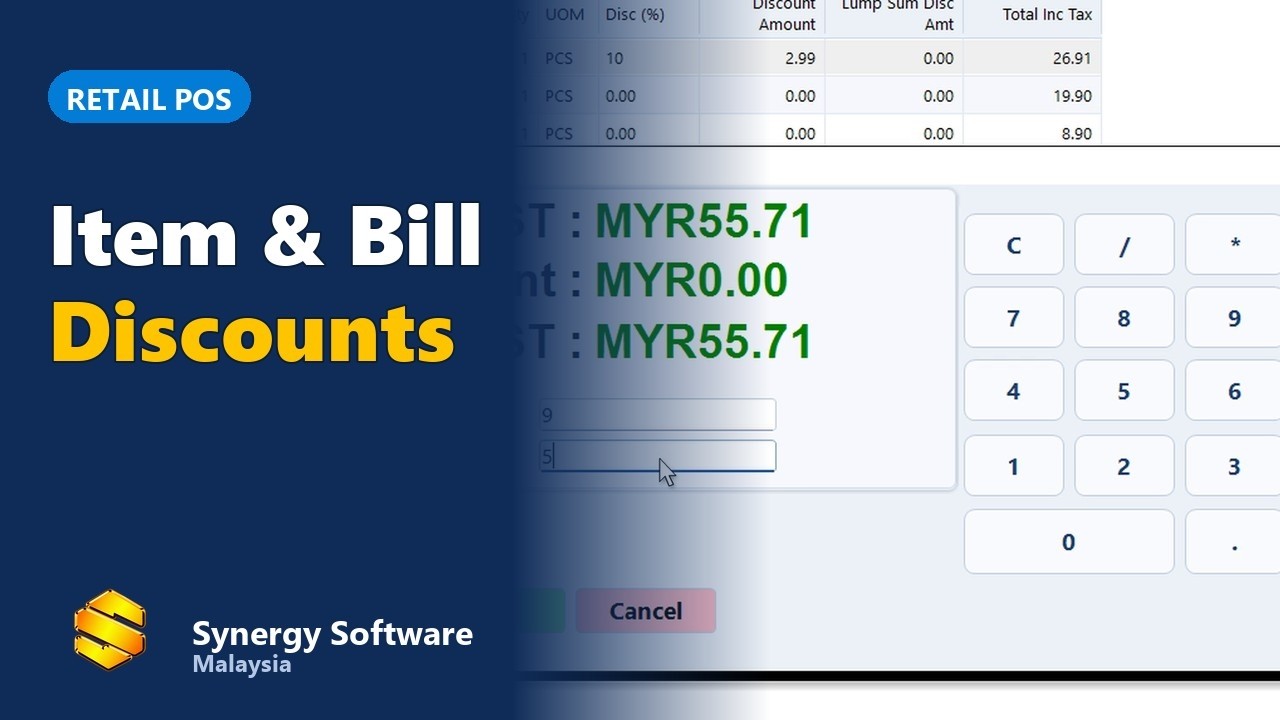
▶5. Item and bill discounts
Apply a discount to one item or to the whole bill.
 ▶
▶6. Payment: cash, card, e-wallet, split
Take every kind of payment, including split bills.
 ▶
▶7. e-Invoice
Issue e-Invoices to LHDN from the same system.
 ▶
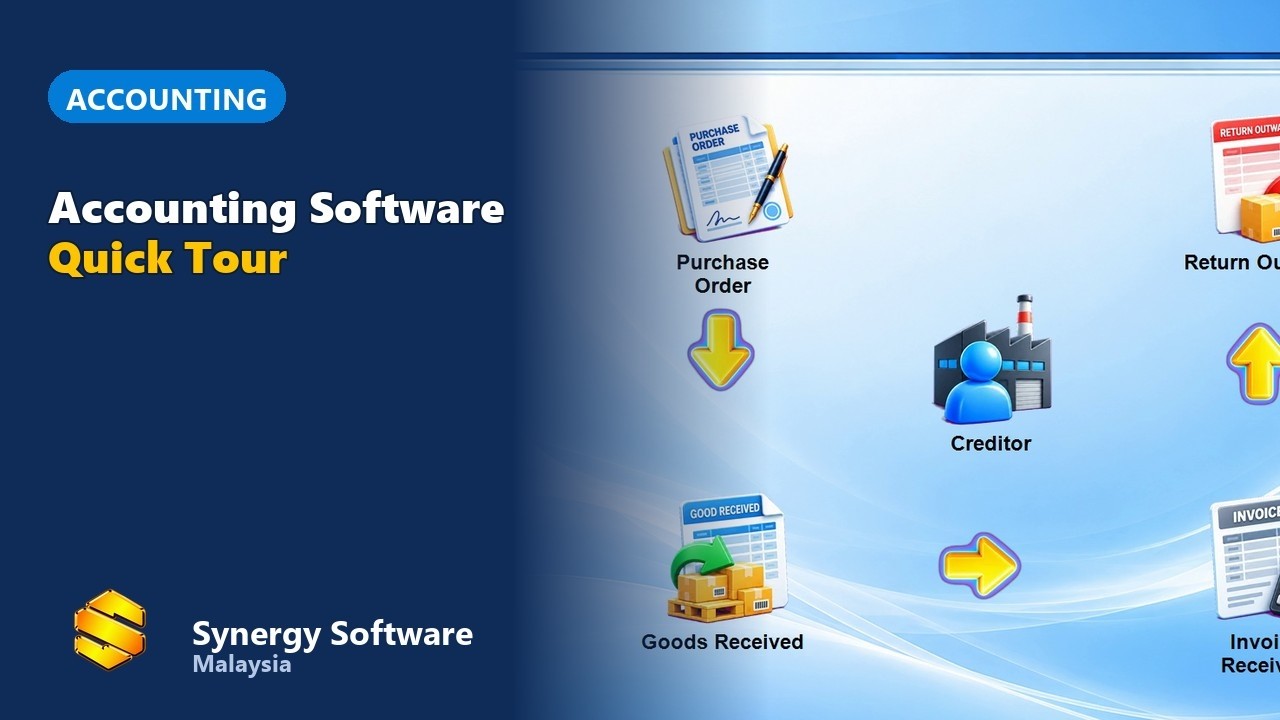
▶8. Accounting built in
A tour of the accounting that comes with the POS.
 ▶
▶Frequently asked questions
Can customers book by stylist?
Yes. Appointments are booked by stylist, and the booking turns into the bill when the customer arrives. See video 1 above.
Can I record which stylist did each service?
Yes. The stylist is recorded on each service line. See video 2 above.
Does it handle e-Invoice?
Yes. See video 7 above.