
Use these checks, in order, when a branch shows no sales in Cloud Report, or you cannot sign in.
Before you start
- Know which branch and which main device is affected.
- Only the main device of a branch sends bills. Other tablets and phones (terminals) do not send anything, because their bills are already on the main device.
Steps
1. Check the main device has internet
The main device sends closed bills when it is online, older bills first. A device that was offline sends everything it missed when it is back.
2. Read the Cloud report line on the phone
On the main device open Settings and look at the Synergy plan section. It shows a Cloud report line: on with the number of bills sent, sending, or Cloud report not sent with a reason. It tries again by itself; tap Send now to send at once.
3. Check the phone’s date and time
The date and time on the phone must be correct, or sending can fail.
4. Ask Synergy to check the plan
Cloud report (Android) must be ticked on that branch’s main device in the plan, and the plan published. A device removed from the plan is blocked from sending.
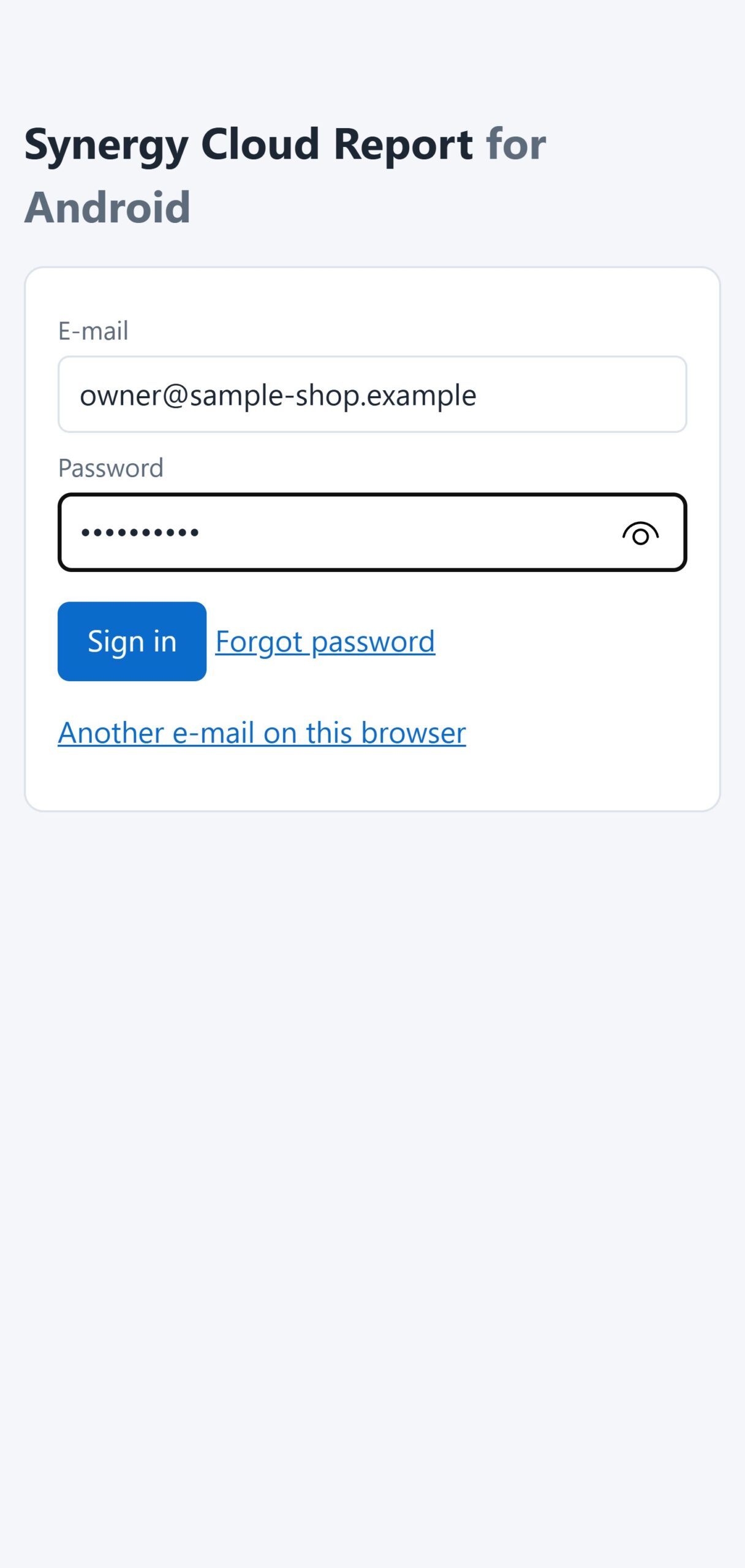
5. Check sign-in
Check your e-mail address and password. Each new browser needs the e-mailed code. Use Forgot password if needed.
6. Wait and compare
Bills still open on the phone are not in Cloud Report. When the Cloud report line shows nothing waiting, the numbers should match the phone’s Reports.
Tips
- When you contact Synergy, have ready: the branch name, what the Cloud report line on the phone says, and the time it happened.
Common problems
Reports show nothing for a branch.
Follow the checks above, starting with the main device’s internet and its Cloud report line.
“Cloud report not sent” stays on the phone.
Check the internet, the phone’s date and time, and tell Synergy if the device is still in the plan.
The code e-mail does not arrive.
Check spam, wait a minute and try again. If it still does not come, tell Synergy.
Sign-in is locked.
After too many wrong passwords sign-in is locked for 15 minutes. Wait, then try again.