
This guide is for shops that run the Synergy Order App without a POS PC. It shows the owner how to sign in to the Cloud Report website for the first time, and how to give managers and viewers access.
Before you start
- Synergy has set up your shop for Cloud Report and has your owner e-mail address.
- The main device of each branch must be on a recent Order App version and have internet, so it can send its closed bills.
- Have access to the owner e-mail, because the website e-mails you a code.
Steps
1. Open the invitation
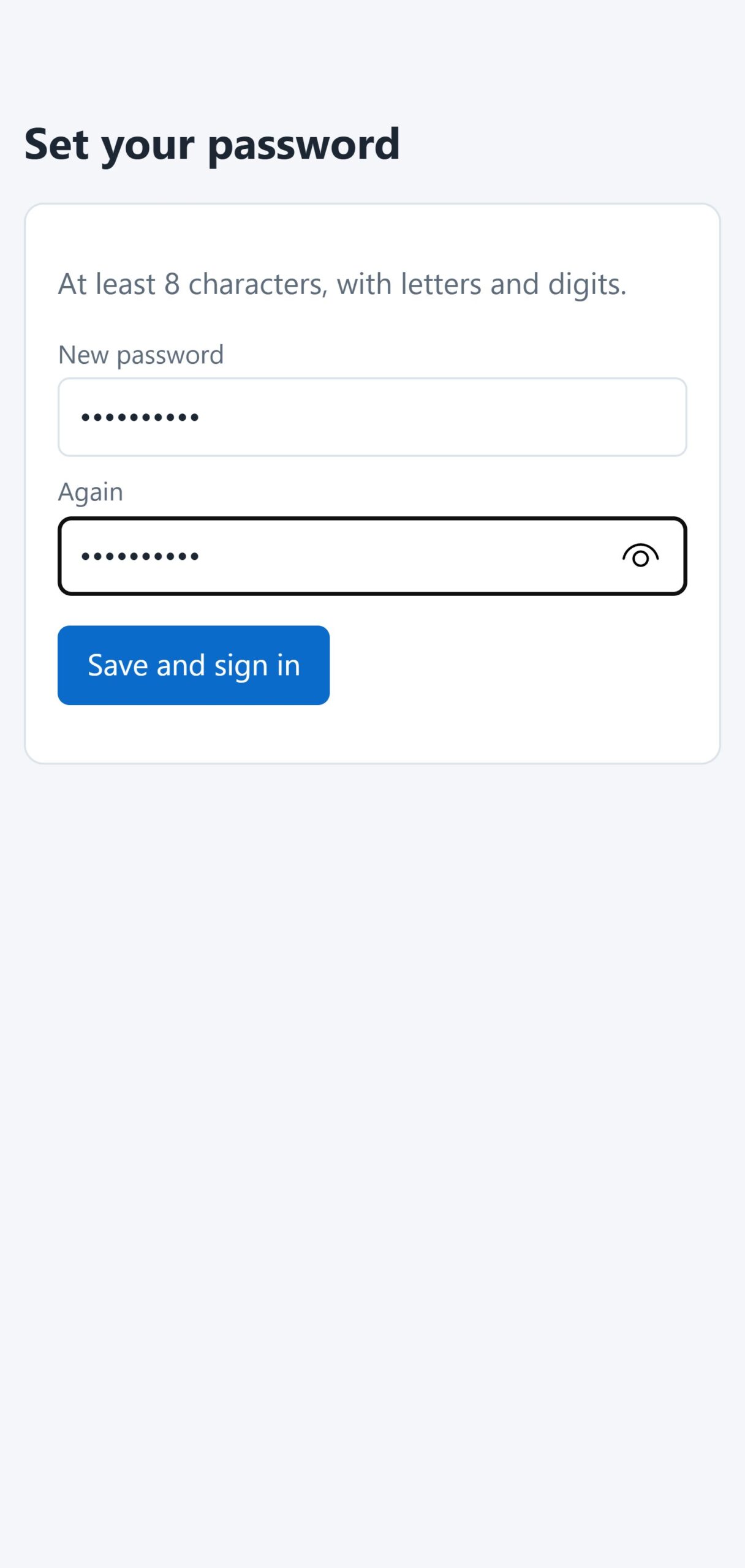
Open the invitation e-mail from Synergy and click the link. It opens the Set password page.
2. Choose a password
Type a password and save it.
3. Sign in
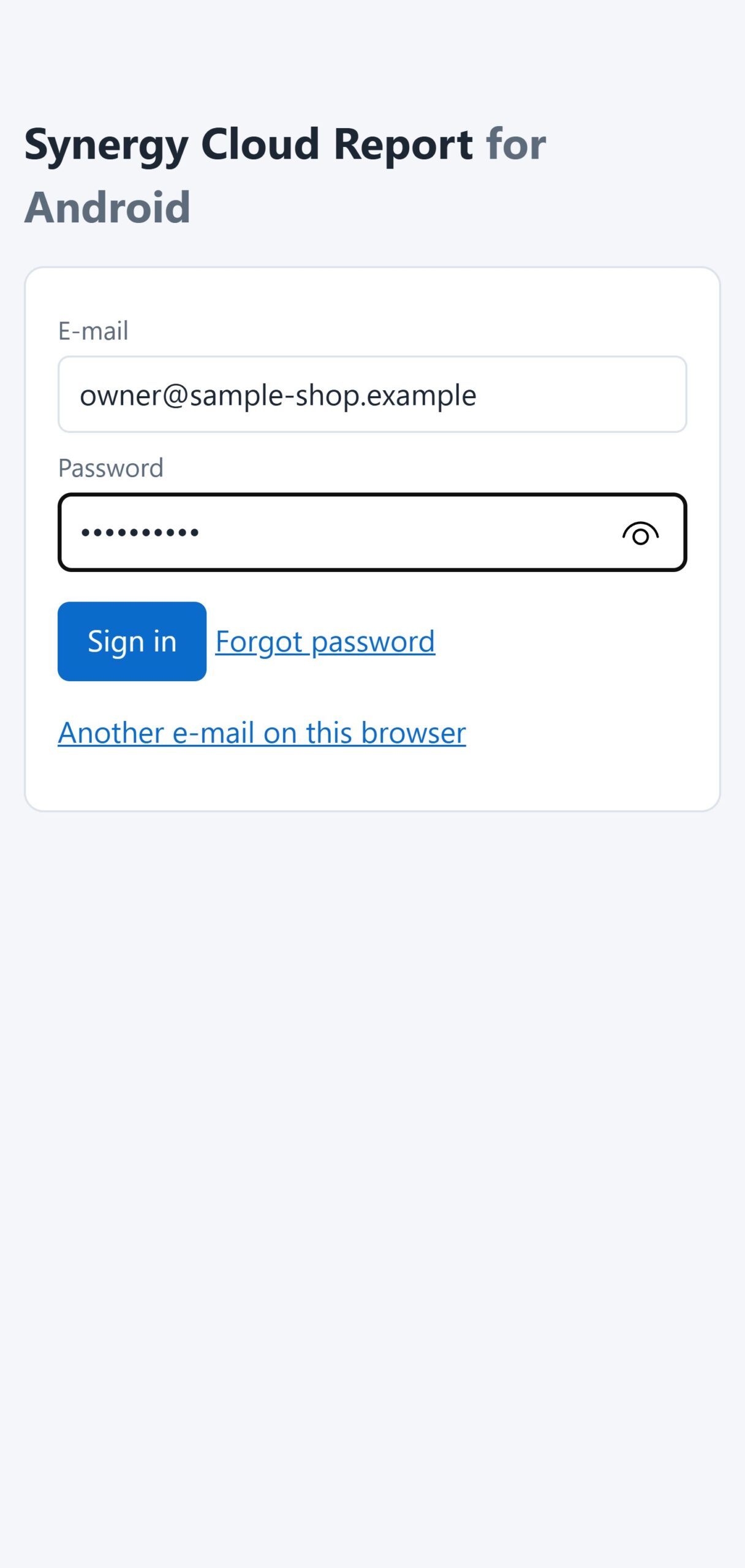
Sign in with your e-mail address and the new password.
4. Enter the e-mailed code
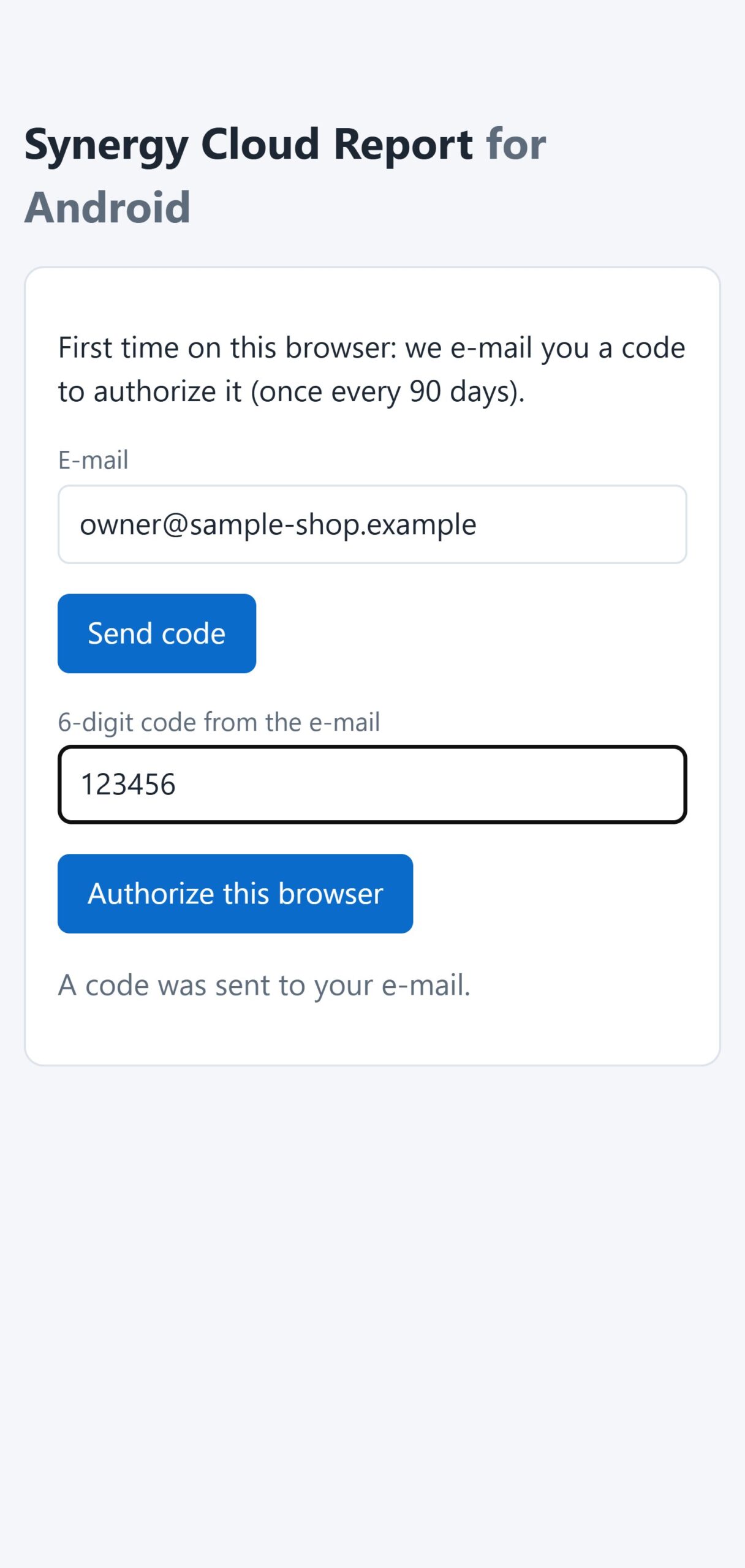
A new browser needs a code. The website e-mails you a code; type it in. This browser is then authorized for 90 days.
5. Open the Users page
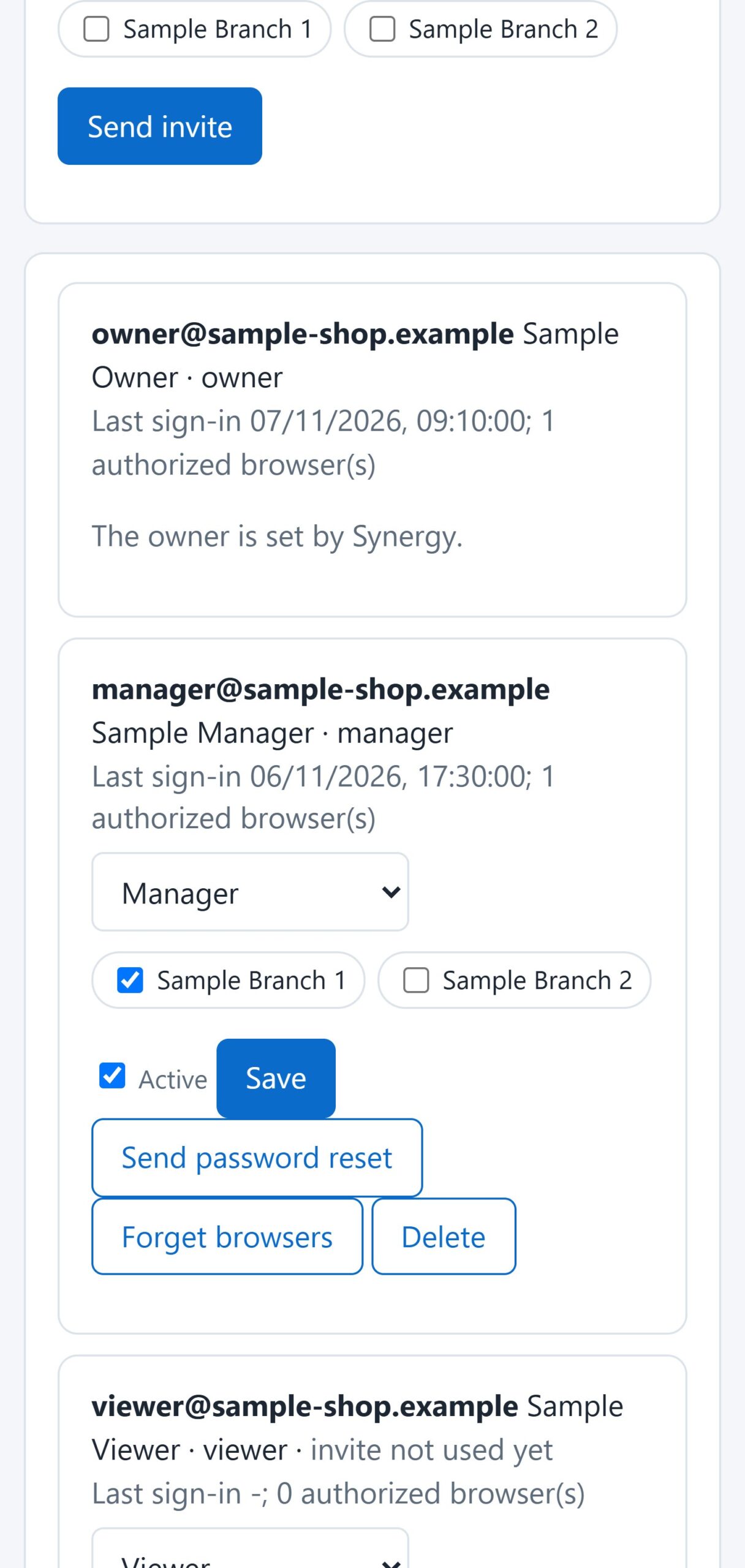
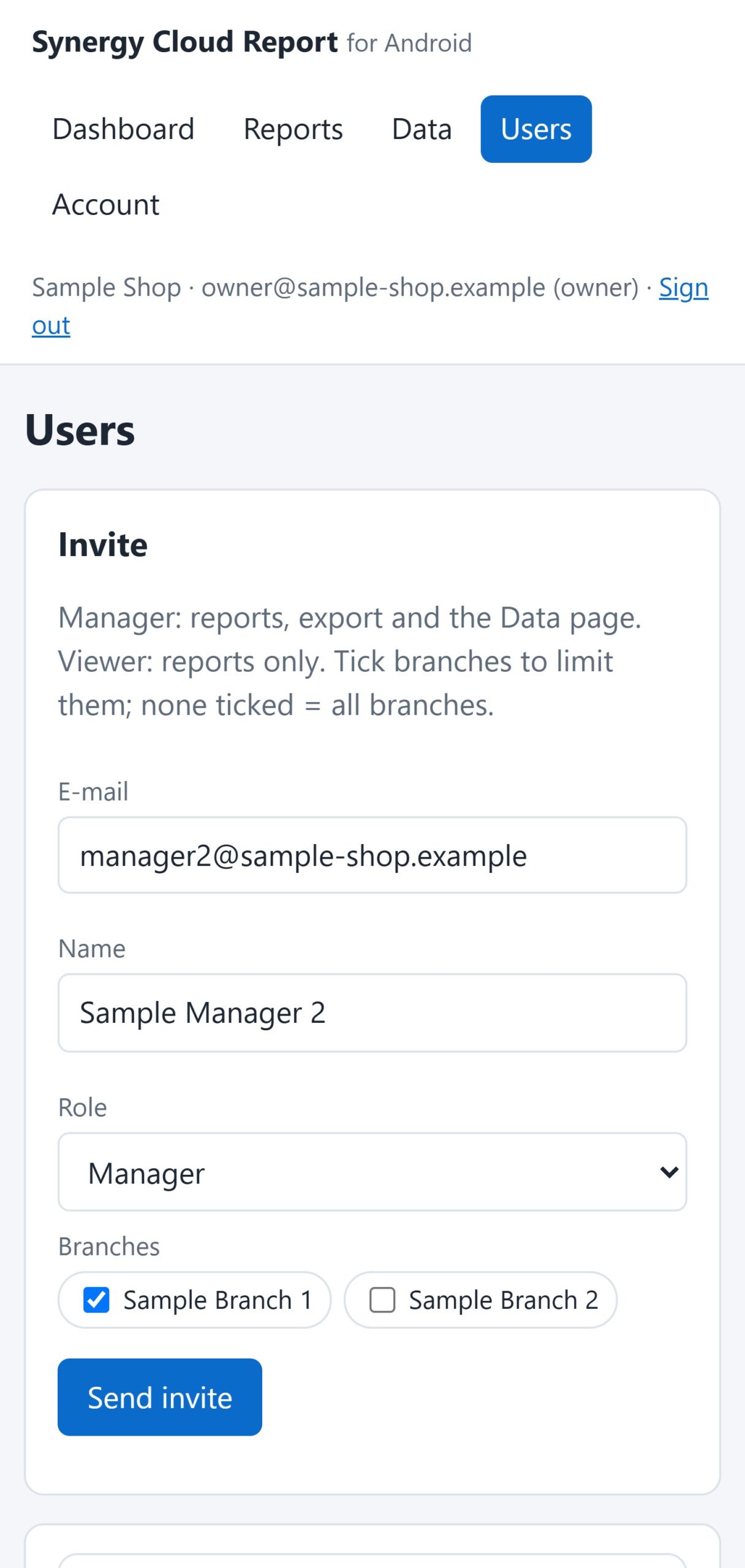
As the owner, open the Users page.
6. Invite a user
Invite a person by e-mail, choose the role, and choose the branches they may see.
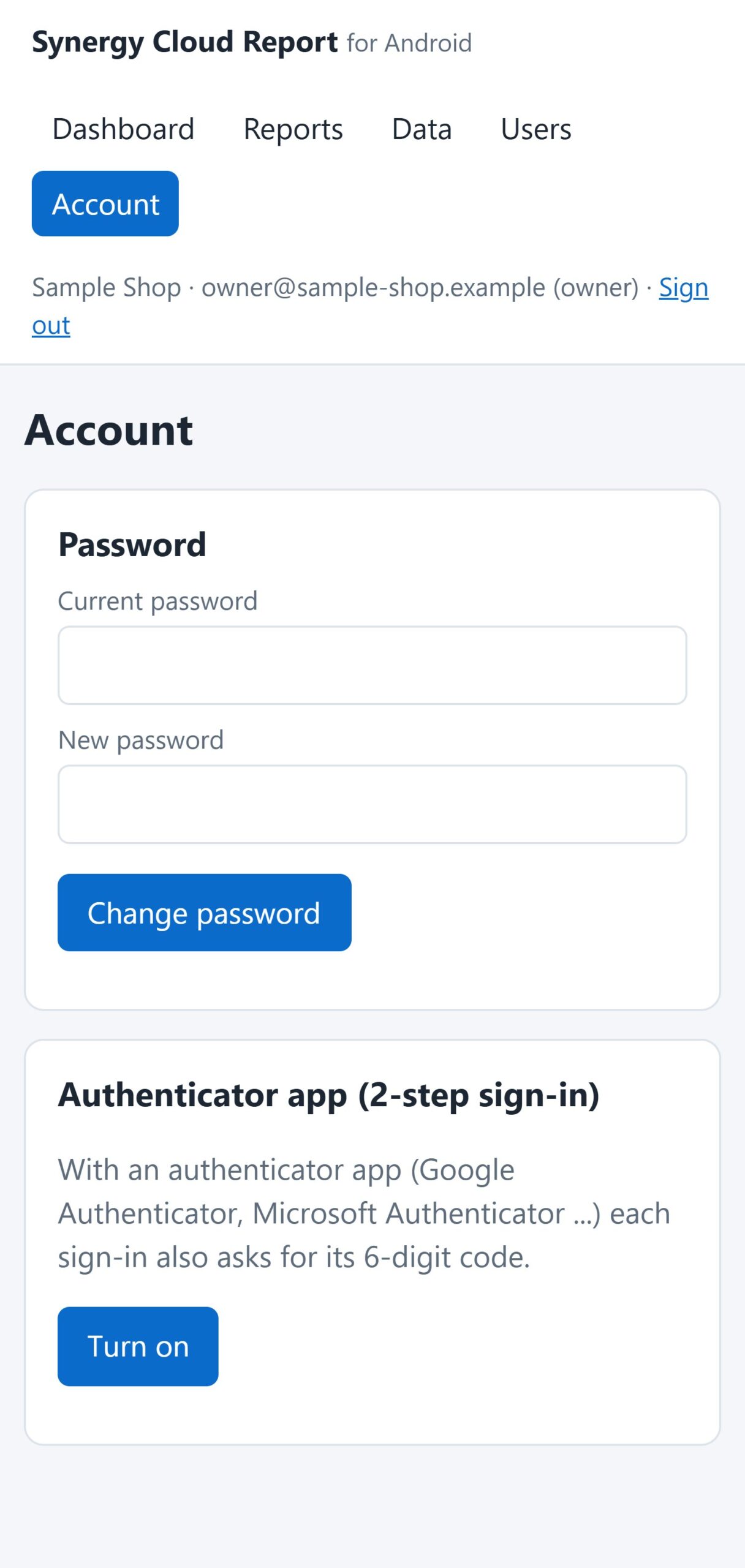
7. Optional: add an authenticator app
On the Account page you can add an authenticator app such as Google Authenticator or Microsoft Authenticator. Sign-in then also asks for the 6-digit code.
Tips
- Owner: sees all branches and can manage users, use the Data page, export and purge.
- Manager: sees the branches chosen and can see the reports, export and use the Data page.
- Viewer: sees the branches chosen and can see the reports only.
- Each new browser, phone or PC must be authorized once with an e-mailed code, and is remembered for 90 days.
- 5 wrong passwords for the same e-mail, or 20 from the same internet address, lock sign-in for 15 minutes.
- If you change the owner e-mail with Synergy, the new owner is invited and the old owner stays as a Manager. Remove them on the Users page if needed.
Common problems
I did not get the invitation e-mail.
Check the spam folder and check with Synergy that the owner e-mail is correct.
The code e-mail does not arrive.
Check spam, wait a minute and try again. If it still does not come, tell Synergy.
I forgot my password.
Click Forgot password on the sign-in page. A link is e-mailed so you can set a new one.
Sign-in is locked.
Wait 15 minutes, then try again with the right password.