
Messages you may see when loading an Excel or CSV file into Synergy: the Acc2026 Excel loader, the Order App menu import, the web price and item imports and the POS sales import. Each one says what it means in plain words and the first thing to try.
Before you start
- The exact wording of the message on your screen (take a photo or a screenshot).
- The screen you were using and what you clicked just before the message appeared.
Steps
1. File not found.
The program cannot find the file you chose. Check the file name. Full guide: Synergy Acc2026 – Data Export, Loading Excel Files and Excel Mapping
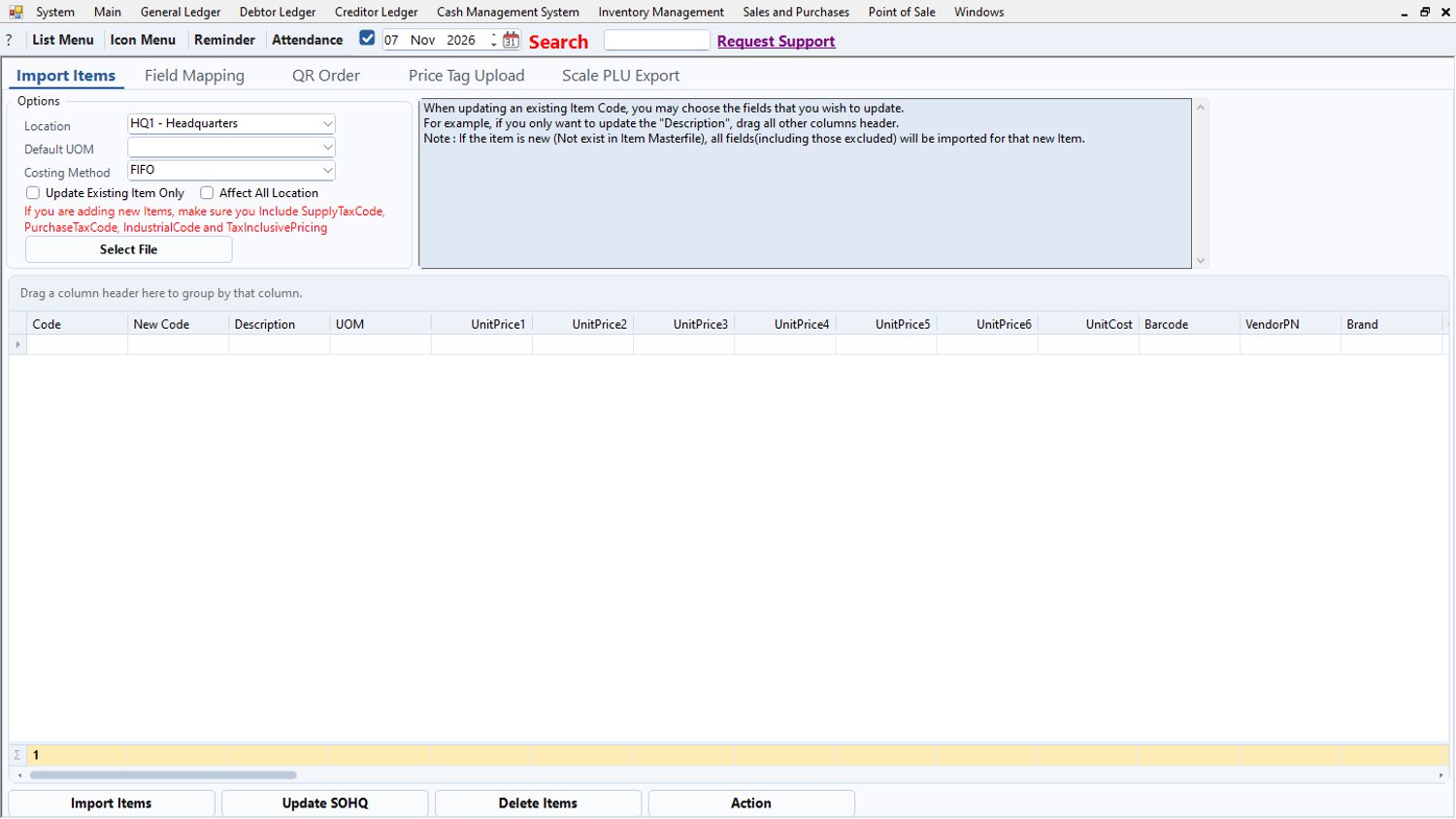
2. No records in the file.
The file has no rows to load. Check that the first sheet has rows. Full guide: Synergy Acc2026 – Data Export, Loading Excel Files and Excel Mapping
3. No mapping details provided.
No Excel heading has been filled in for the mapping. Fill in at least one Excel heading. Full guide: Synergy Acc2026 – Data Export, Loading Excel Files and Excel Mapping
4. Menu not imported:
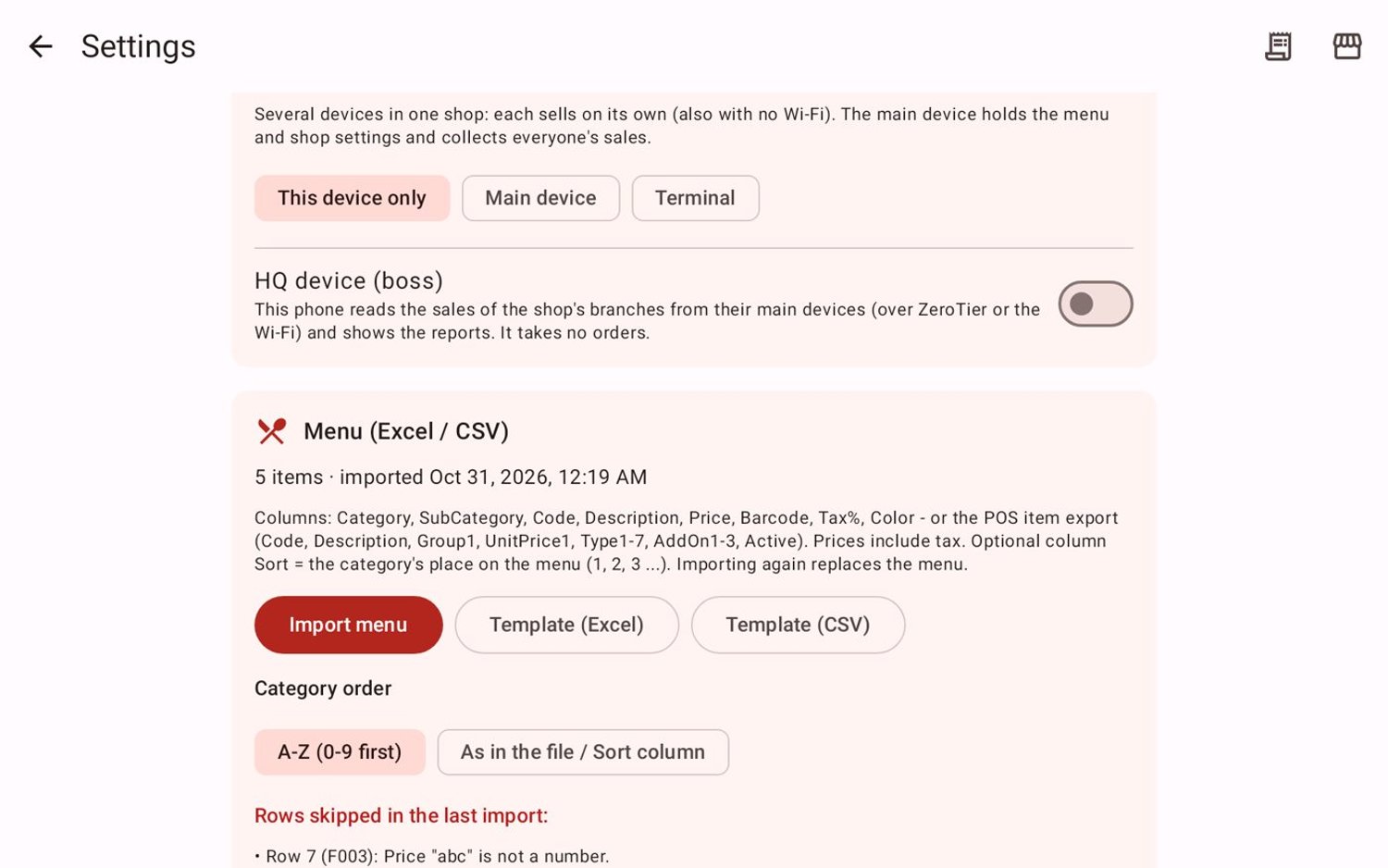
The Order App could not load the menu file, and the message gives the reason. Check that the first row has the column names and that the file has the columns Category, Code, Description and Price. Full guide: Synergy Order App – Importing and Exporting the Menu with Excel
5. The file must have an ‘Item Code’ column (download the template).
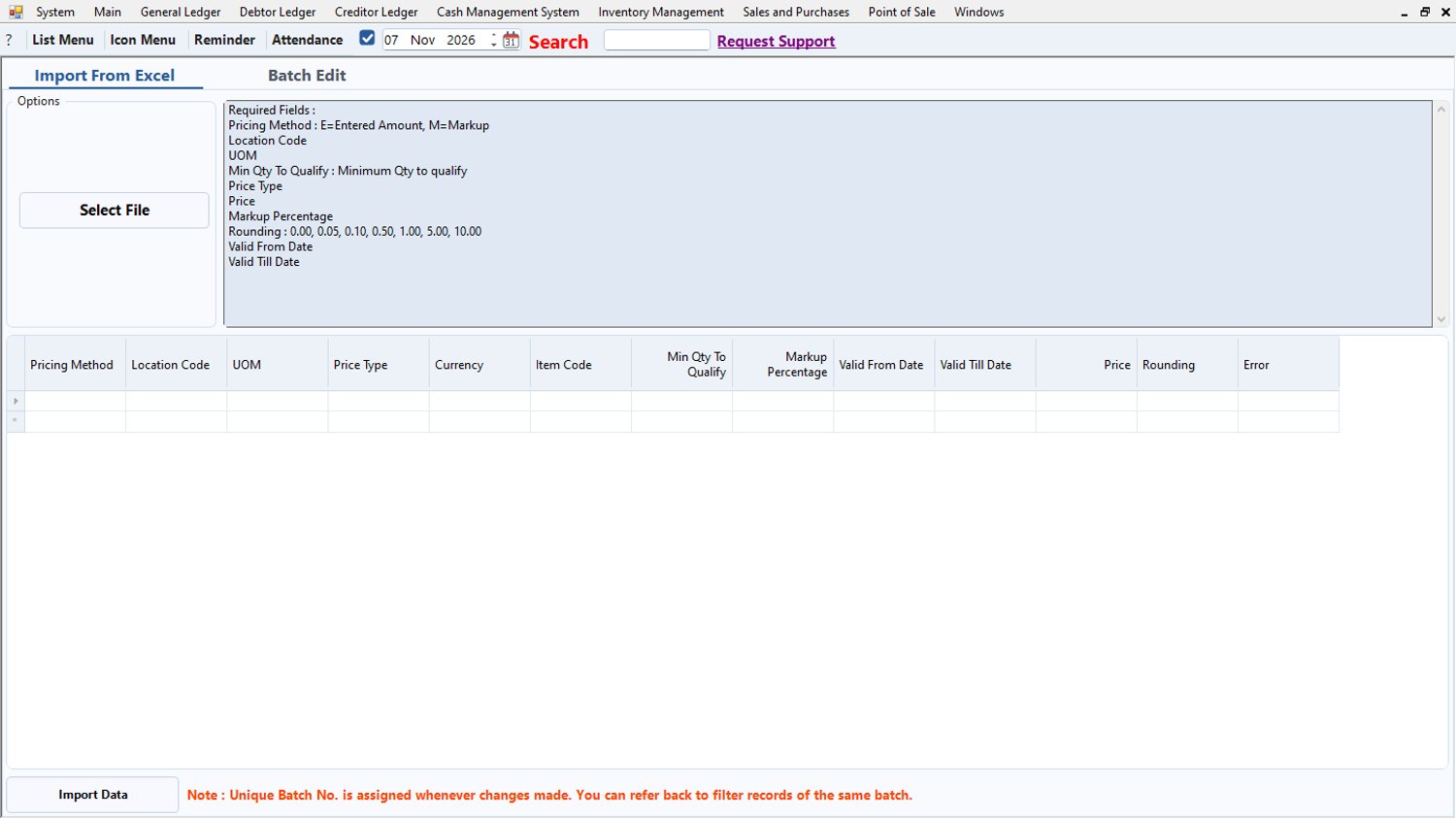
The file has no Item Code column. Add an Item Code column, or start from the template. Full guide: Synergy Web – Advance Price Batch Edit and Import
6. N row(s) have errors: correct the file and load it again.
Some rows in the file have problems (N is the number of rows). Fix the rows marked in the Error column, then choose the file and click Select File again. Full guide: Synergy Web – Advance Price Batch Edit and Import
Tips
- Read the whole message before you click OK. It often names the field or number that is wrong.
- The program shows these messages in English, so this guide keeps them in English.
- If the first fix does not work, do not retry again and again. Note the exact message text and contact Synergy support.