
Messages you may see when entering stock documents, bins, batches, serial numbers and stock reports in Synergy Acc2026. Each one says what it means in plain words and the first thing to try.
Before you start
- The exact wording of the message on your screen (take a photo or a screenshot).
- The screen you were using and what you clicked just before the message appeared.
Steps
1. Entered quantity doesn’t match the Required Quantity.
The quantities you entered in the bin or batch window do not add up to the quantity required. Answer Yes to keep your entry anyway, or No to go back and correct the quantities. Full guide: Synergy Acc2026 – Bins, Bin Transfers and Batch Entry
2. Bin Quantity does not match the Item Quantity.
The bin details do not match the item quantity. Check the bin details on the adjustment lines so they match the item quantity. Full guide: Synergy Acc2026 – Stock Conversion: Bulk to Small Packs
3. Invalid Batch No. entered.
The batch is not in the list offered. Check the two Include boxes and that the batch is active and belongs to this item. Full guide: Synergy Acc2026 – Bins, Bin Transfers and Batch Entry
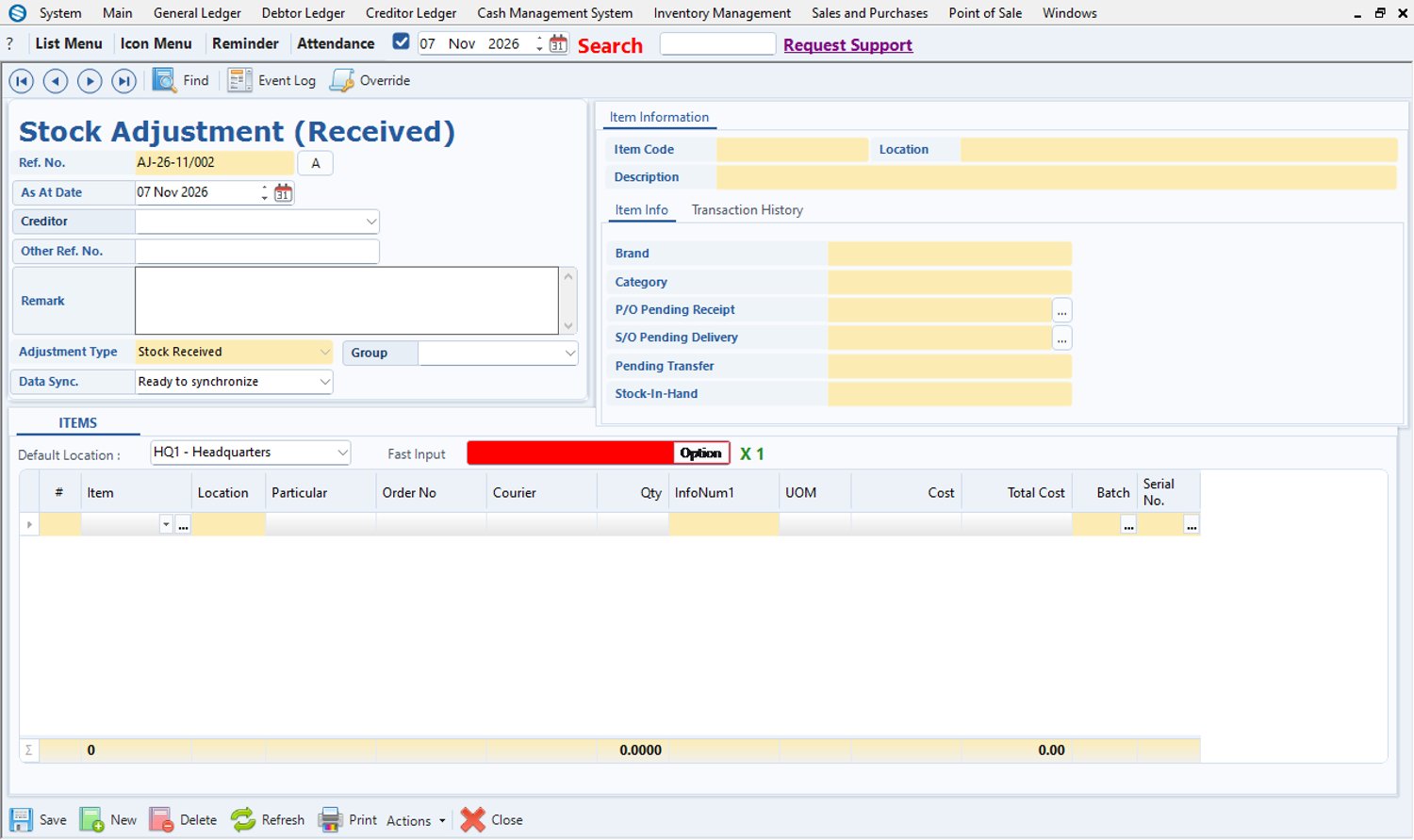
4. Item Code not found
A scanned code is unknown (you may also see Barcode not found). Check the code and scan again. A list shows the items that had problems. Full guide: Synergy Acc2026 – Stock Request and Bin Transfer
5. Changes not allowed because Transaction already posted
The document is posted, so it is read-only. Click Unpost before editing. Full guide: Synergy Acc2026 – Product Assembly
6. This transaction was already synchronized with outlet/branch.
The document was already sent to the branch. Set Data Sync. to Ready to synchronize if the changes are final. Otherwise choose Do not synchronize. Full guide: Synergy Acc2026 – Moving Stock Between Branch and Head Office
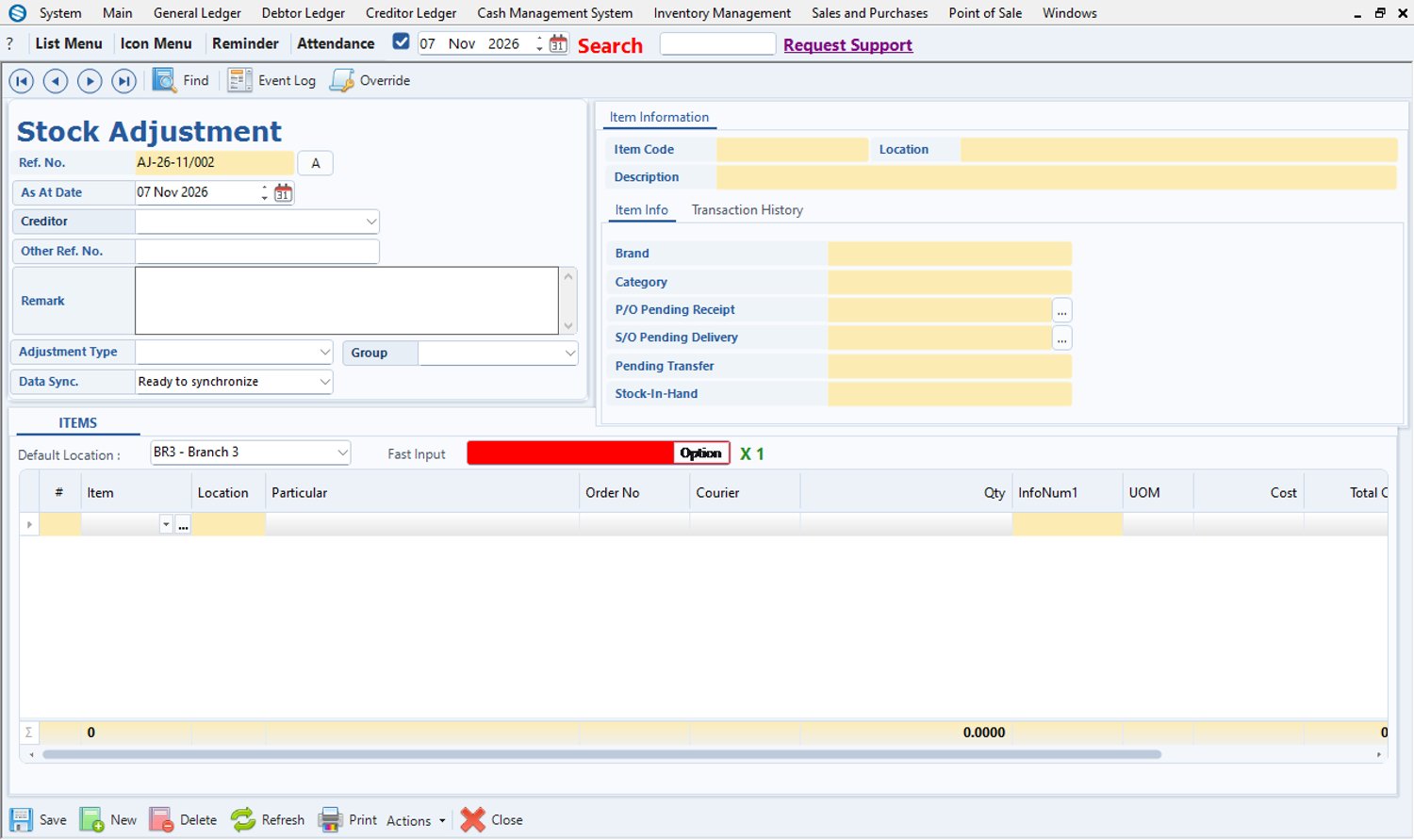
7. [Serial Number] already exist.
The number is already on the list. Use a different number. Full guide: Synergy Acc2026 – Serial Number Entry and Tracking
Tips
- Read the whole message before you click OK. It often names the field or number that is wrong.
- The program shows these messages in English, so this guide keeps them in English.
- If the first fix does not work, do not retry again and again. Note the exact message text and contact Synergy support.