
An add-on group is a question asked when an item is ordered, for example Sugar level: Normal sugar, Less sugar, No sugar. Each choice can have an extra price. This guide shows how to make a group and put it on an item.
Before you start
- Use this on a device that keeps its own menu: a single device or the main device of a shop.
- Keep the Back Office PIN ready.
Steps
1. Open Back Office
Tap the Back Office icon (the storefront) and enter the Back Office PIN. Add-ons is in the Menu group.
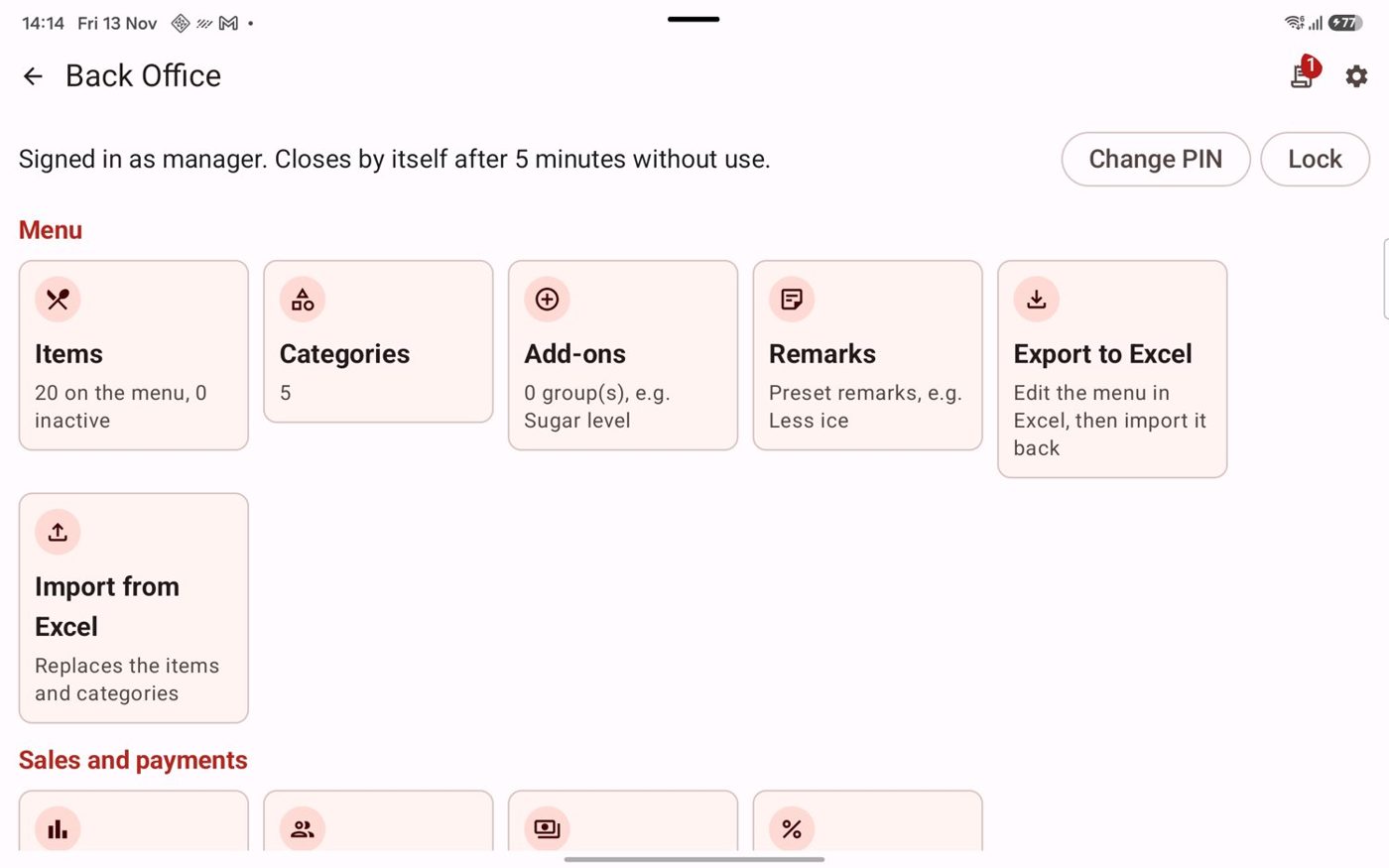
2. Open Add-ons
Tap Add-ons. The first time, it says there are no add-on groups yet.
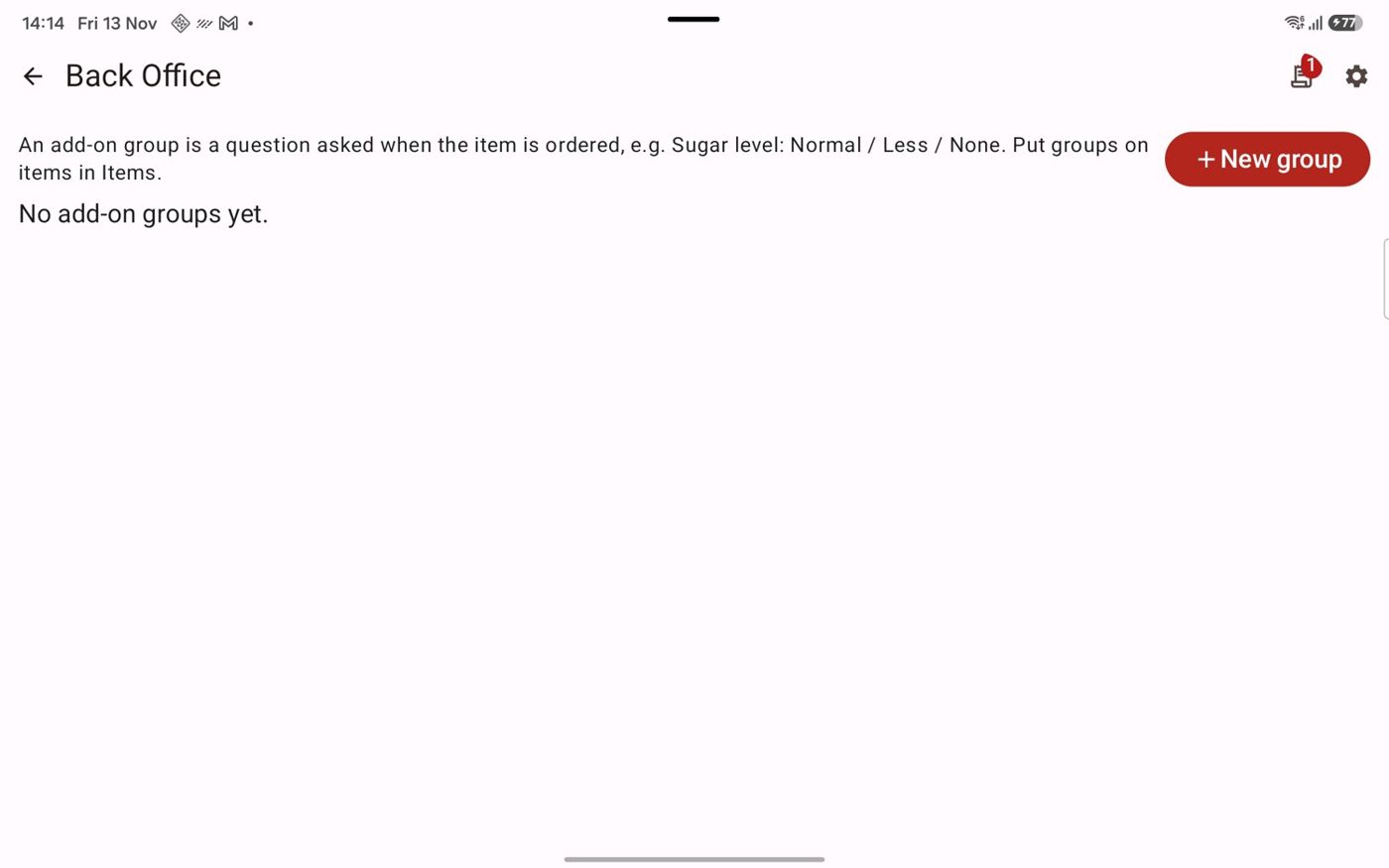
3. Start a new group
Tap New group.
4. Name the group and its first choice
Fill in the New group box.
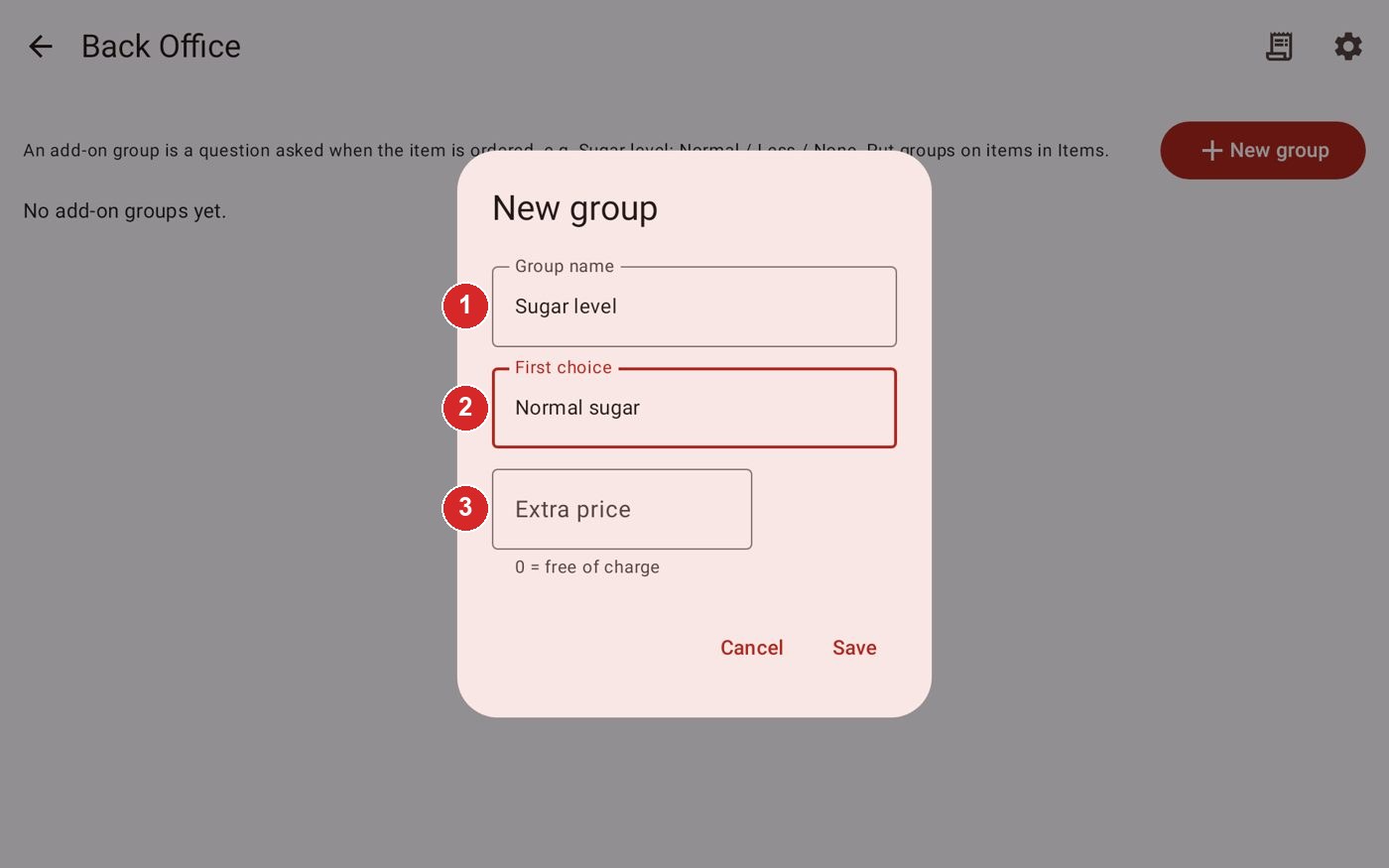
| Step | What to do |
|---|---|
| 1 | Type the group name, here Sugar level. |
| 2 | Type the first choice, here Normal sugar. |
| 3 | Leave the extra price empty, or type 0, if there is no extra charge. |
5. Save the group
Tap Save. The group is listed with its choices and the number of items it is on.
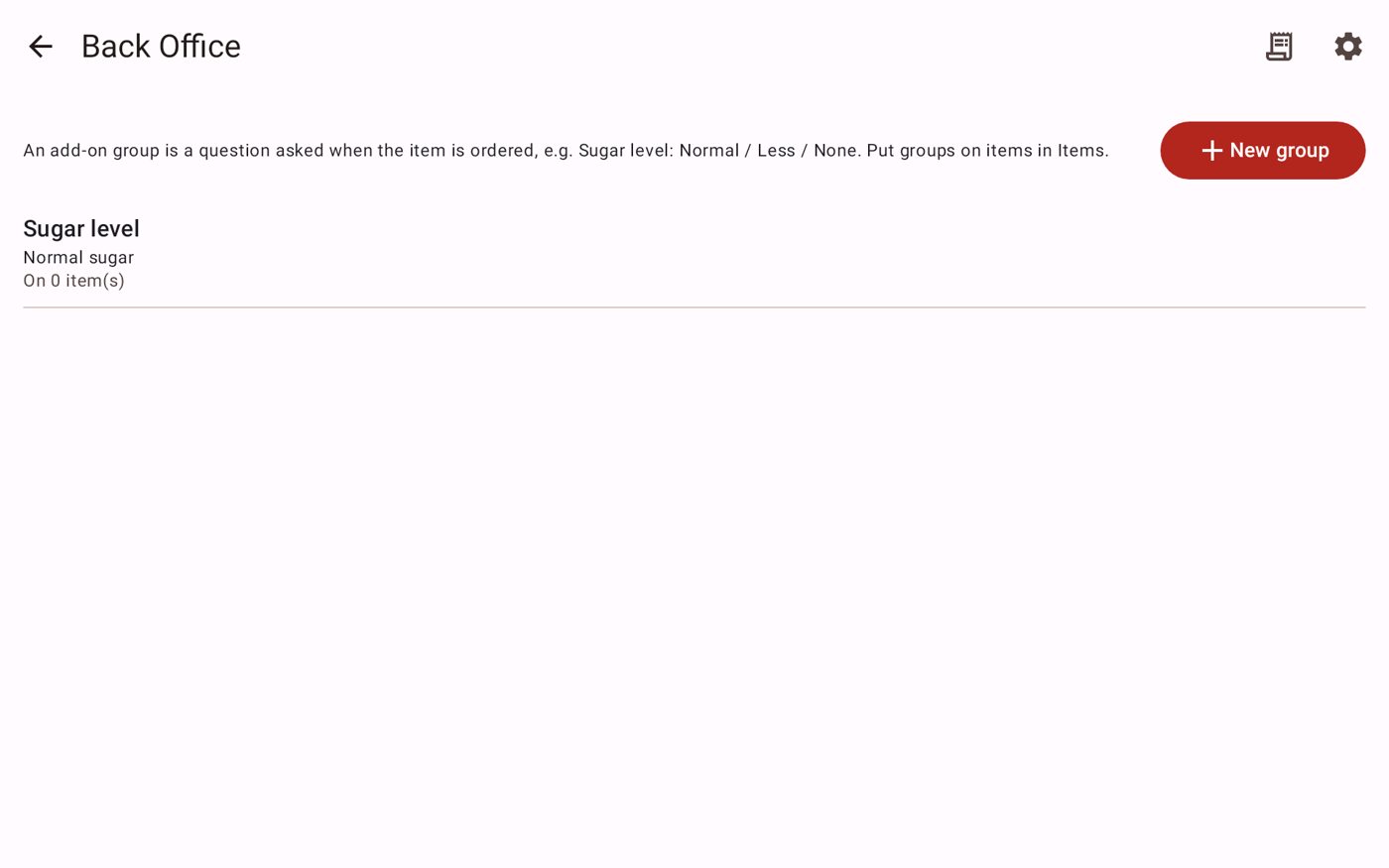
6. Open the group
Tap the group to open it. You can change its name here.
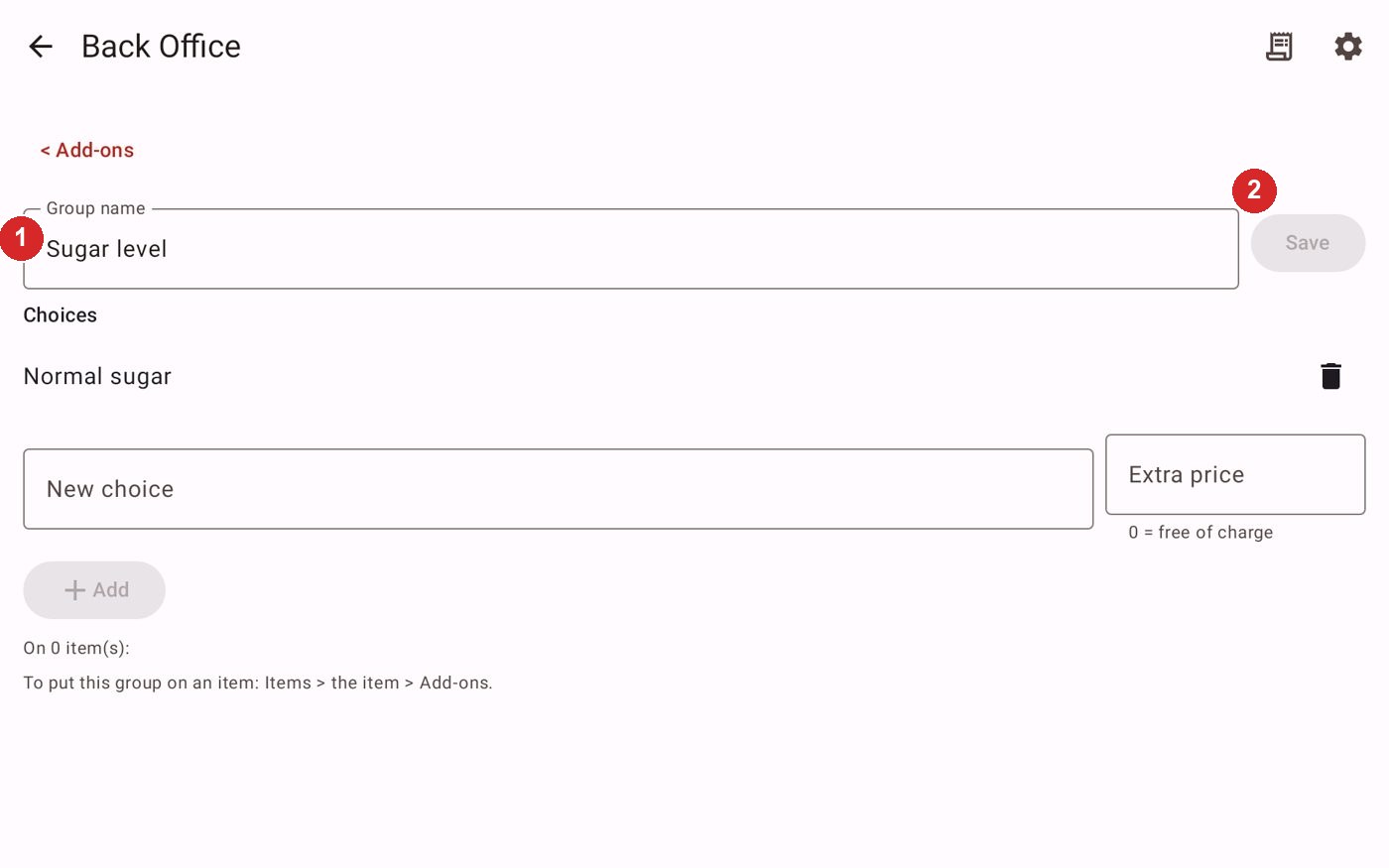
| Step | What to do |
|---|---|
| 1 | Type the new name. |
| 2 | Tap Save. |
7. Add a choice
Add the next choice to the group.
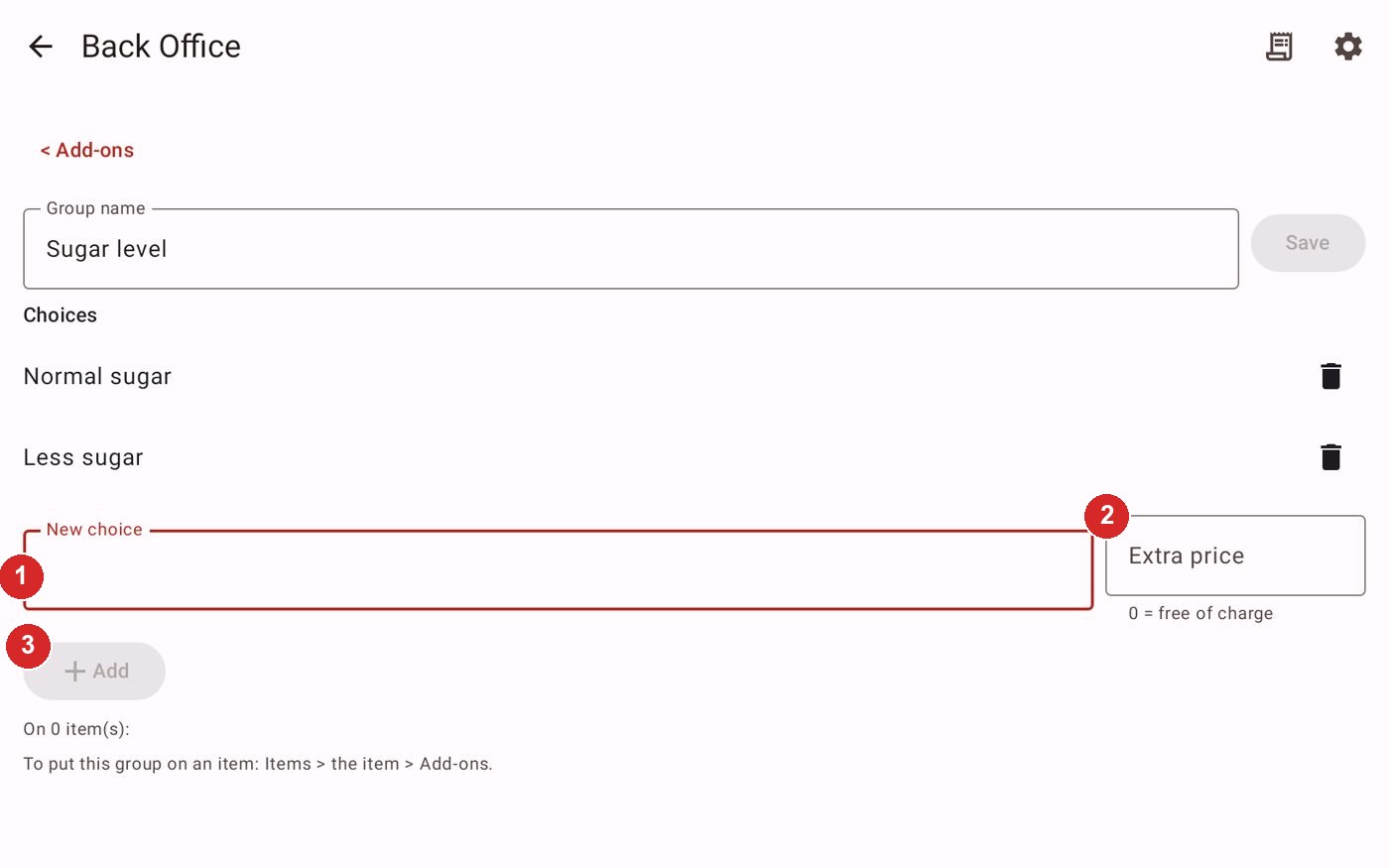
| Step | What to do |
|---|---|
| 1 | Type the next choice, here Less sugar. |
| 2 | Type an Extra price if the choice costs more. |
| 3 | Tap Add. |
8. Add the next choice
Add No sugar the same way.
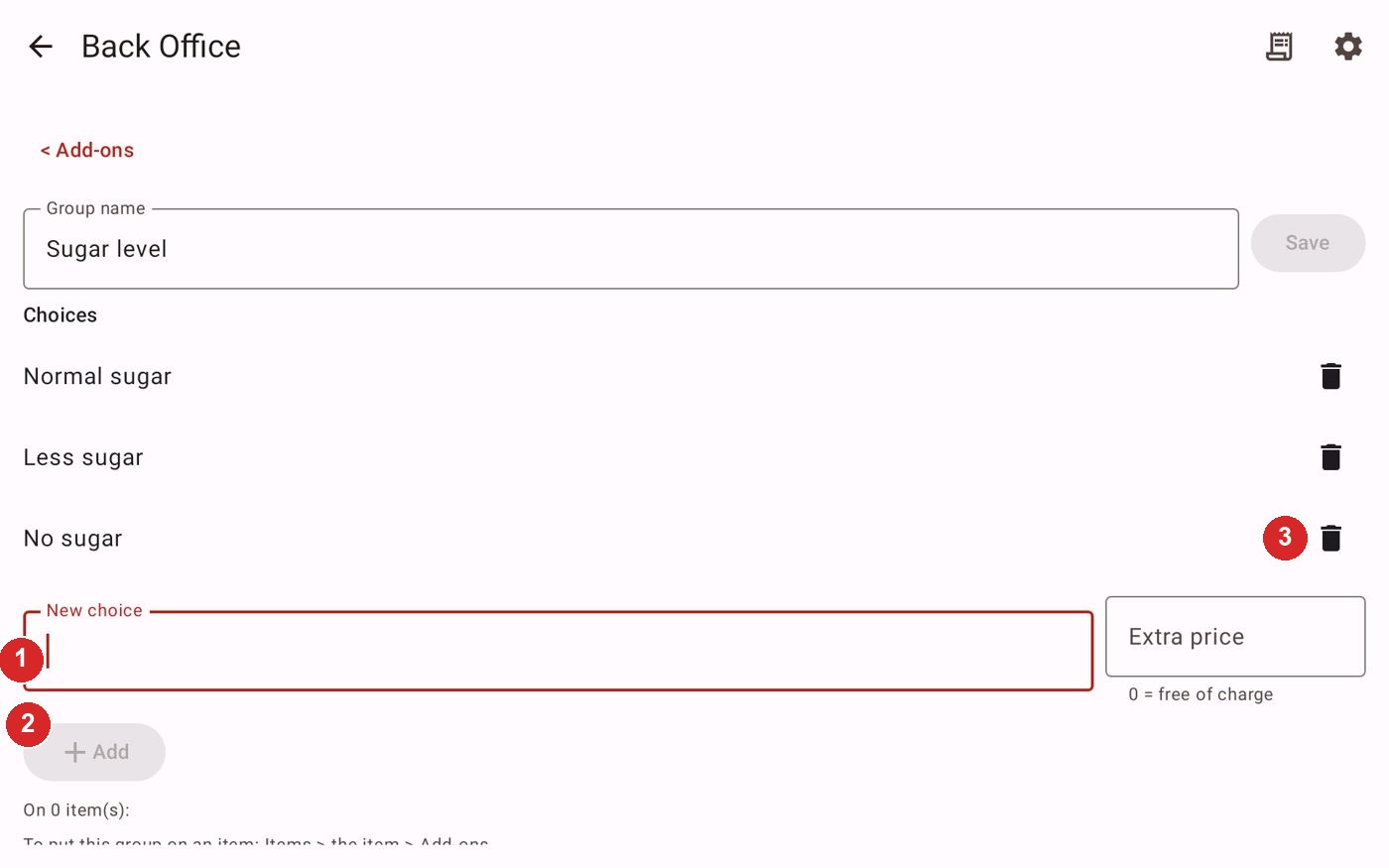
| Step | What to do |
|---|---|
| 1 | Type the next choice, here No sugar. |
| 2 | Tap Add. |
| 3 | Tap the bin next to a choice to remove it. |
9. Open the item
Go back and open Items.
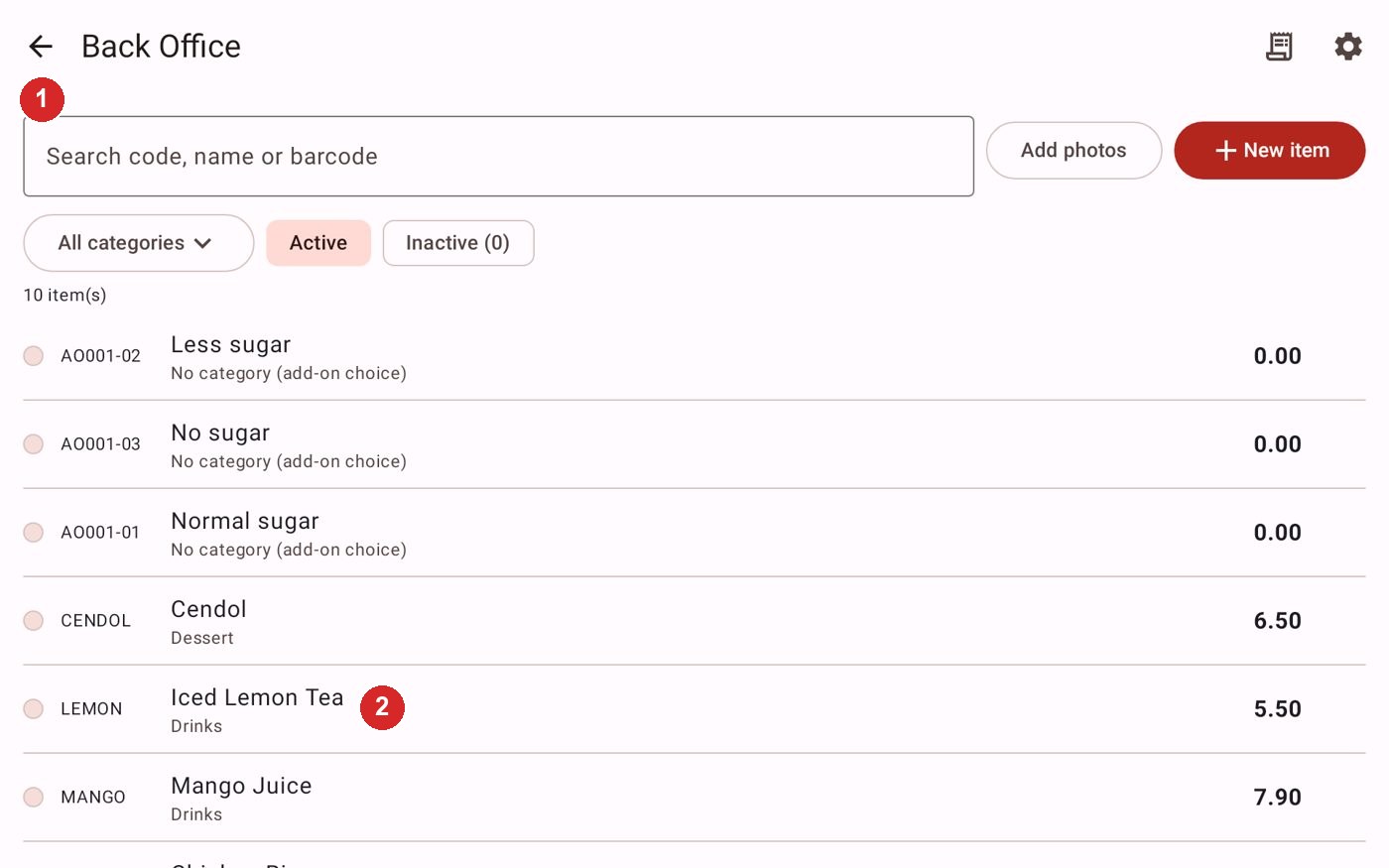
| Step | What to do |
|---|---|
| 1 | Tap the back arrow. |
| 2 | Tap the item that should ask the question, here Iced Lemon Tea. |
10. Choose the group for the item
Scroll down to Add-ons on the item page. An item can have up to 3 groups. For each group, set At least and At most.
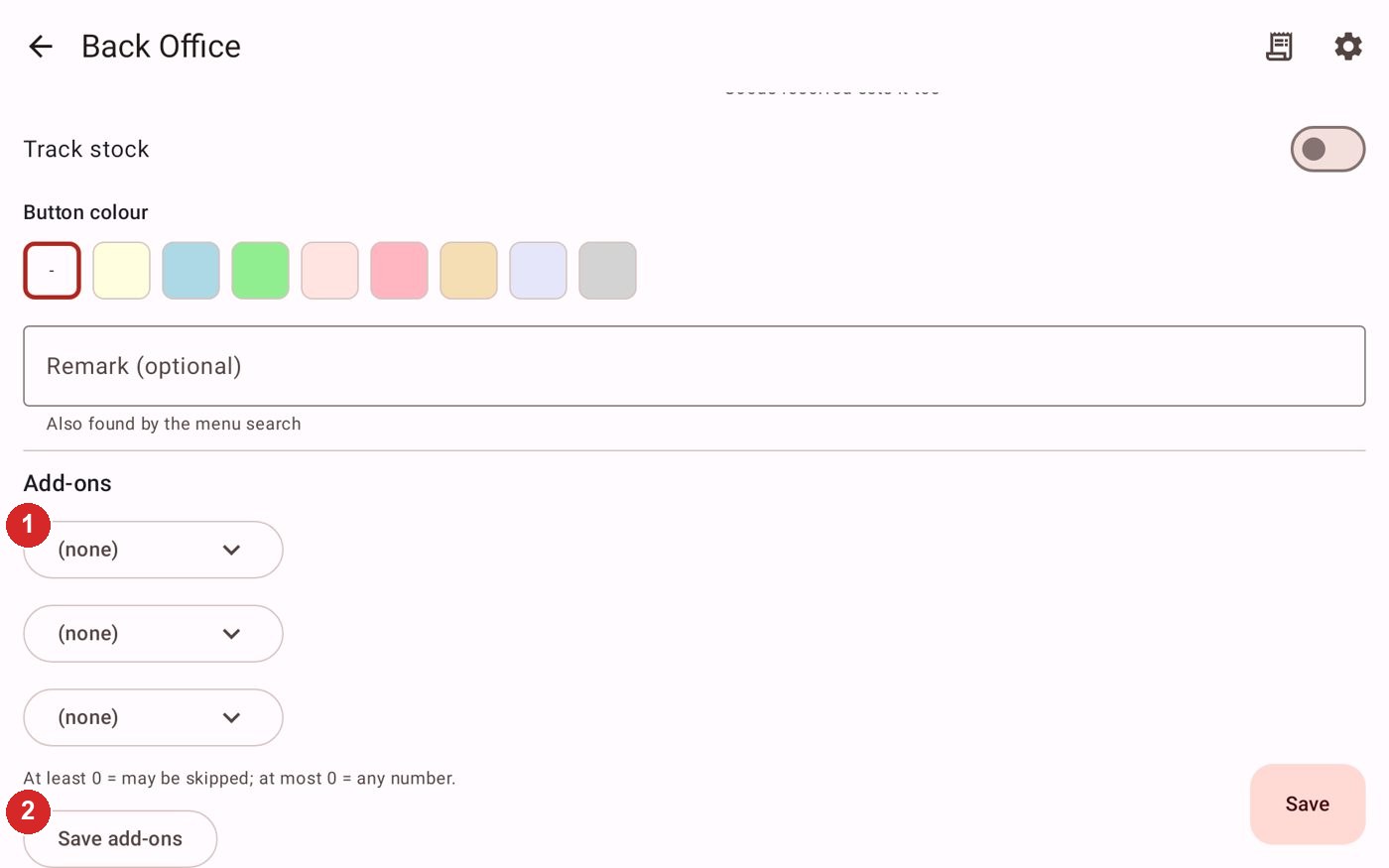
| Step | What to do |
|---|---|
| 1 | Choose the group in a drop-down. |
| 2 | Tap Save add-ons. |
Tips
- At least 0 means the question may be skipped. At most 0 means any number of choices.
- The choices are kept like items. They also show in the Items list as No category (add-on choice). This is normal.
- The last choice of a group that is still on items cannot be removed.
- For short notes such as Less ice that staff tap instead of typing, use Remarks in Back Office.
Common problems
The group does not appear when the item is ordered.
Open the item, scroll to Add-ons, choose the group and tap Save add-ons.