
Change the manager PIN that opens Back Office, and lock Back Office when you walk away.
Before you start
- You must be inside Back Office, so you need the current PIN.
- The PIN has 4 to 8 digits, and only digits.
Steps
1. Open Back Office
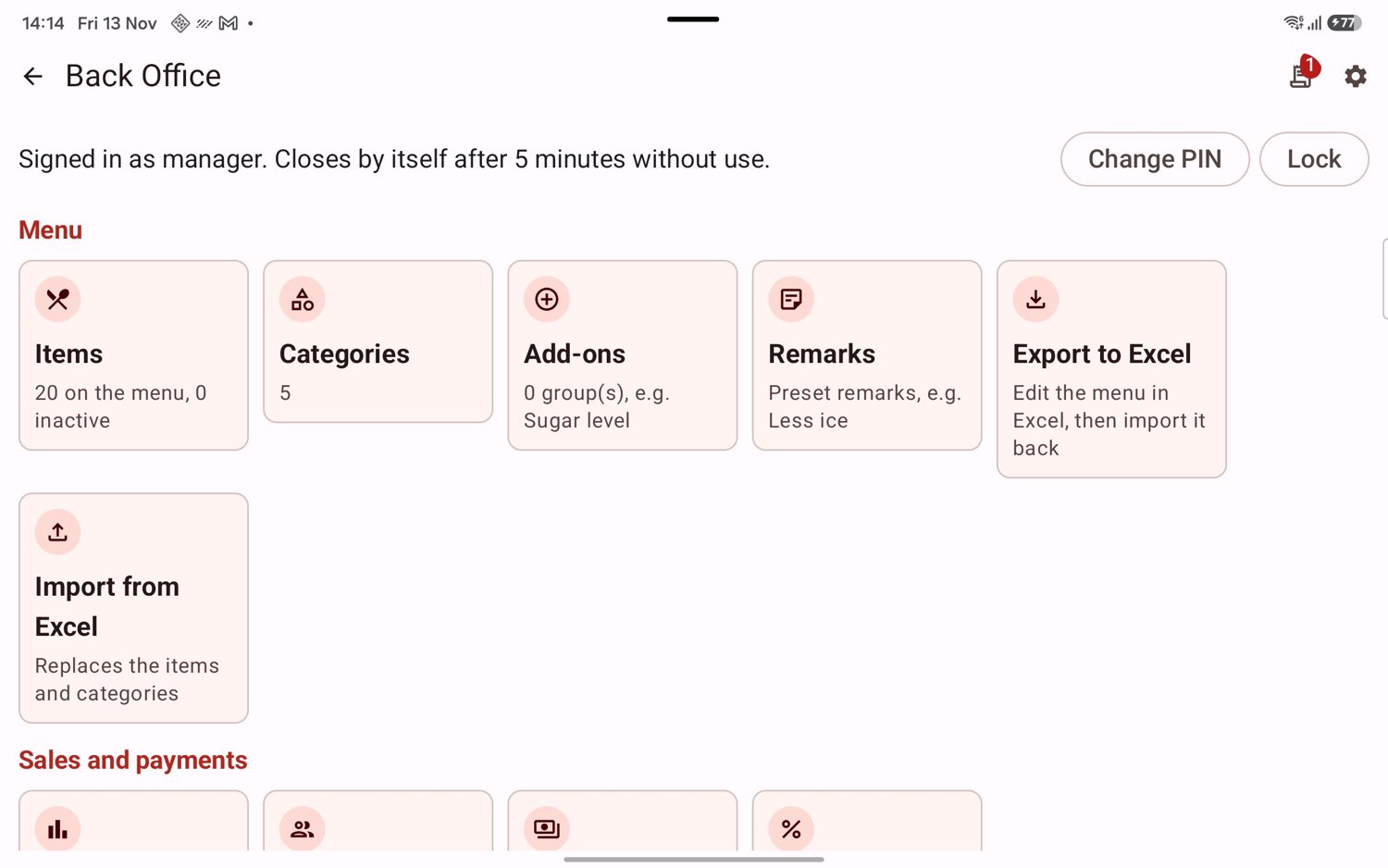
Tap the Back Office icon (the storefront) and type the Back Office PIN. The top line says Signed in as manager. Closes by itself after 5 minutes without use.
2. Tap Change PIN
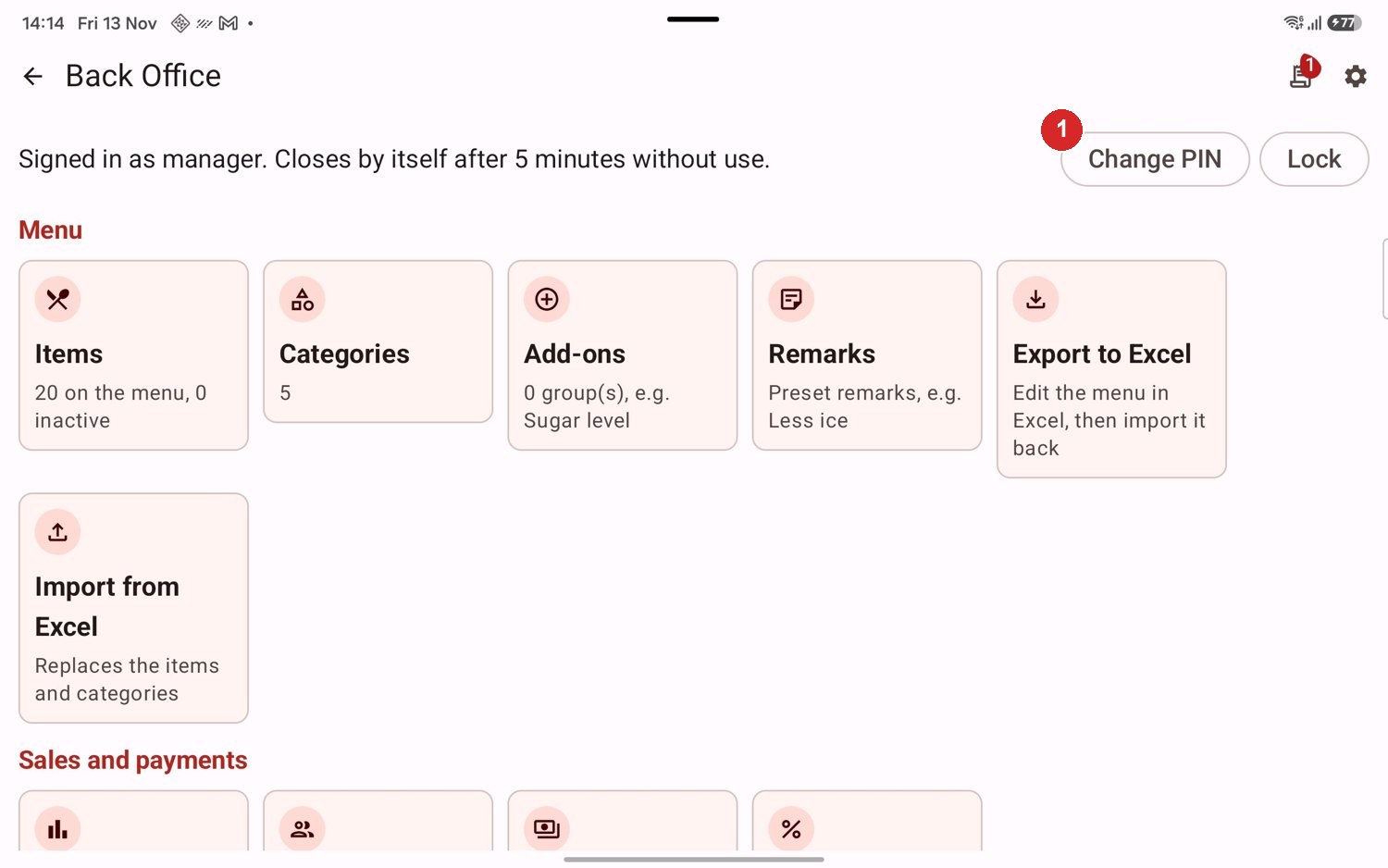
At the top right, next to Lock, tap Change PIN.
| Step | What to do |
|---|---|
| 1 | Tap Change PIN. |
3. Type the new PIN
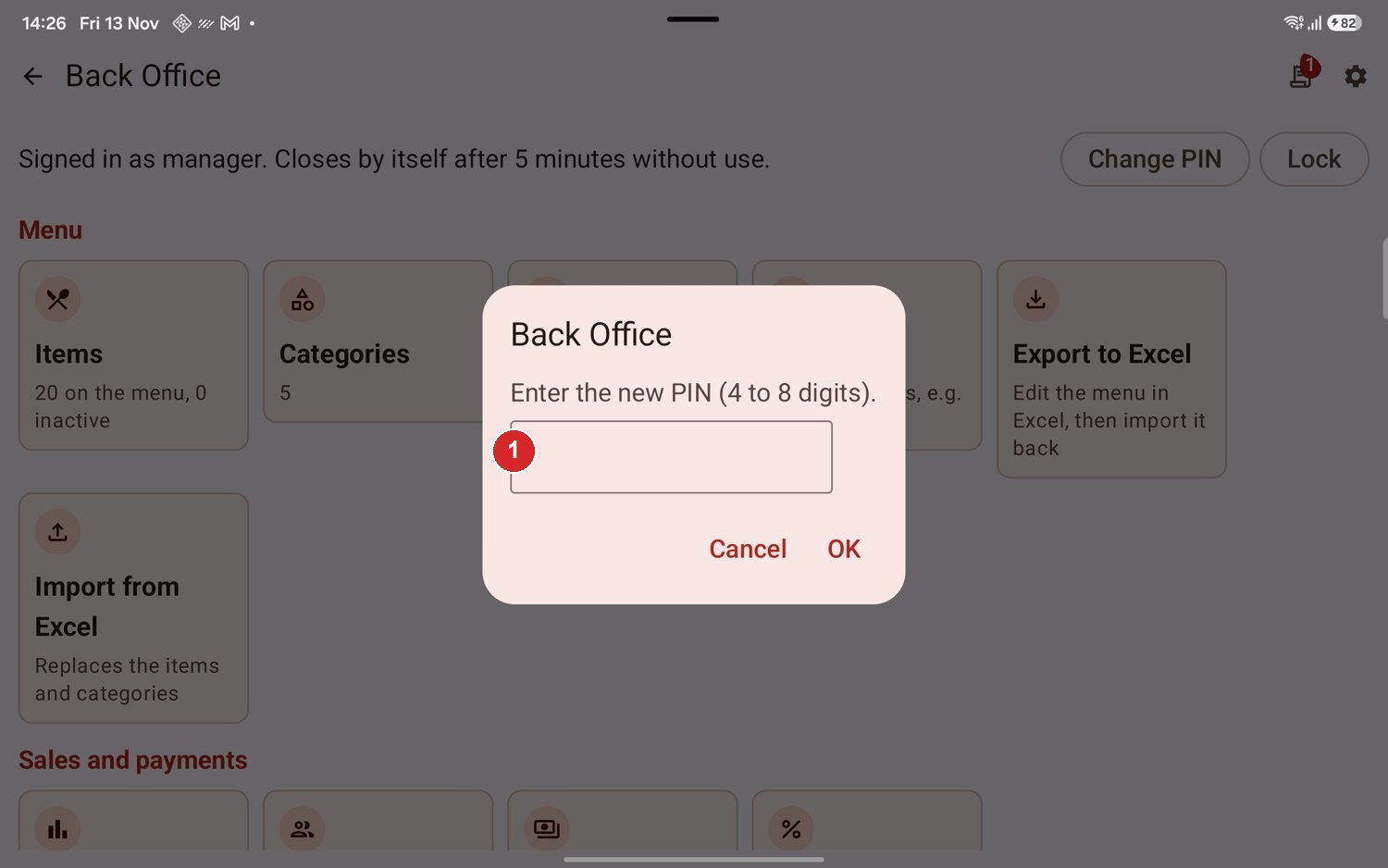
A window says Enter the new PIN (4 to 8 digits). Type the new PIN, digits only, then tap OK. If it is too short, it says The PIN must be 4 to 8 digits.
| Step | What to do |
|---|---|
| 1 | Type the new PIN. |
4. Type it again
The window now says Enter the same PIN again. Type the same PIN and tap OK. The PIN is changed at once. If the two are different, it says The two PINs were different. Start again.
5. Lock Back Office
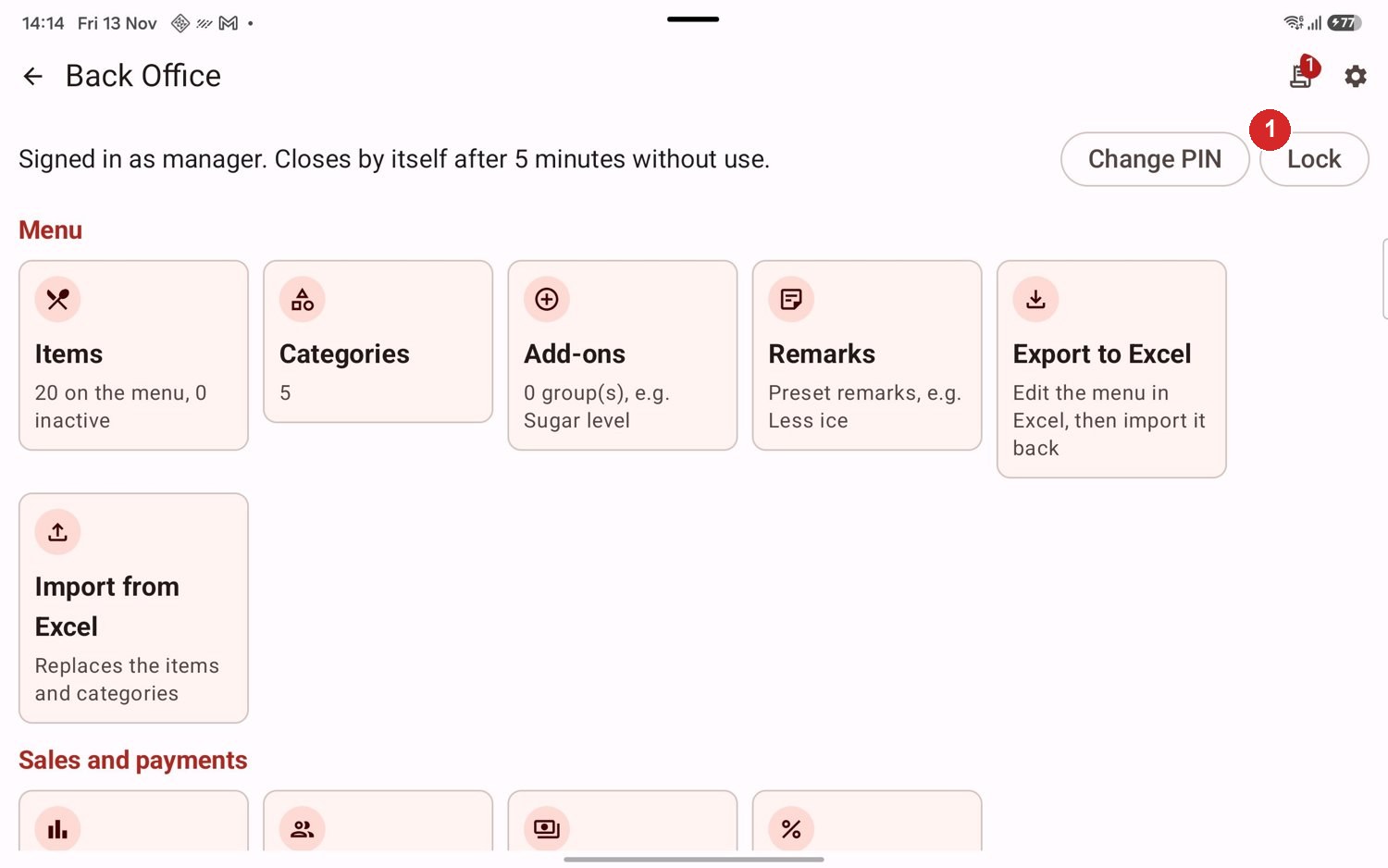
When you are done, tap Lock at the top right. Back Office closes at once and asks for the PIN the next time. It also locks by itself after 5 minutes without use.
| Step | What to do |
|---|---|
| 1 | Tap Lock. |
6. If you forget the PIN
On the PIN window, tap Forgot PIN? and follow the guide Forgot the Back Office PIN. Synergy support gives you a reset code for your device; you then set a new PIN.
Tips
- Change the PIN when a manager leaves, and give it only to people who may open Back Office.
- The same manager PIN also opens Settings if you switch on Lock Settings with this PIN, and it can approve a receipt reprint if you switch on Reprint receipt needs a PIN.
- Use a PIN that is not easy to guess, not 1234.
Common problems
It says Wrong PIN.
Type the PIN again. If you cannot remember it, use Forgot PIN?.
It says The two PINs were different.
The two entries did not match. The window starts again: type the new PIN, then the same PIN once more.
Back Office asks for the PIN again after a while.
Back Office locks by itself after 5 minutes without use. Type the PIN to open it again.