
Promotions such as bundles come from HQ together with the menu and prices. This guide shows how to check the promotions on a branch phone and how a bundle is taken off the bill by itself.
Before you start
- Use a branch phone that has its shift open.
- The menu and prices from HQ should already be on the phone.
Steps
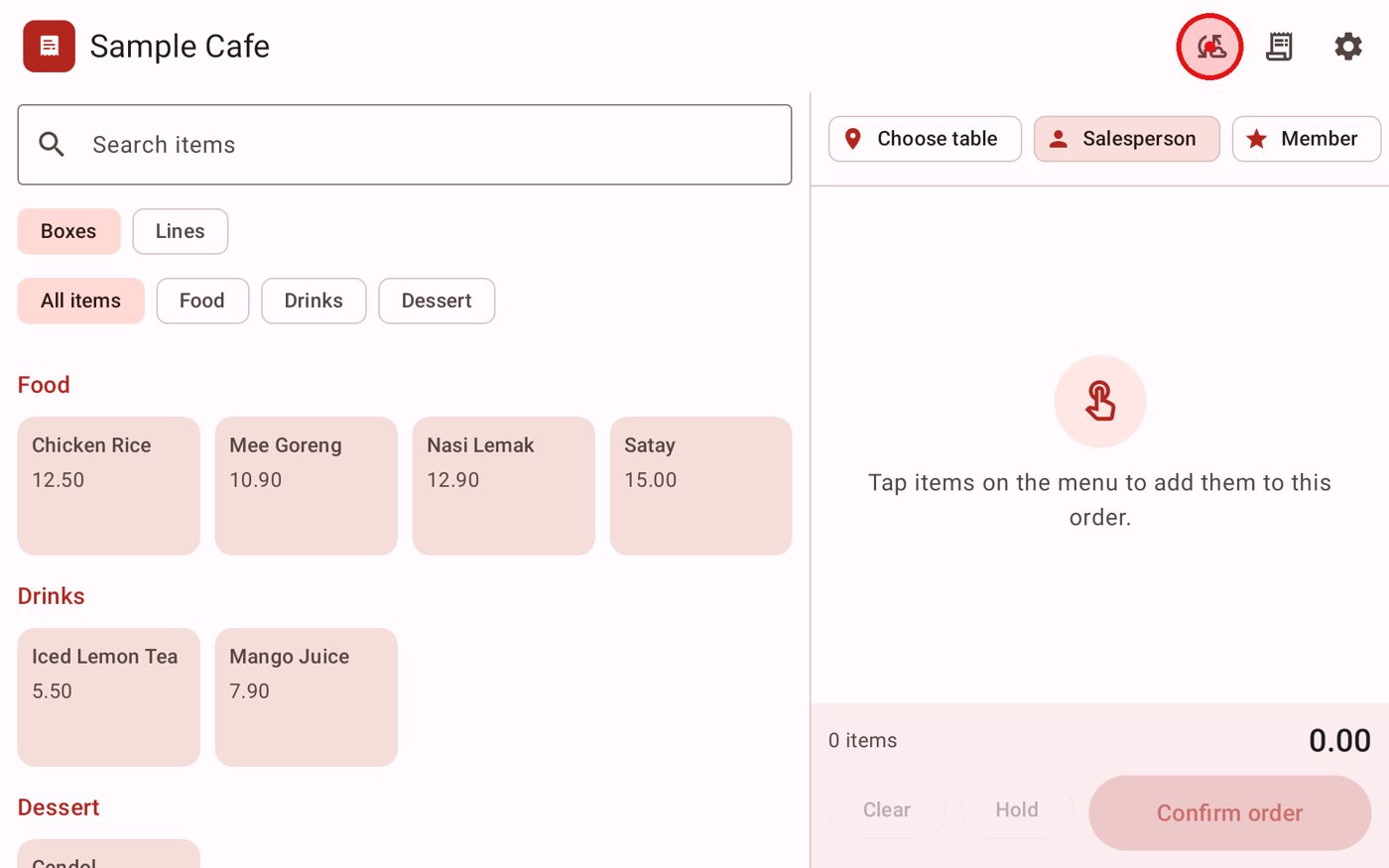
1. Start on the order screen
This is the order screen of a branch phone.
2. Check the HQ promotions
Open Shift & HQ with the icon at the top and scroll to HQ sync. Under ‘Menu and prices from HQ’ you can see the number of promotion periods. Here it shows 1 promotion period.
3. Choose a table and add an item
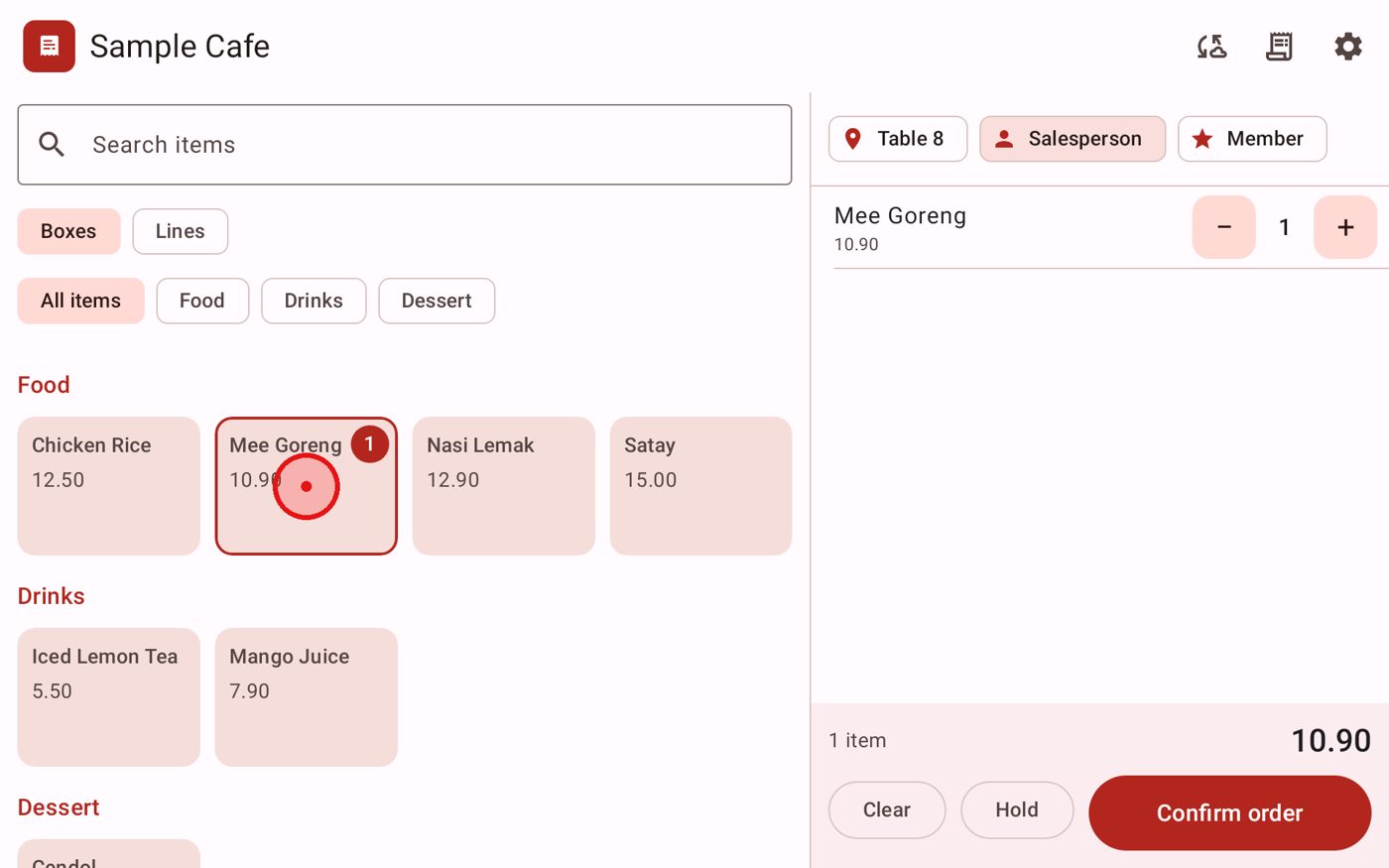
Go back to the order screen. Tap Choose table, type the table number and tap OK. Then tap Mee Goreng.
4. Add the item again
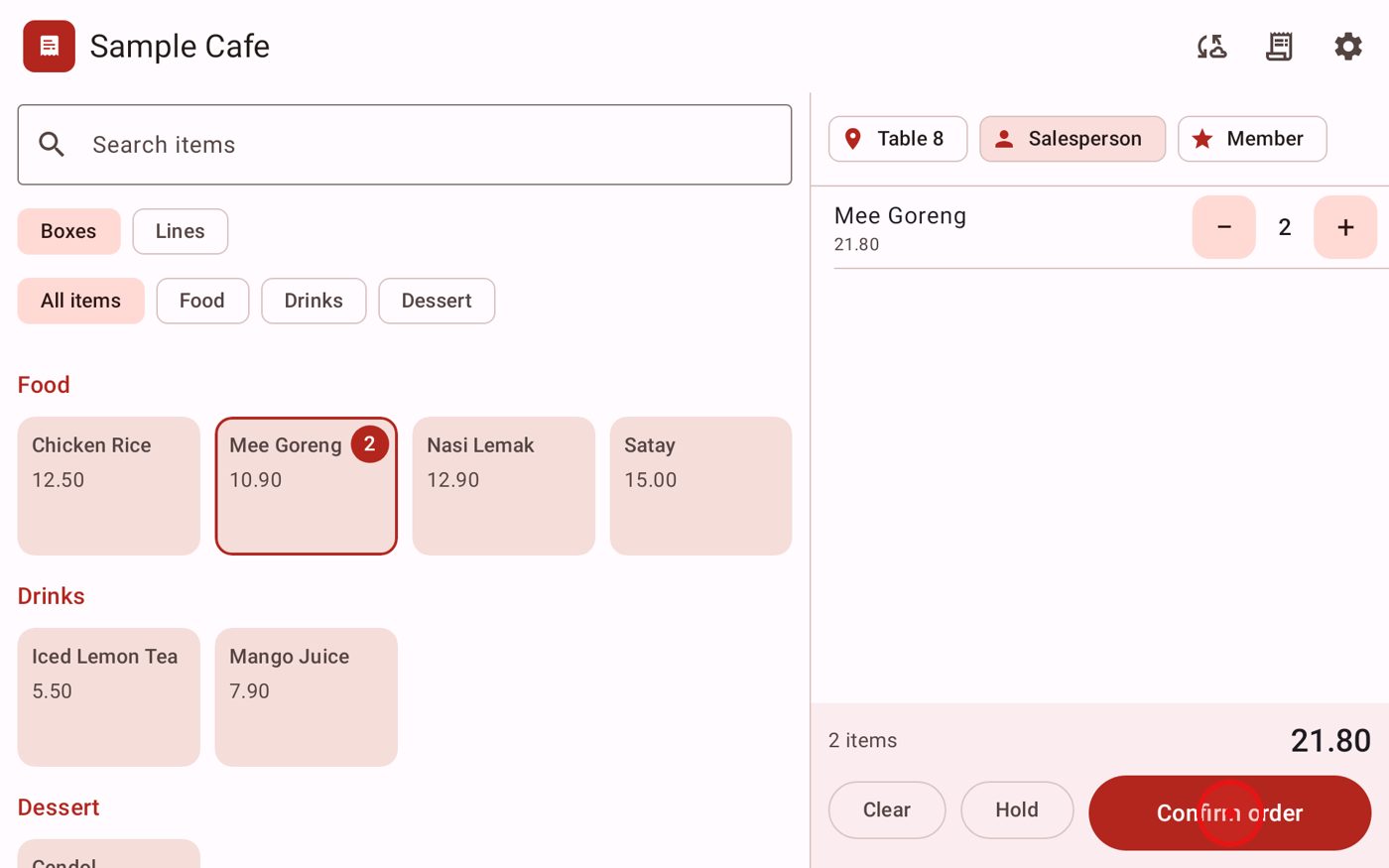
Tap Mee Goreng again. The order now has two Mee Goreng at 10.90 each, 21.80 in total.
5. Confirm the order
Tap Confirm order.
6. Open the bills
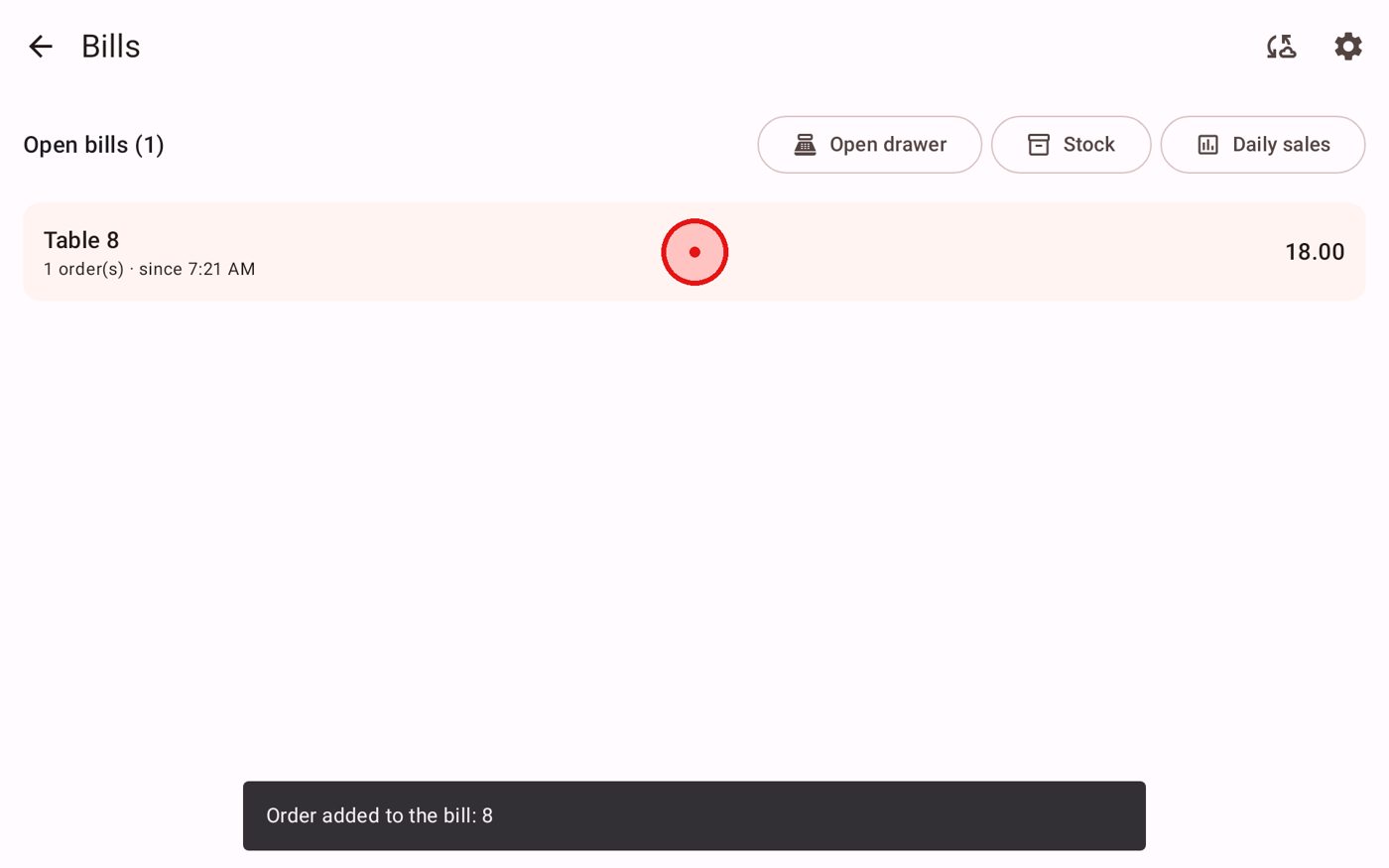
Tap Confirm, then open Bills with the receipt icon. The table’s bill is listed with its total: 18.00.
7. See the bundle on the bill
Tap the bill. The bundle is taken off by itself: the line Bundle Mee Goreng 2 for RM18 shows -3.80, so 21.80 becomes 18.00.
Tips
- The bill takes off bundle promotions by itself and shows a line Bundle with the name and the amount. The receipt shows it too.