
If nobody remembers the Back Office PIN, Synergy support can help you set a new one. This guide shows how to get to the reset screen and enter the code.
Before you start
- Have the phone ready to call Synergy support.
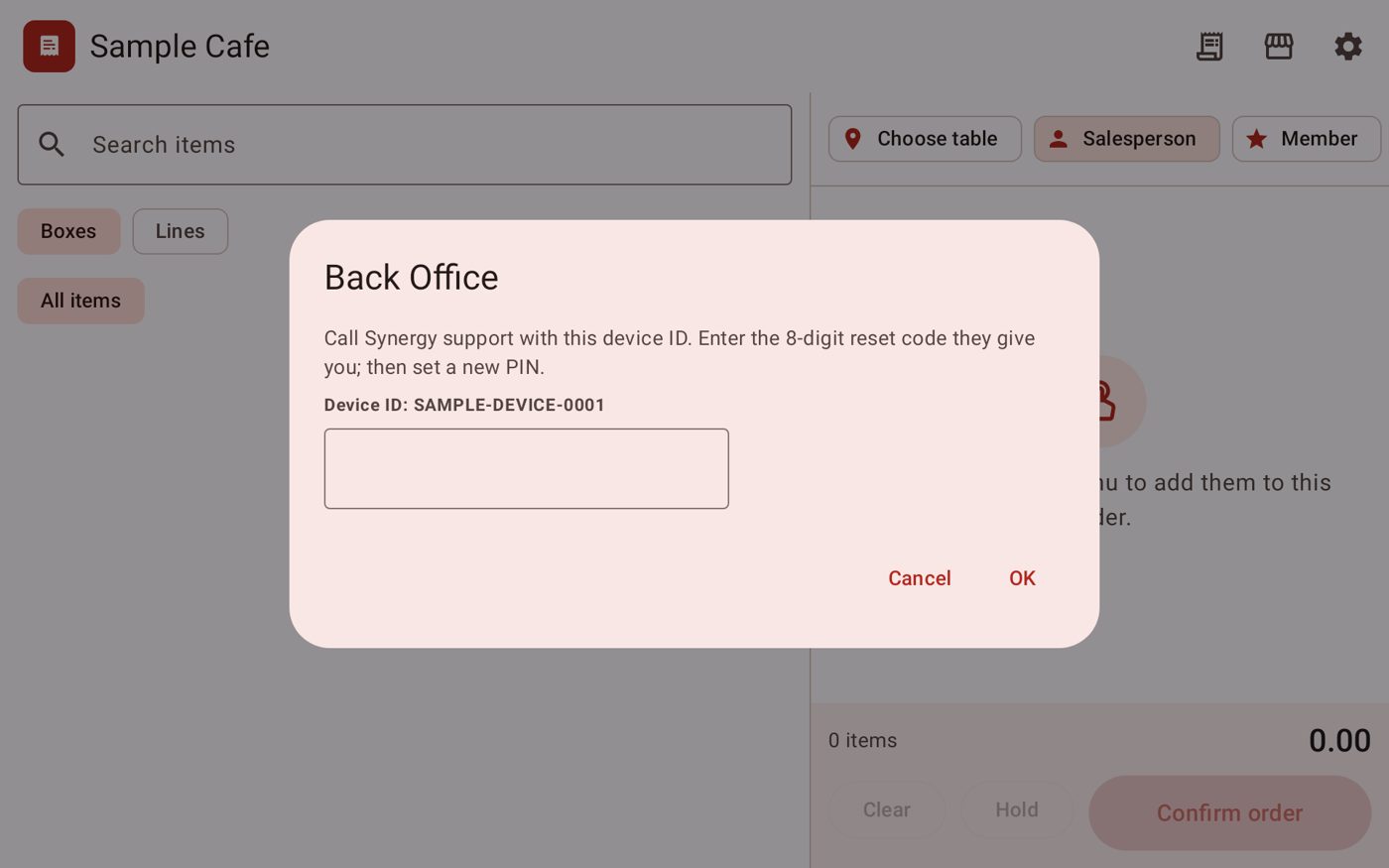
- You will give support the device ID shown on the screen, and they will give you an 8-digit code.
Steps
1. Start on the order screen
Open the order screen of the device whose Back Office is locked.
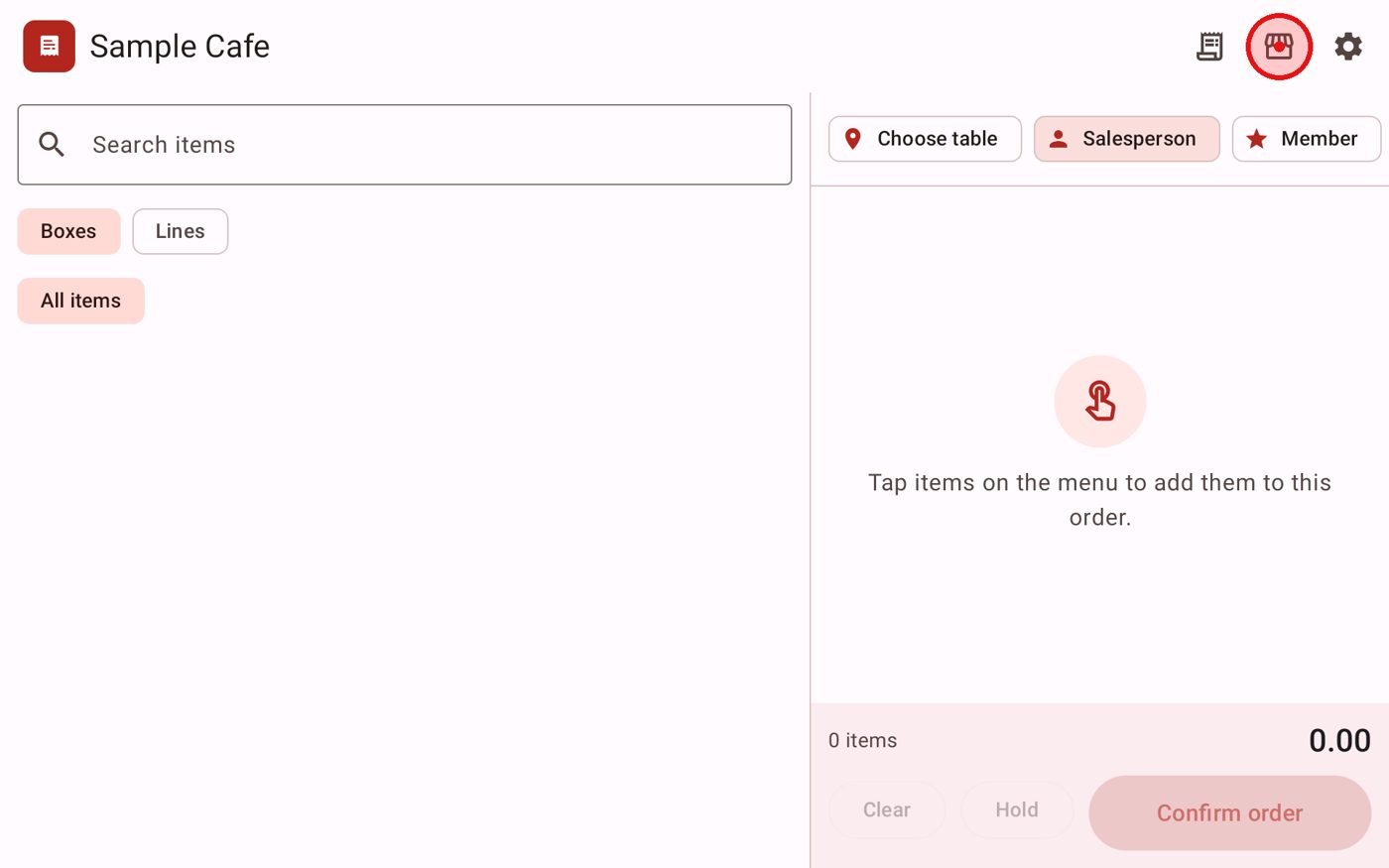
2. Tap the Back Office icon
Tap the Back Office icon (the storefront). Back Office asks for the Back Office PIN (the manager PIN).
3. Tap Forgot PIN?
Tap Forgot PIN?. The screen shows this device’s ID.
4. Type the 8-digit code
Use the Back Office window to enter the reset code.
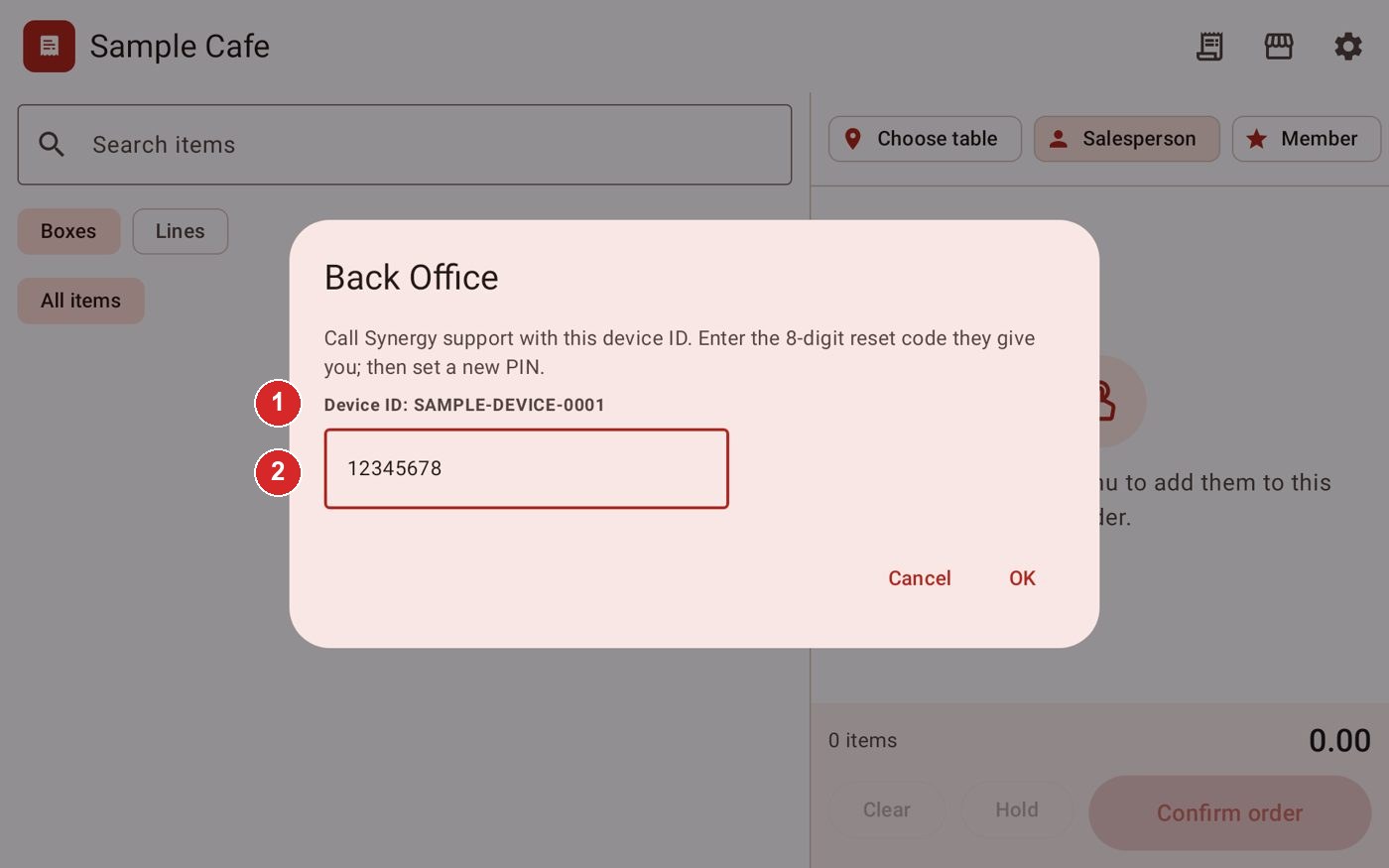
| Step | What to do |
|---|---|
| 1 | Give the device ID to Synergy support. |
| 2 | Type the 8-digit code they give you into the box. |
Tips
- The 8-digit code works today and tomorrow.
- After the code is accepted, the old PIN is removed and the device asks you for a new one.
- A PIN is 4 to 8 digits.