
This guide shows you how to take payment for an open bill and settle it.
Before you start
- Make sure the bill you want to pay is listed under Open bills.
Steps
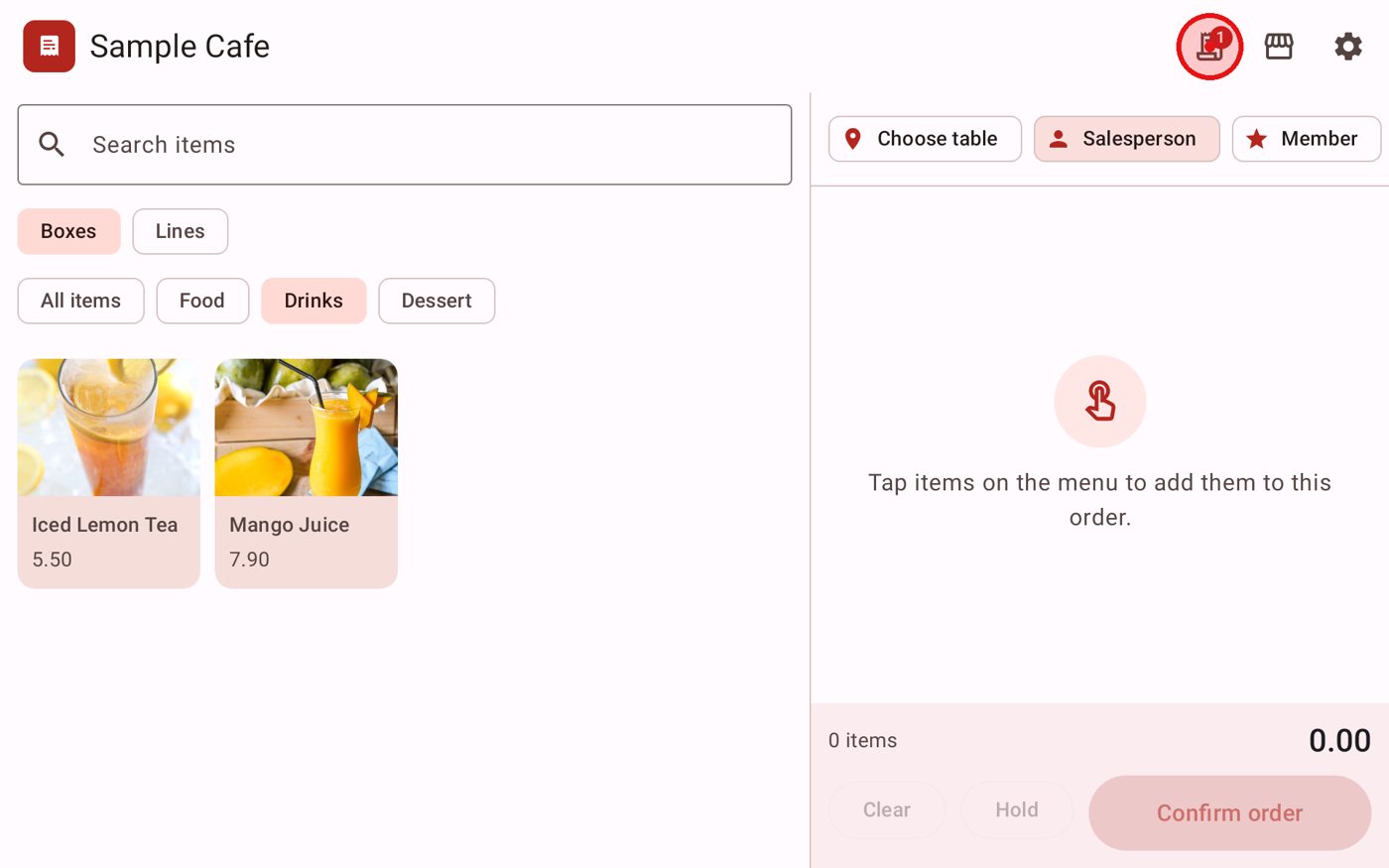
1. Open Bills
Tap the Bills icon (a receipt) at the top right.
2. Select the bill
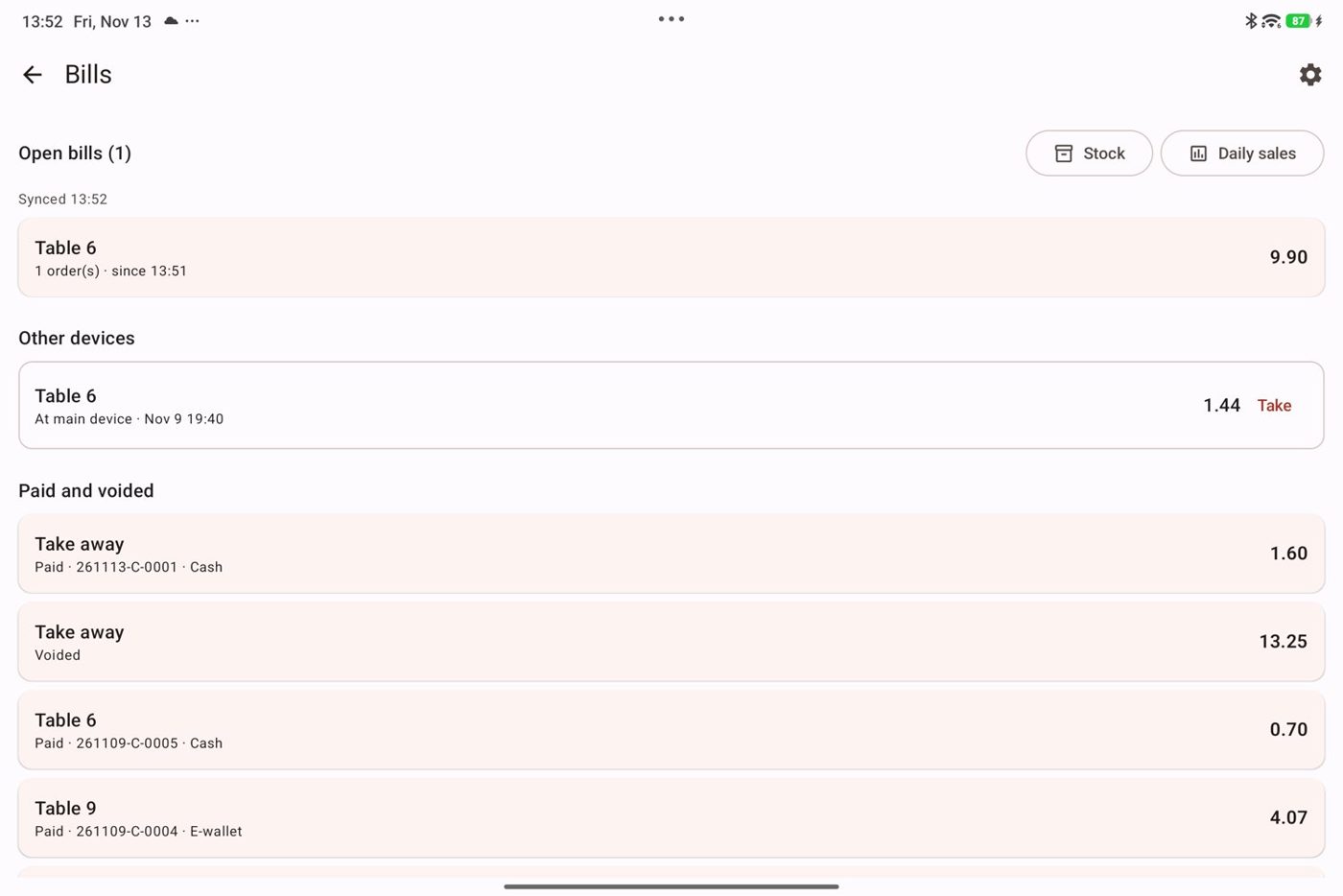
Tap the bill you want to pay, for example Table 5.
3. Tap Pay and choose the payment type
Tap Pay. Then choose the payment type.
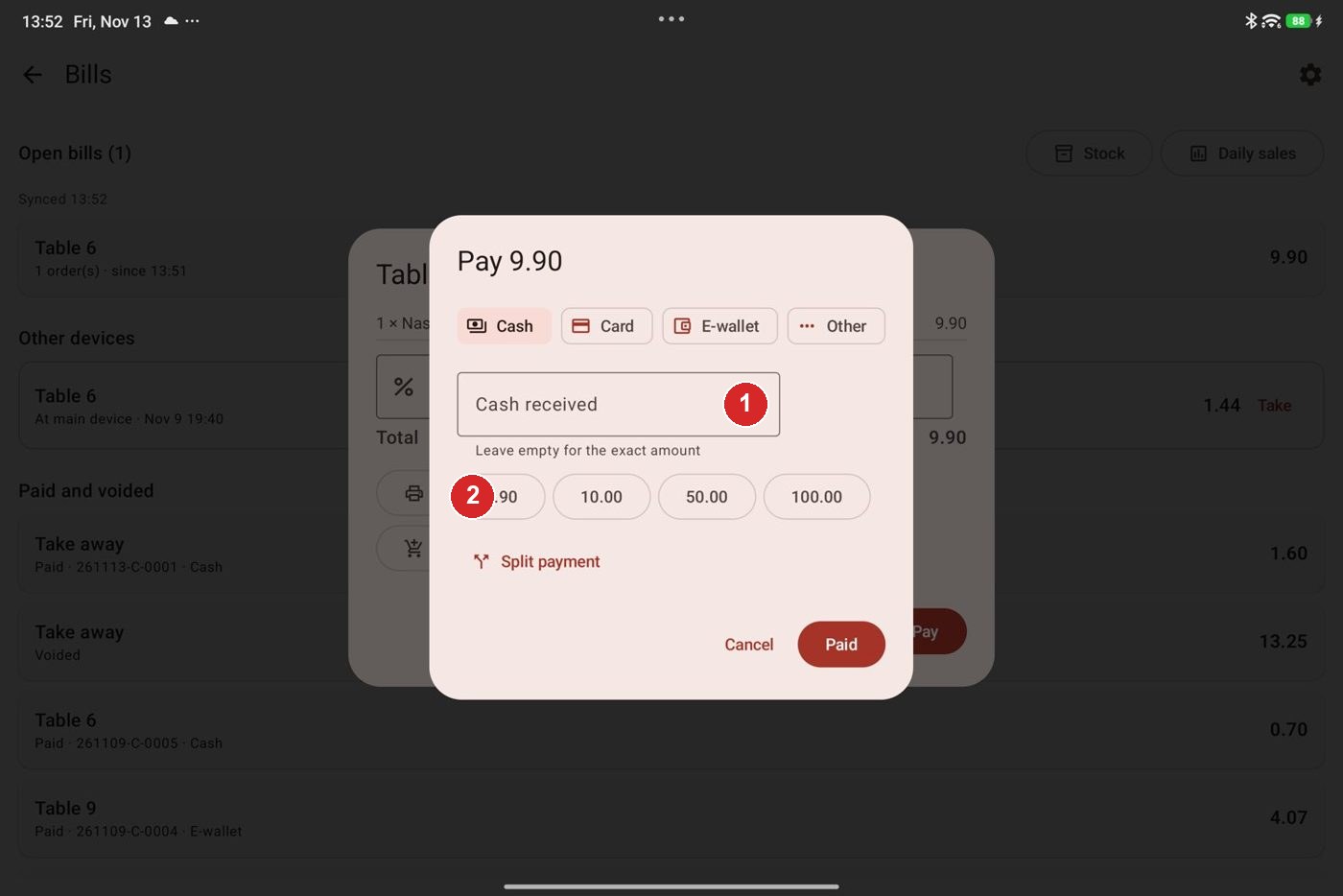
| Step | What to do |
|---|---|
| 1 | Cash |
| 2 | Card |
| 3 | E-wallet |
| 4 | Other |
4. Enter the cash received
The Change amount is shown on screen.
| Step | What to do |
|---|---|
| 1 | For Cash, type the cash received |
| 2 | Or tap one of the amounts shown |
5. Tap Paid
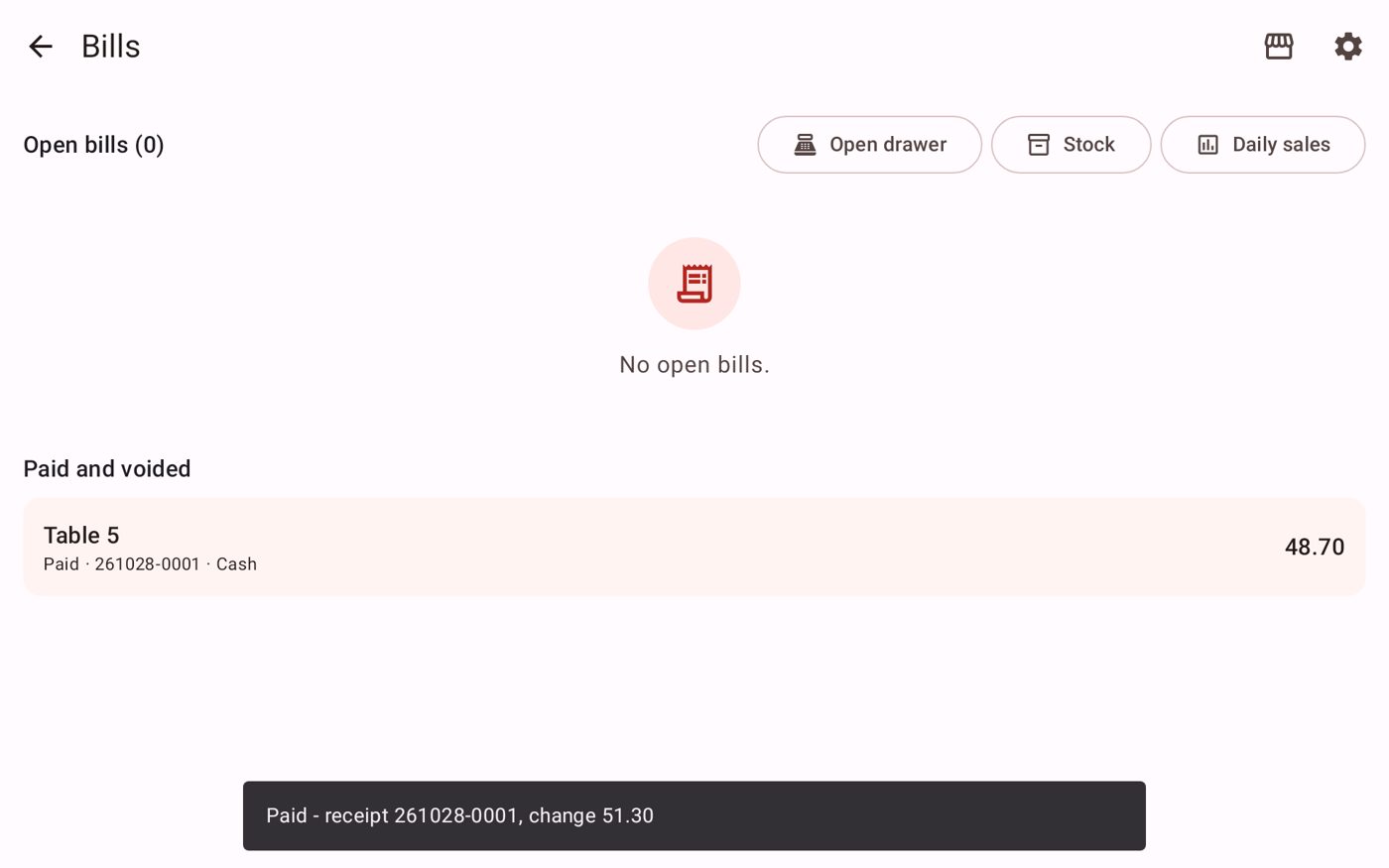
Tap Paid. The bill is settled and moves to Paid and voided.
Tips
- If the customer pays the exact amount, you can leave Cash received empty.