
A reading order for a company that buys and sells goods on credit with Acc2026: items, customers and suppliers, the sales document chain, payments, statements, purchases and stock.
Before you start
- Your item list with codes and descriptions.
- Your customers’ and suppliers’ code, name, credit term, currency and address.
- A database backup before you import any file.
Steps
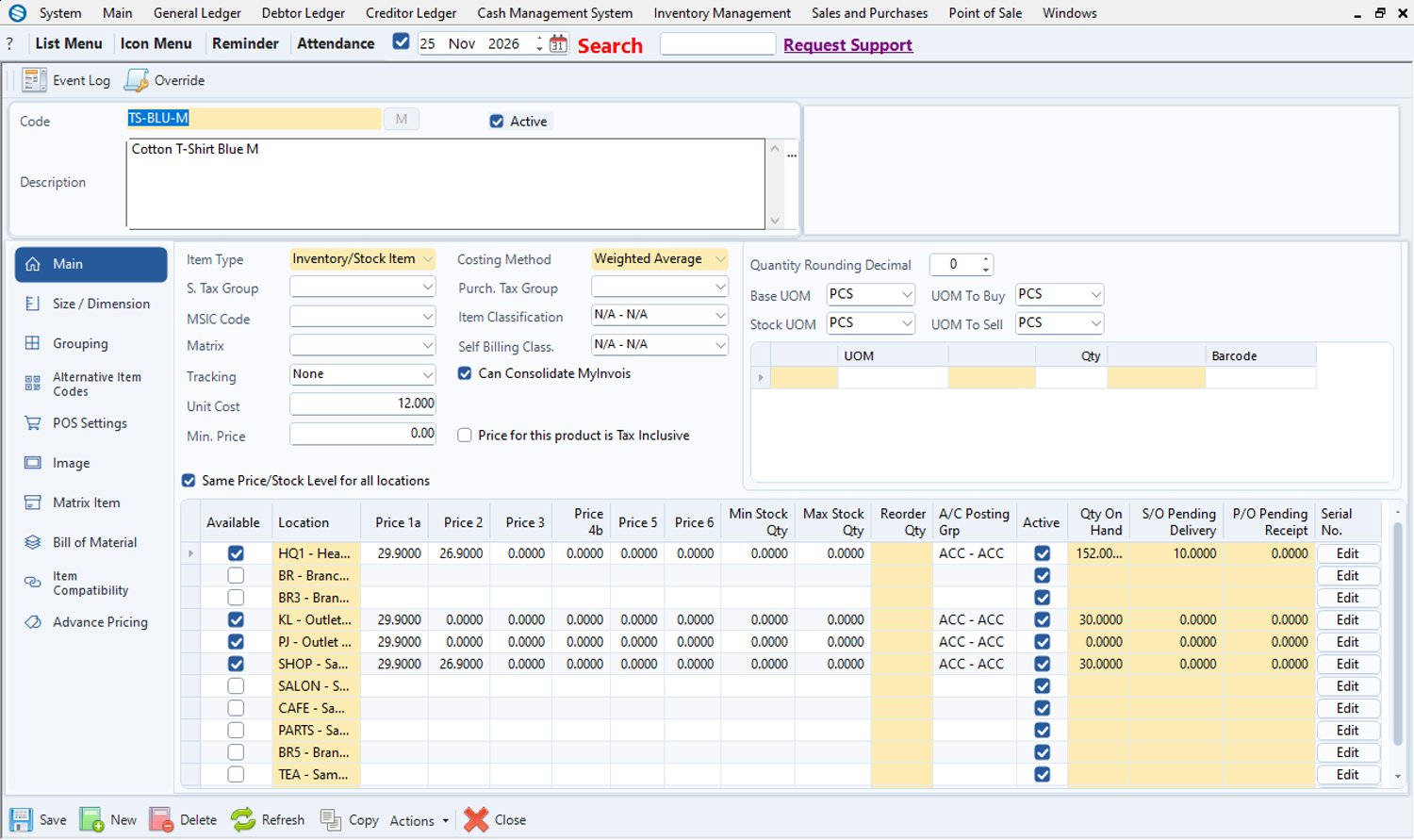
1. Synergy Acc2026 – Creating Items: UOM, Excel Import and Item Search
Create your items and units, or load many items at once from Excel. Do this at head office, because creating or changing items at a branch causes sync problems.
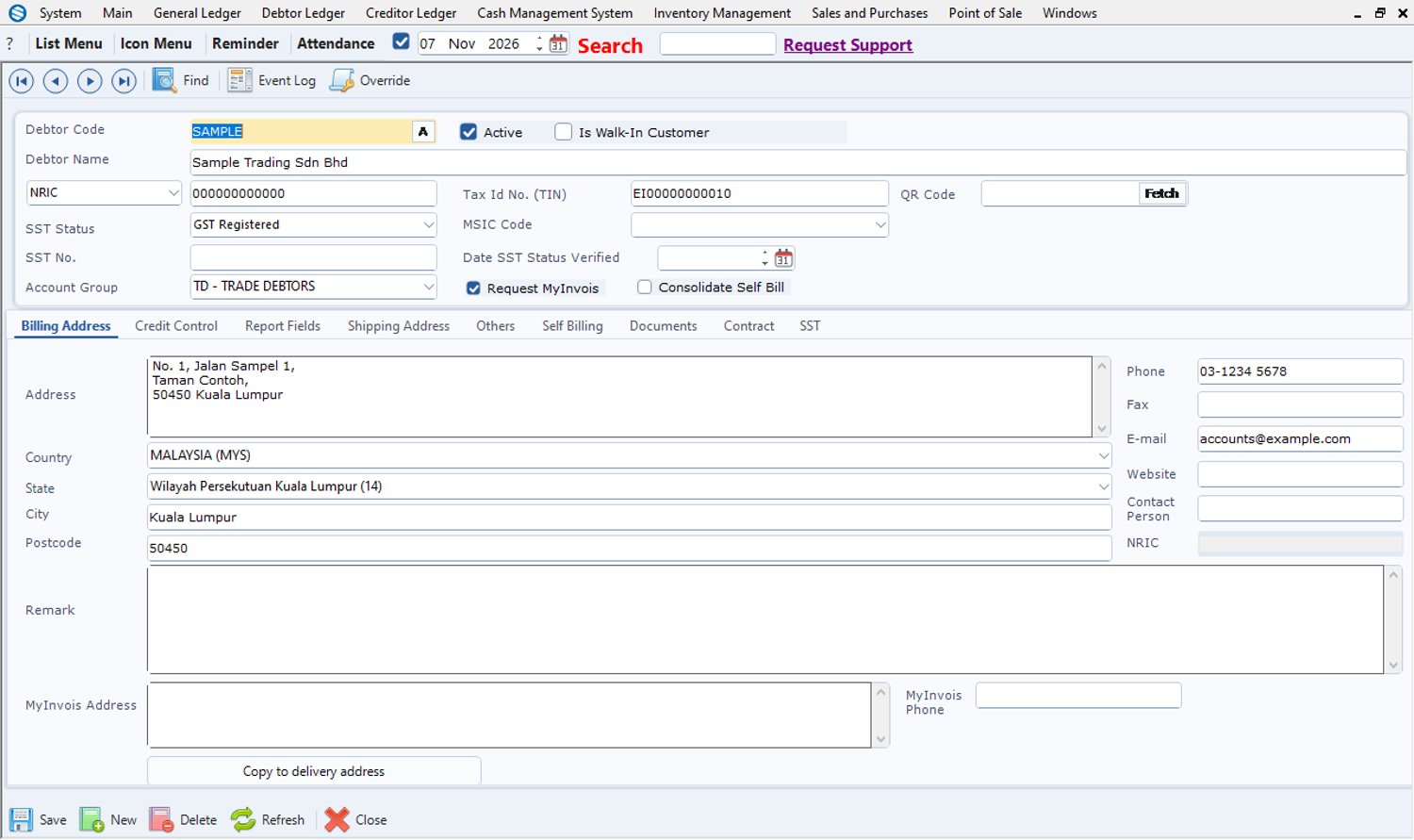
2. Synergy Acc2026 – Debtors and Creditors: Set Up a Record, Account Groups and Billing Information
Create each customer (debtor) and supplier (creditor) with the credit term, currency, credit limit and billing address.
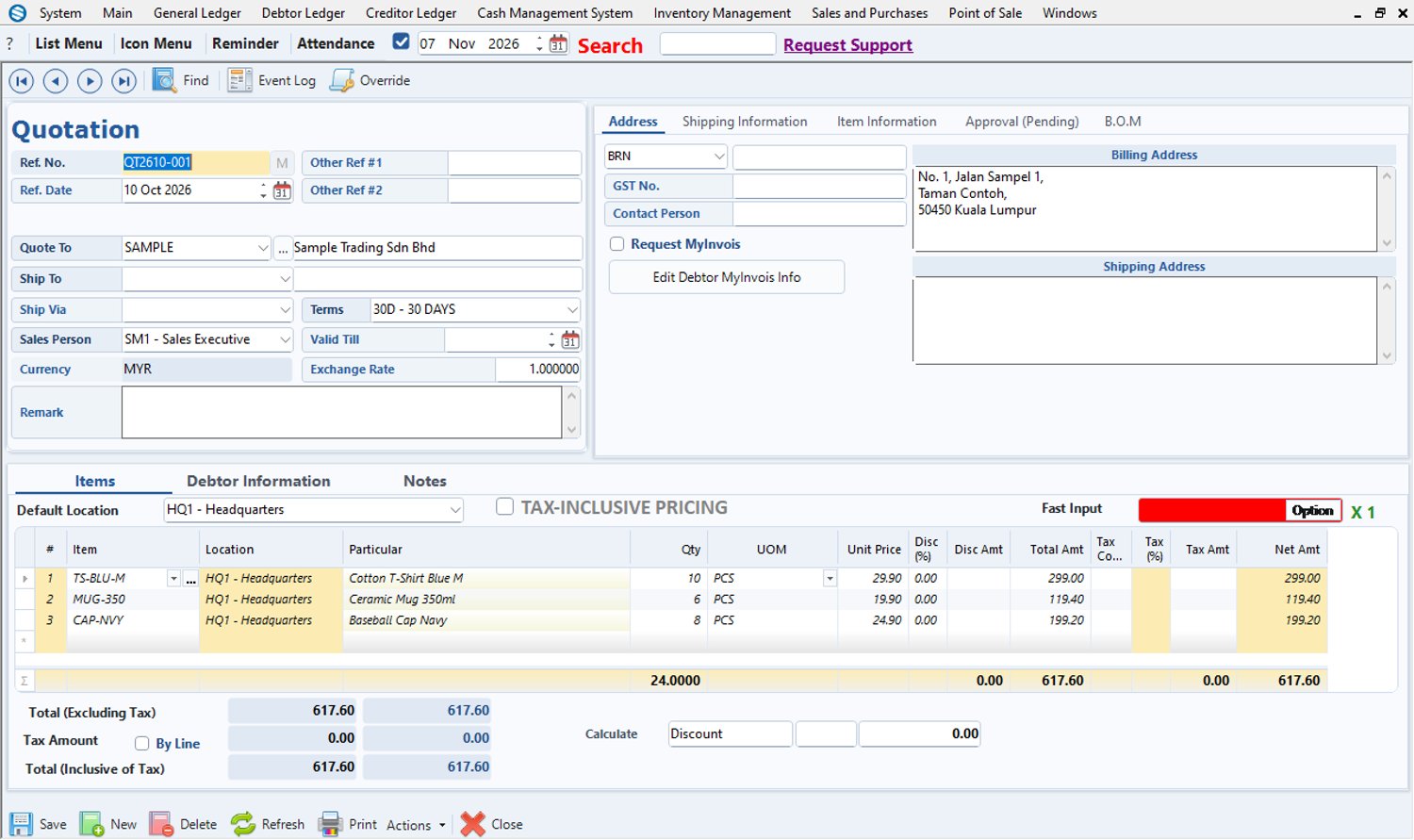
3. Synergy Acc2026 – Sales Documents: From Quotation to Delivery Order to Invoice
Follow a sale from Quotation to Sales Order to Delivery Order, then make one invoice from one or more Delivery Orders. You can also make quotations on the web: Synergy Web – Making and Printing a Quotation.
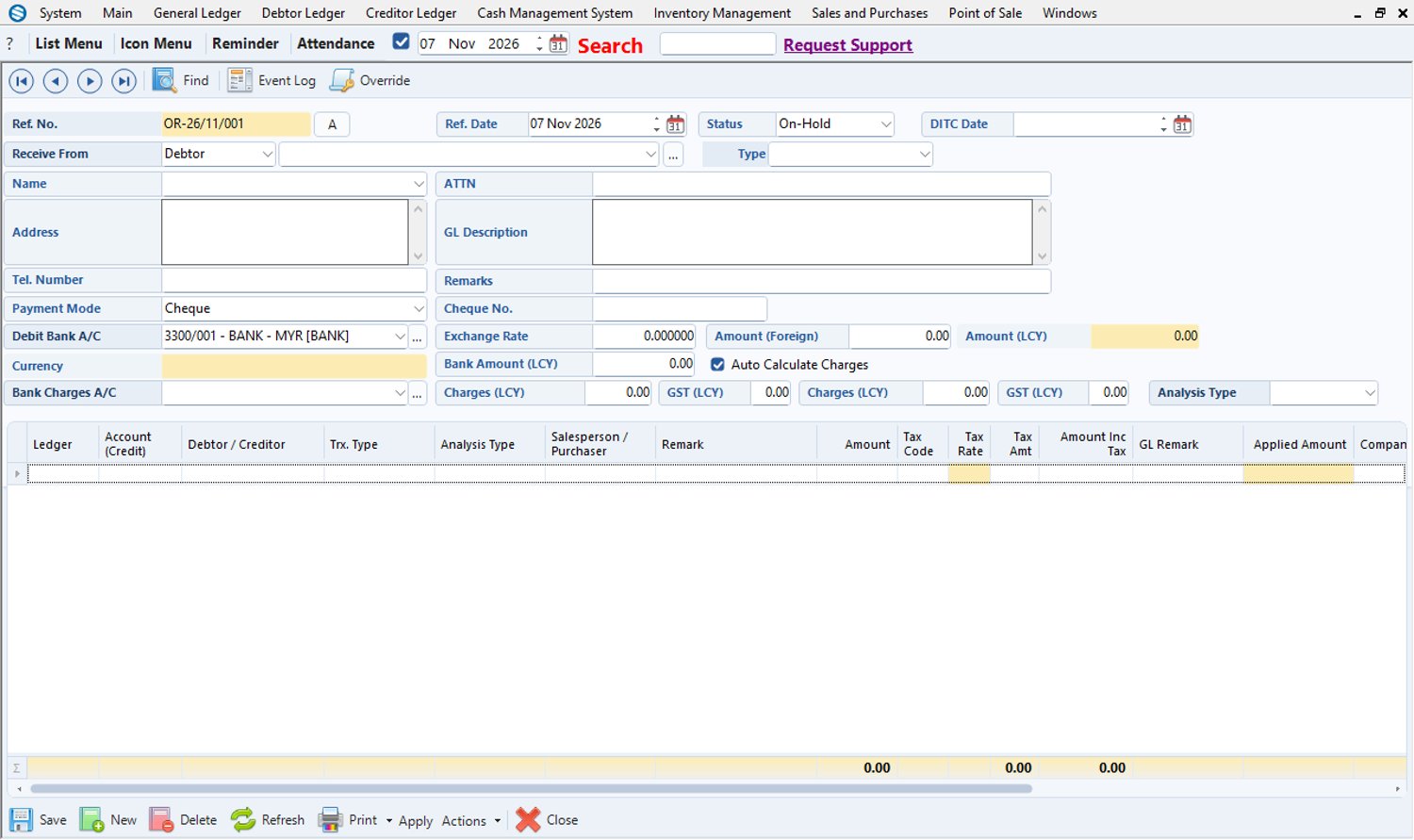
4. Synergy Acc2026 – Receiving a Customer’s Payment
Record the customer’s payment in Bank Receipt and apply it to the invoice.
5. Synergy Acc2026 – Statement of Account: Printing and Wrong Balances
Print the Statement of Account for your debtors and e-mail it to them.
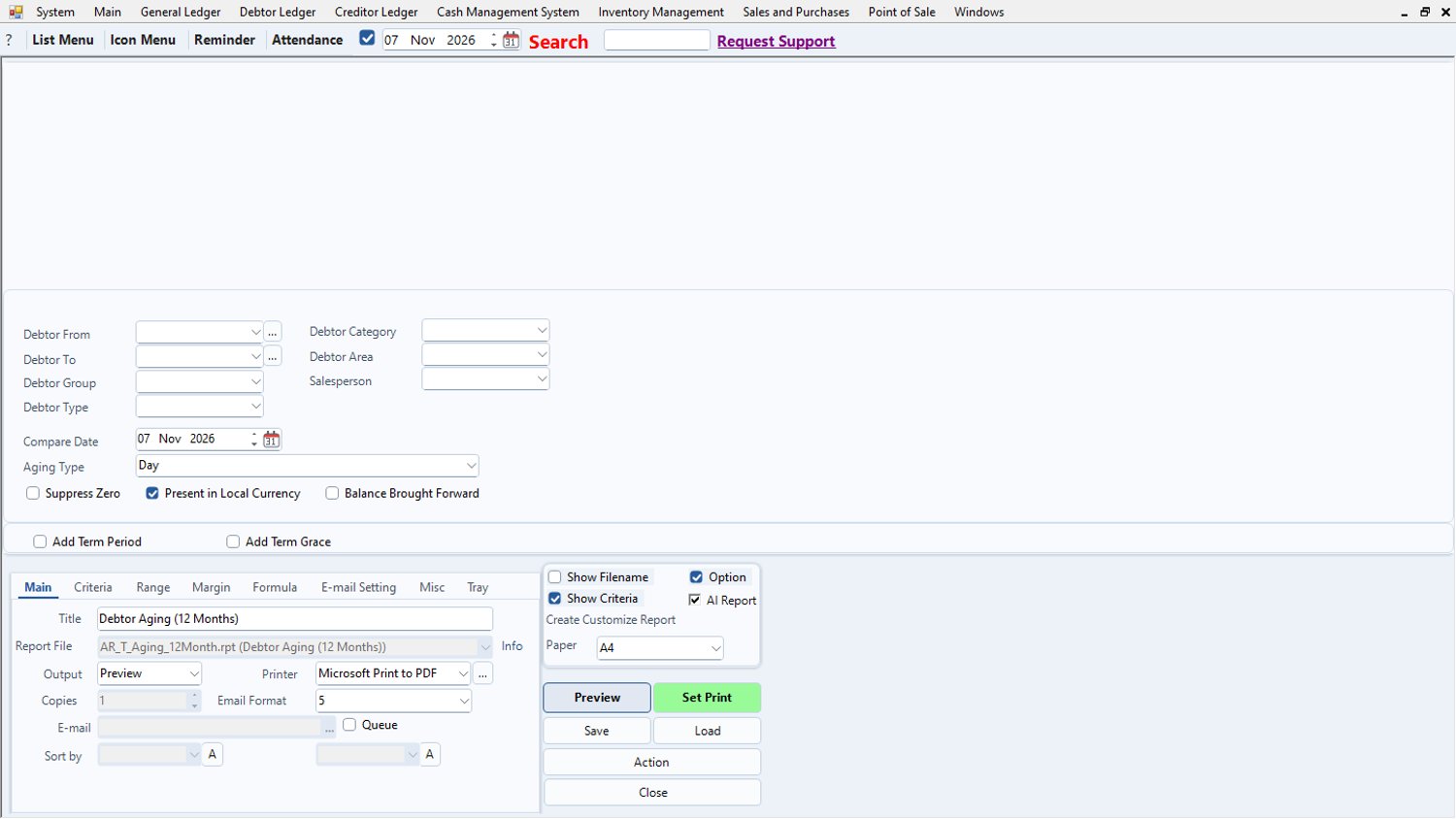
6. Synergy Acc2026 – Debtor Aging and Credit Control
Run the debtor aging, list the invoices that are due and set a credit warning for customers who pay late.
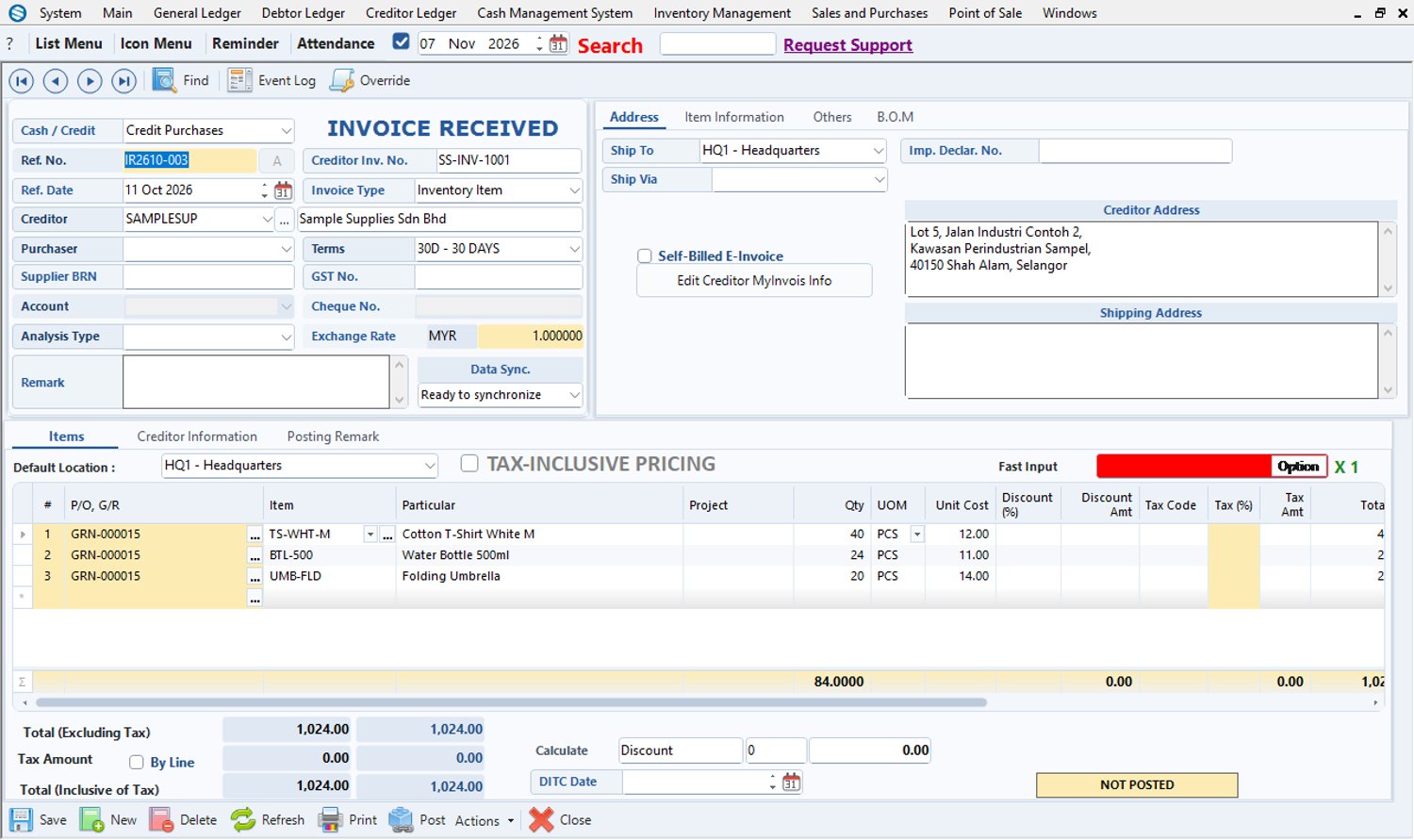
7. Synergy Acc2026 – Purchase Invoices (Invoice Received)
Record what you buy in Invoice Received, including expense bills.
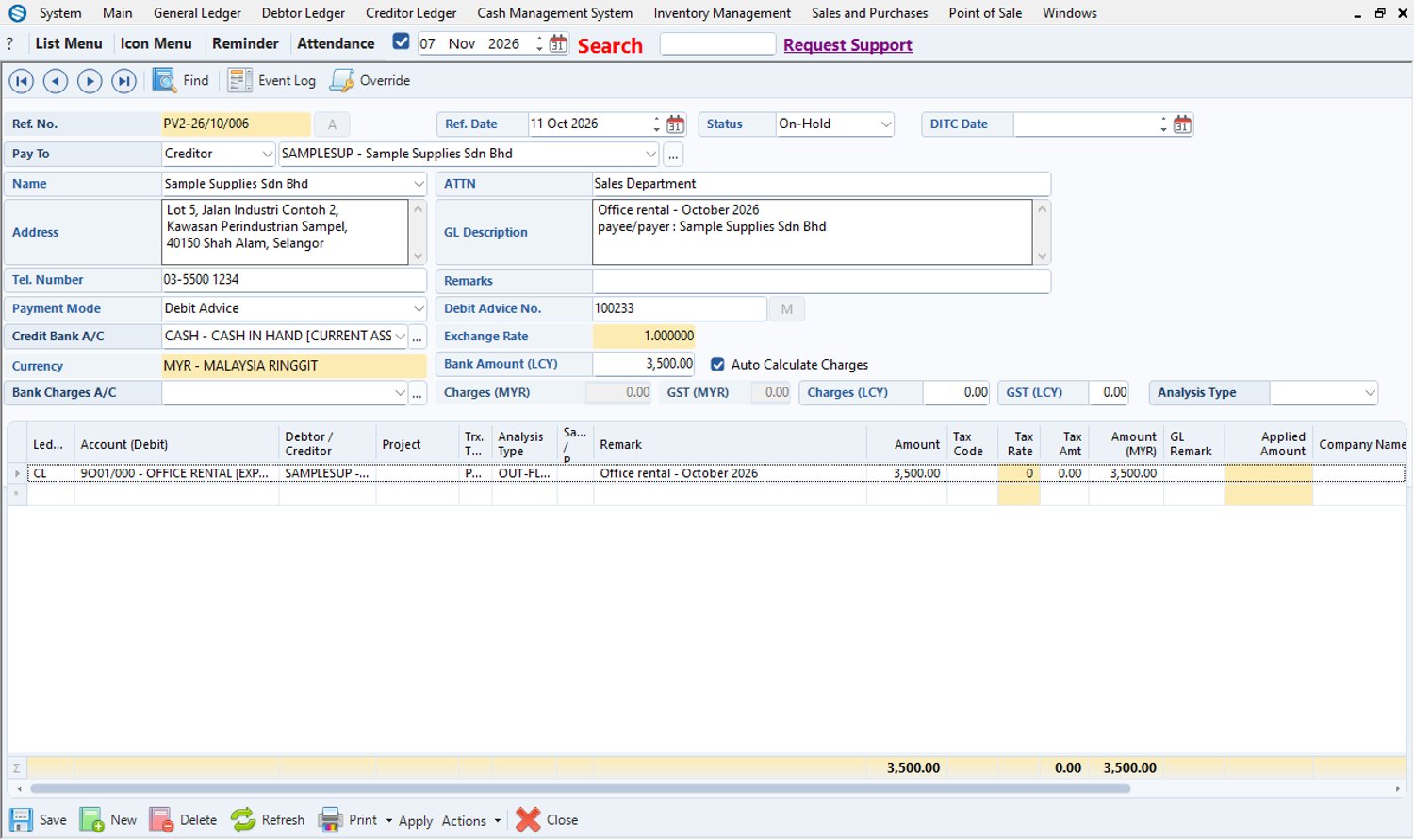
8. Synergy Acc2026 – Paying Suppliers and Printing a Payment Order
Pay the supplier in Bank Payment, apply the invoice and print one payment order for all invoices.
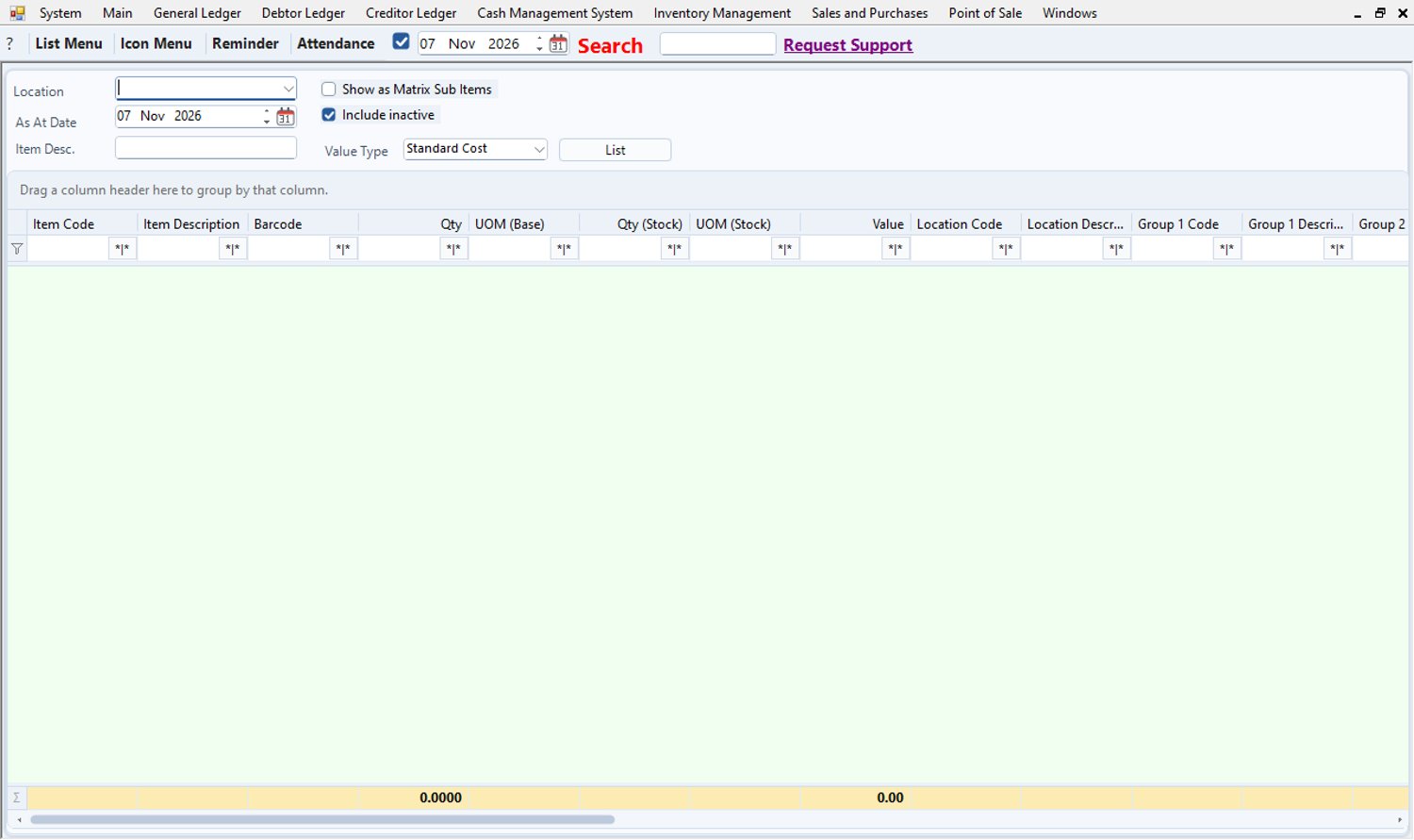
9. Synergy Acc2026 – Stock Balance, Stock Value, Movement and Cost
See your stock quantity, stock value and the movement of an item, and post costs so your sales margin is correct.
10. Synergy Acc2026 – Submitting E-Invoices (Step 1 and Step 2)
Post your sales documents and submit them to LHDN’s MyInvois system, then check that everything is Valid.
Tips
- Posting a credit note does not clear an invoice by itself; you also need Apply Open Credit: read Synergy Acc2026 – Credit Notes and Debit Notes.
- Post your sales invoices first: an unposted invoice stays out of the e-invoice lists.
- Costing is FIFO, so stock quantities must be correct.
Common problems
A posted or paid document cannot be edited.
Reverse the apply and the posting first: read Synergy Acc2026 – Unposting and Correcting Posted Documents.
A customer asks for an e-invoice after the bill was issued.
Read Synergy Acc2026 – A Customer Asks for an E-Invoice.
The debtor aging differs from the balance sheet.
The aging is based on invoices and knock-offs. Decide which is correct and adjust the balance sheet by journal, or check the invoices one by one.