
You want to stop sales to customers who are, for example, 40 days overdue. This guide shows what the credit period does today.
Steps
1. Open the credit period field
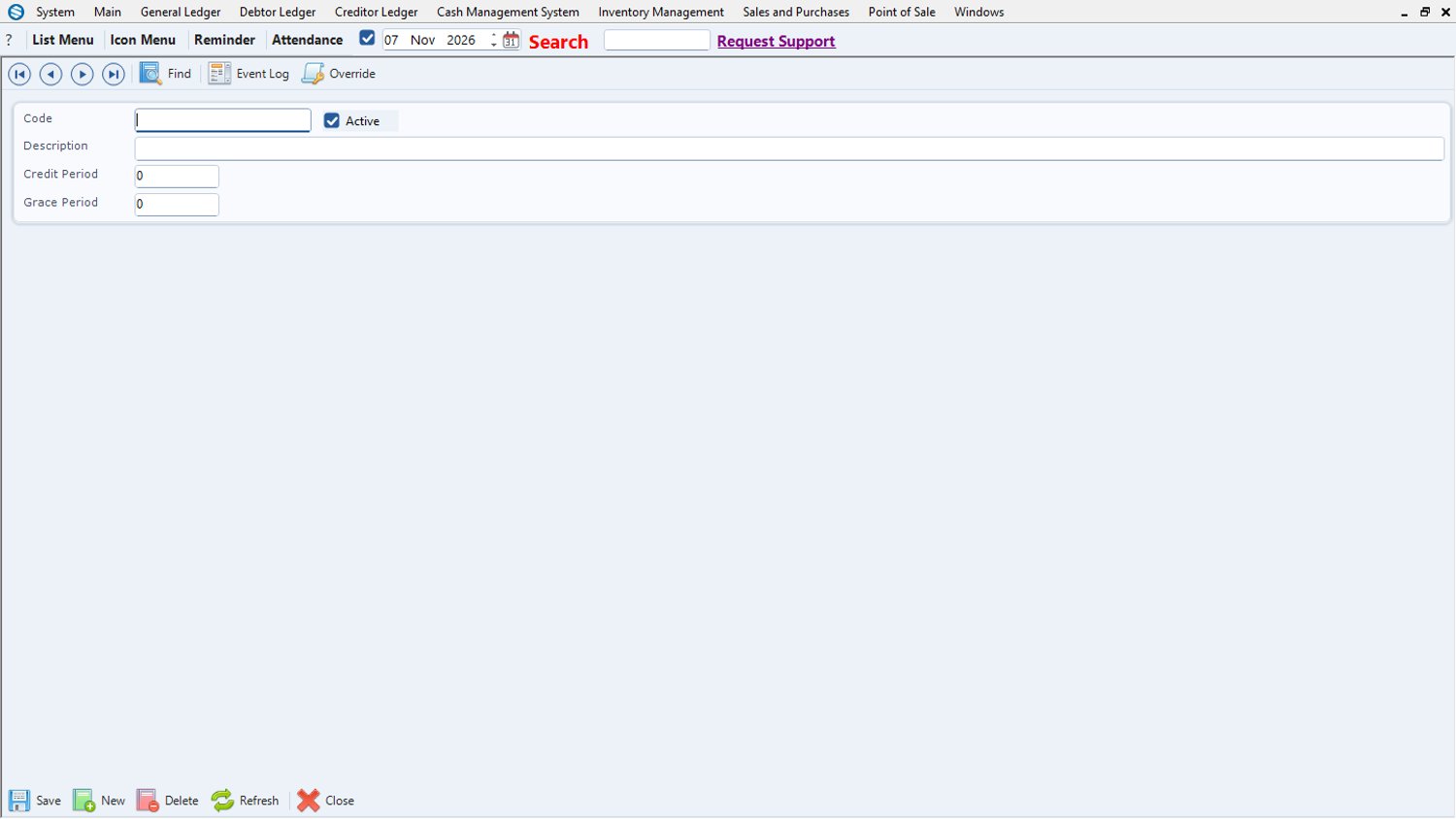
Go to Debtor Ledger > Masterfile > Sub-Masterfile > Terms and find the Credit Period field.
2. Know what it does
Credit Period only pops up a reminder. It still allows you to save the document.
3. Ask for blocking
A request to block sales was passed to the technician and no update was shown. Ask Synergy support if you need it.
Tips
- Blocking overdue customers is not part of the standard program.
Common problems
Customers can still be sold to after the reminder
This is how Credit Period works today. Describe your request clearly and contact Synergy support.