
You do not want some staff to see the cash difference summary (Action > Print Sales Summary) before they adjust. The function itself cannot be hidden, but you can remove the permission.
Before you start
- You need access to the Role settings.
Steps
1. Know the limit
The function itself cannot be hidden.
2. Open the staff’s Role
Open the Role that the staff member uses.
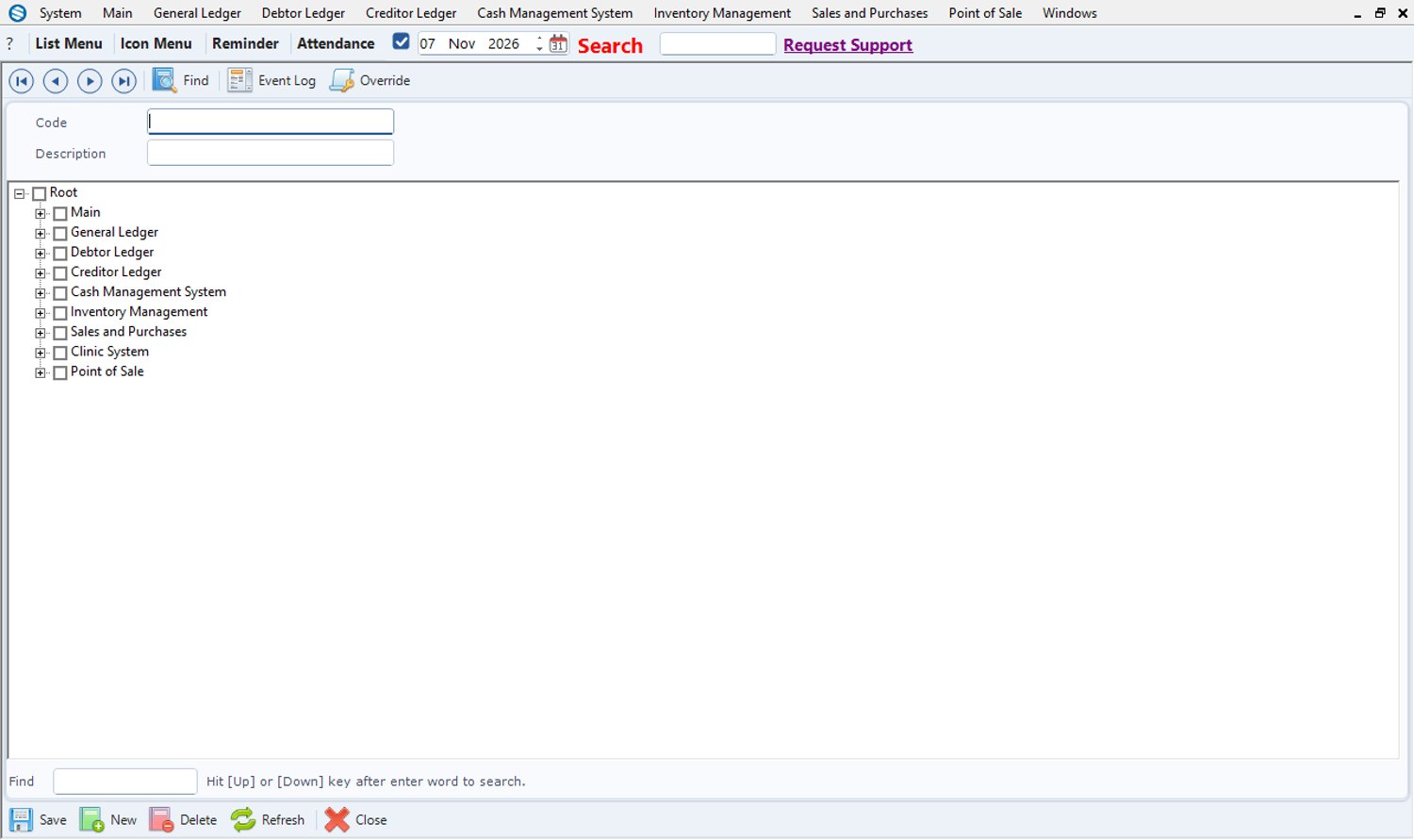
3. Remove the permission
Remove the permission to view this report from that Role, then save.
Tips
- If the staff can still see the summary, their Role probably still has permission to view reports.
Common problems
The staff still sees it
Check whether the staff ID still has permission to view reports. If it is still not working, contact Synergy support with the staff user ID and the role name.