
You want the Item Analysis report for one debtor type only and cannot find the debtor type code option.
Steps
1. Open the report
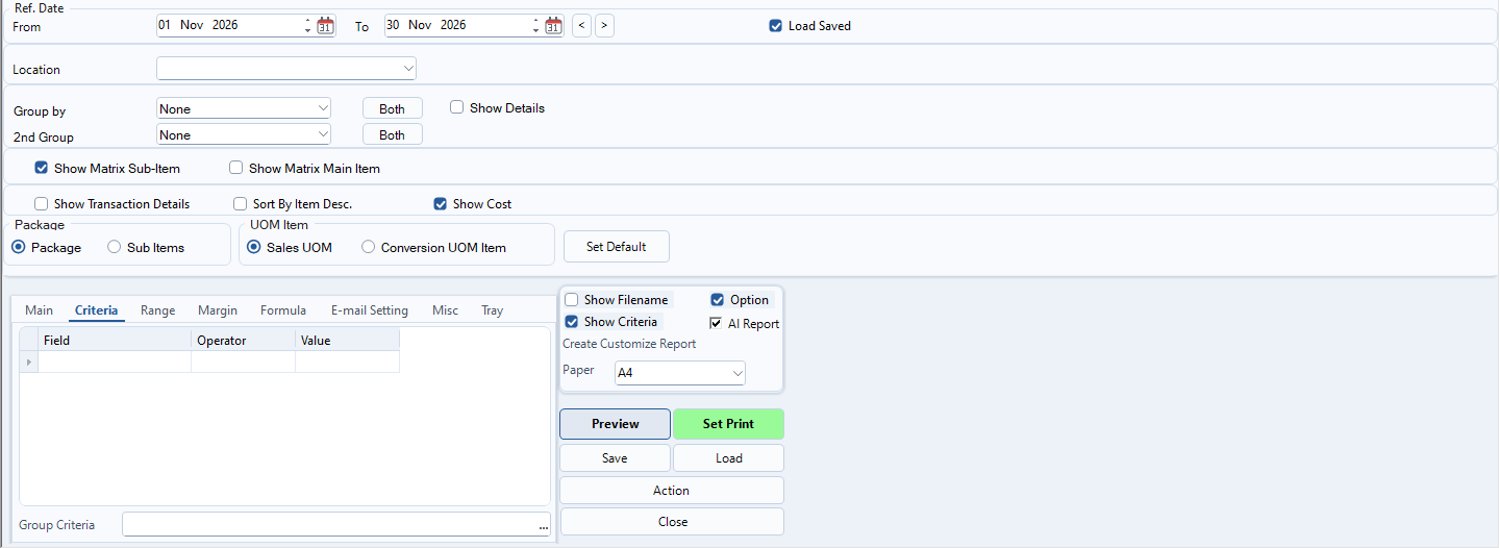
Open the Item Analysis report to reach its report criteria screen.
2. Choose the debtor type code
On the report criteria screen, choose the debtor type code you want.
Tips
- Filtering for one debtor list together with specific items may need a specific criteria setup.
Common problems
The criteria are not clear
Contact Synergy support and have ready the report name, the debtor type and the items you want.