
The base system is in English only, but you can change the interface words yourself with a custom dictionary.
Steps
1. Know the limit
The base system is English only. Interface words can be changed through a custom dictionary.
2. Load the dictionary
Go to Main > Language/Dictionary and load custom.dic.
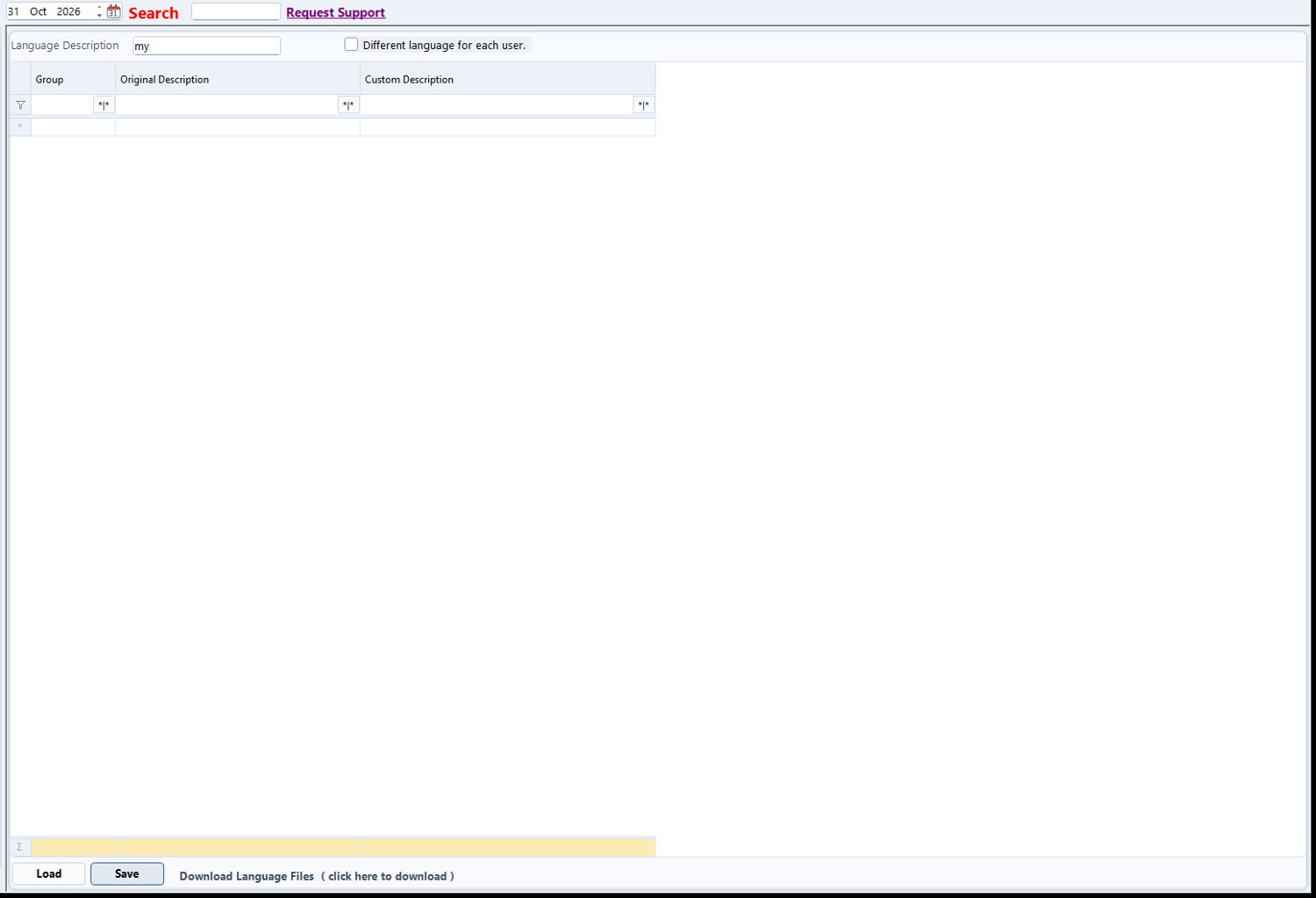
3. Edit the custom description
Type your own words in the custom description column.
4. Save and log in again
Save, then log in again to see the new words.
Tips
- One user uses one language.
- To go back to English, empty the entries and save.
Common problems
You are not sure which words to change
Decide which part of the screens you want to change first. If you need help, contact Synergy support with a screenshot of the Language/Dictionary screen.