
Use this guide when reports do not open on a PC, especially a new or freshly formatted client PC.
Before you start
- Know which PC the problem is on
- Access to the main PC, where the ServerApp folder is
Steps
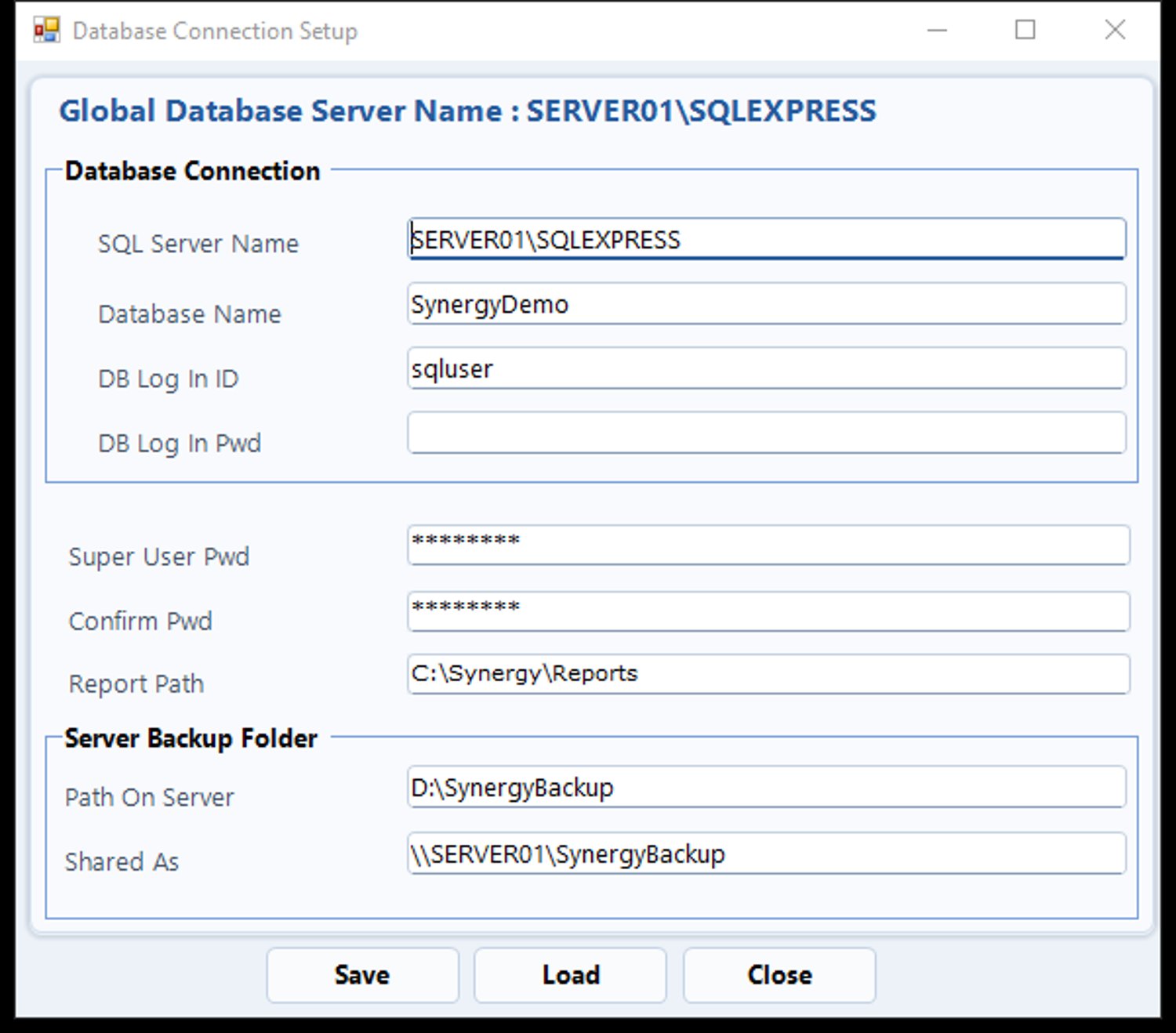
1. Open Database Connection Setup
On the PC where reports will not open, open Database Connection Setup.
2. Check the report path
Check that the report path points to the shared ServerApp folder on the main PC. A wrongly copied path is a known cause.
3. Check the sharing on the main PC
Make sure the ServerApp folder on the main PC is shared, and that its sharing and security permissions are set.
Common problems
Reports still do not open
Contact Synergy support.