
Use this guide when a creditor aging, a supplier statement, an SST amount or a sales total is different from the general ledger (GL), the bank or what you filed. Work down the checks in order. For wrong figures in an ordinary report, see the guide “Synergy Acc2026 – What To Do When a Report Shows No Data or Wrong Figures”.
Before you start
- Which report, and which date or period.
- Which two figures differ, and by how much.
- The figure on the other side: the tax website, the bank or the supplier statement.
- Any opening journals or creditor type changes you made.
- Sample documents to compare.
Steps
1. Compare sample documents one by one
Take a few sample documents and compare each one with the report line by line.
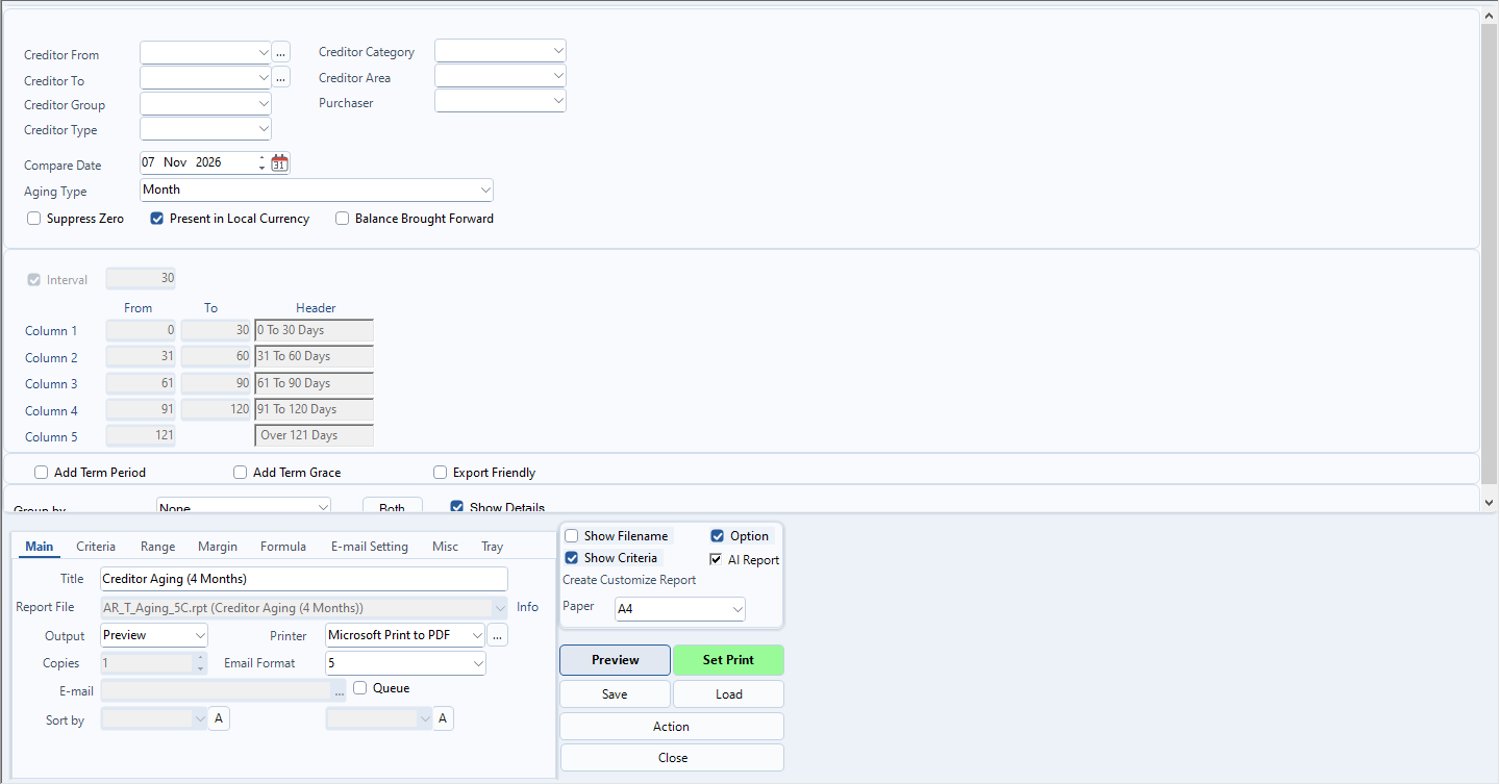
2. Look for GL entries to a creditor account with no creditor
In the GL, look for entries to creditor accounts that do not name a specific creditor, for example an opening journal. Key the opening at the creditor side, or reverse the entry.
3. Check if creditors were moved from Trade to Other
If creditors were moved from Trade to Other part-way, post one journal to swap the balance.
4. Check for a reference date earlier than the entry date
SST follows the received amount, so the period can differ when the reference date is earlier than the real entry date. Hold off posting until you have checked.
5. Clear a small SST leftover
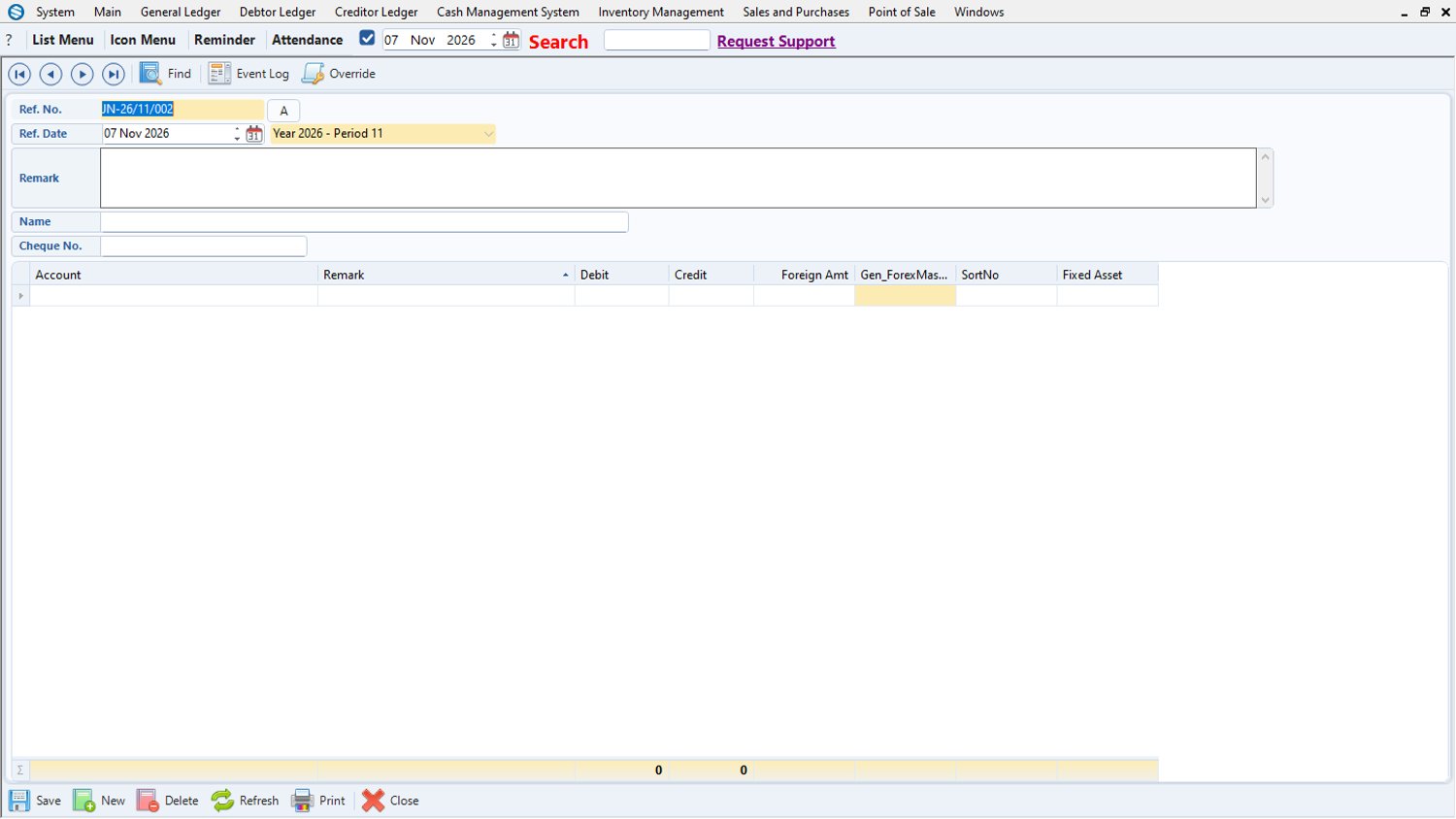
A small leftover SST balance, for example a few sen, is cleared with a journal entry.
6. Still different? Contact Synergy support
Only a technician can trace this, usually in a remote session. Have the report, the figure on the other side and the date range ready.
Tips
- Common causes: data entry issues such as journals without a creditor, a reference date different from the entry date, a creditor type swapped part-way, and a supplier lump-sum credit note that is not matched.
- Each case is checked on its own, so the more detail you give, the faster it is traced.
Common problems
Trade creditors aging does not tally with the GL and the balance sheet.
Do the checks for entries to a creditor account with no creditor, and for creditors moved from Trade to Other.
SST posted is different from what I submitted.
Check for a reference date earlier than the entry date, and clear any small leftover balance with a journal.
Supplier statement total is not the same as the system.
Compare sample documents one by one, and look for a lump-sum credit note that is not matched.