
Work down this list in order. Each step is a quick check, and names the full guide to read next if the check does not solve the problem.
Before you start
- The exact message on the screen.
- Whether it is only your PC, or every PC in the shop.
- Whether a power cut or sudden shutdown happened.
Steps
1. What does the message say?
If it says Invalid Username/password entered, check the user ID and password, and turn Caps Lock off. If you get the first company, click the company row before OK, and clear the filter row if your company is missing. Read the guide “Synergy Acc2026 – Logging In and Choosing a Company”.
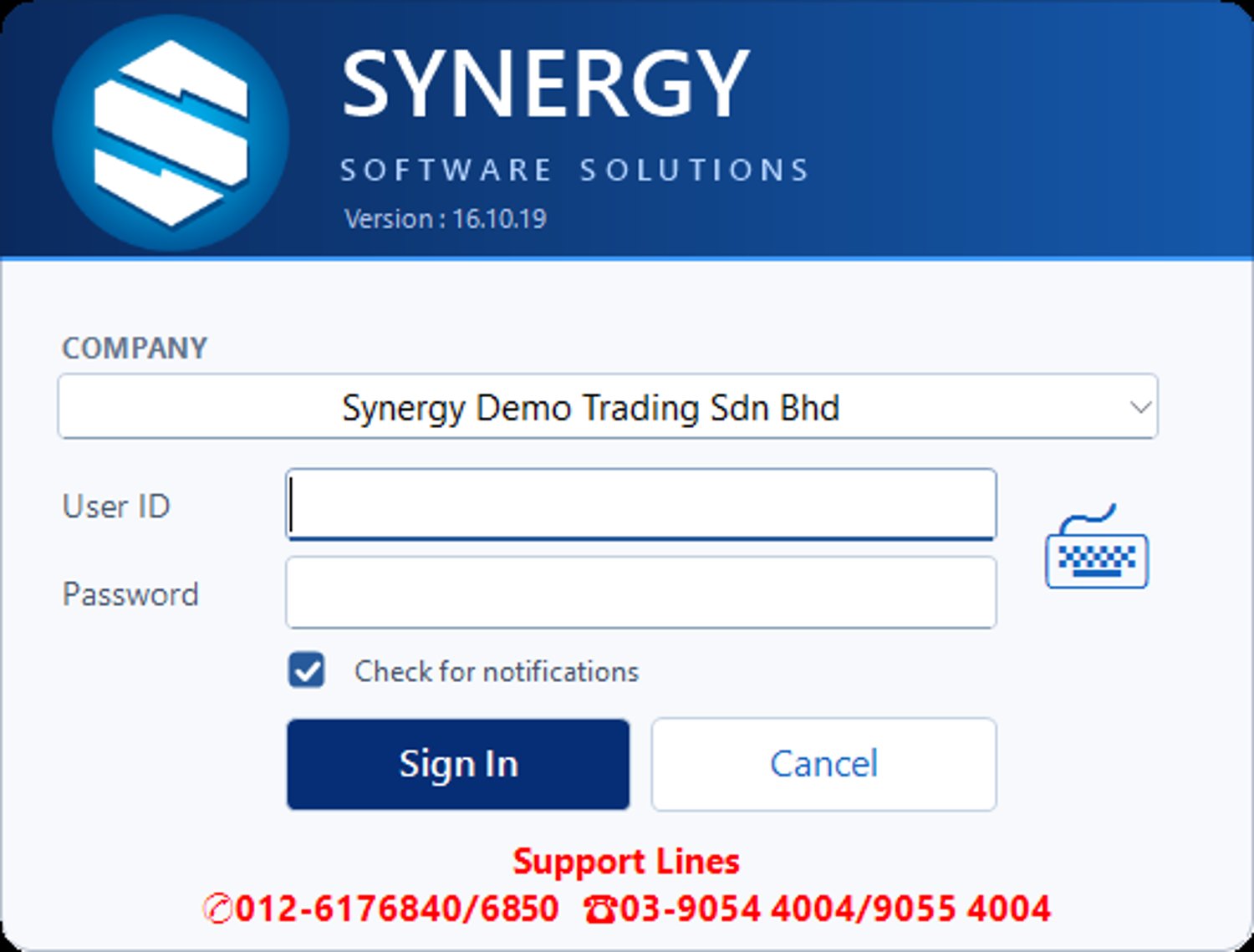
2. Is the account active?
A user cannot sign in if Active is unticked or the Expiry Date has passed. An administrator can check this in Main > Application Security > User. Read the guide “Synergy Acc2026 – User Login Accounts”.
3. Did you lose the admin ID or password?
Ask the previous admin or the owner first. If no user has been set up yet, click OK to log in, then change the admin ID and password at once. If you are still locked out, contact Synergy support with the owner’s confirmation. Read the guide “Synergy Acc2026 – Logging In and Choosing a Company”.
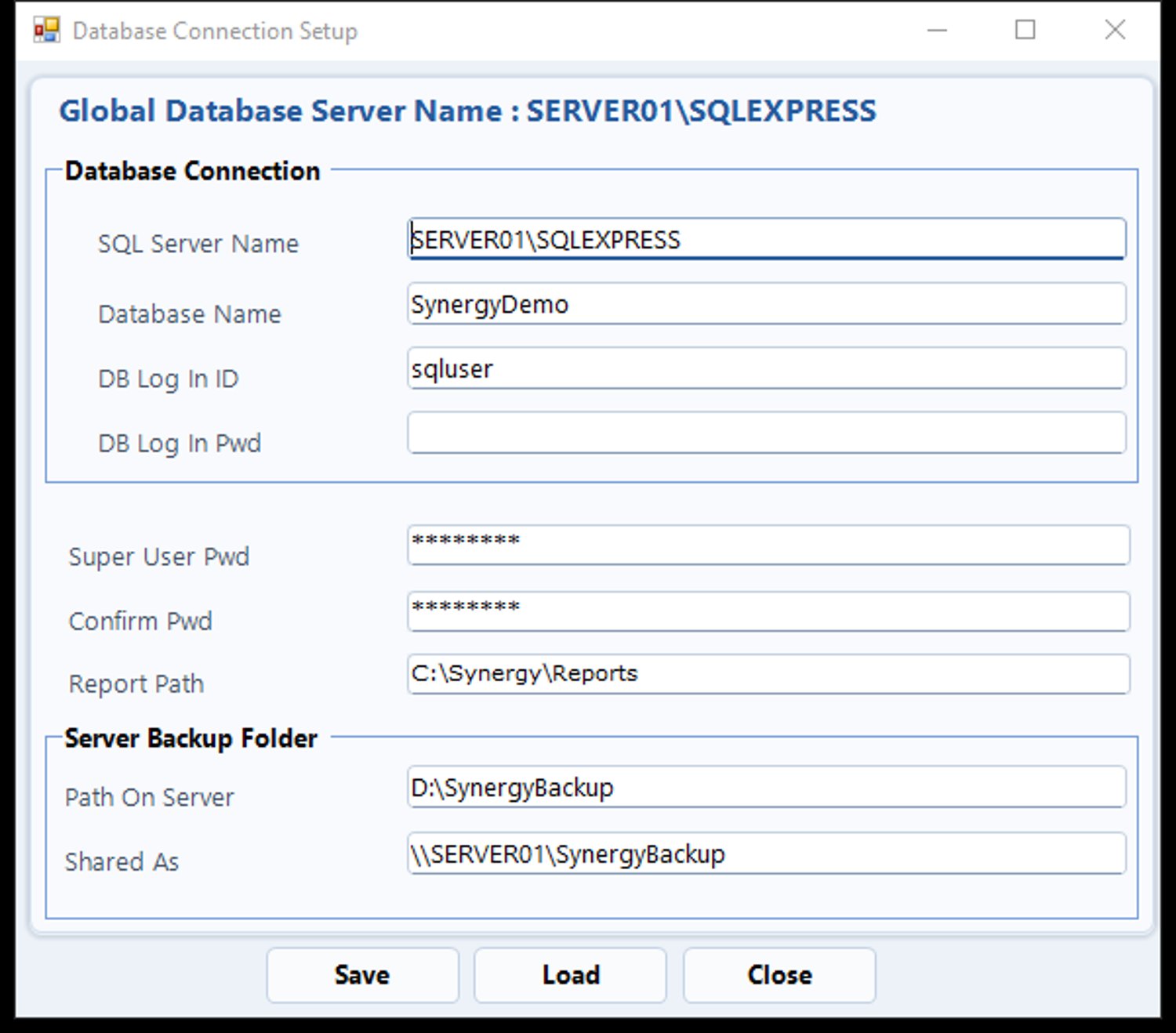
4. Does it say you have to set up the Database Connection first, or Test Connection Failed?
The program does not know which database to use, or cannot reach it. Check the SQL Server name, the database name and the log-in details. Read the guide “Synergy Acc2026 – Database Connection Setup and Connection Problems”.
5. Does login hang, or does a client PC fail while the main PC works?
Make sure the main PC is switched on, and wait a few minutes after it starts. Check the Wi-Fi name, restart the services and use the Client (blue) icon on client PCs. Read the guide “Synergy Acc2026 – Cannot Connect or Cannot Log In: What to Check”.
6. Can nobody in the shop log in?
The main PC may be off, frozen or not starting. Read the guide “Synergy Acc2026 – Main PC Off, Frozen or Will Not Start”. After a power cut also read “Synergy Acc2026 – IT: Checking the Database and Services After a Power Cut”.
7. Does it say the licence or contract has expired?
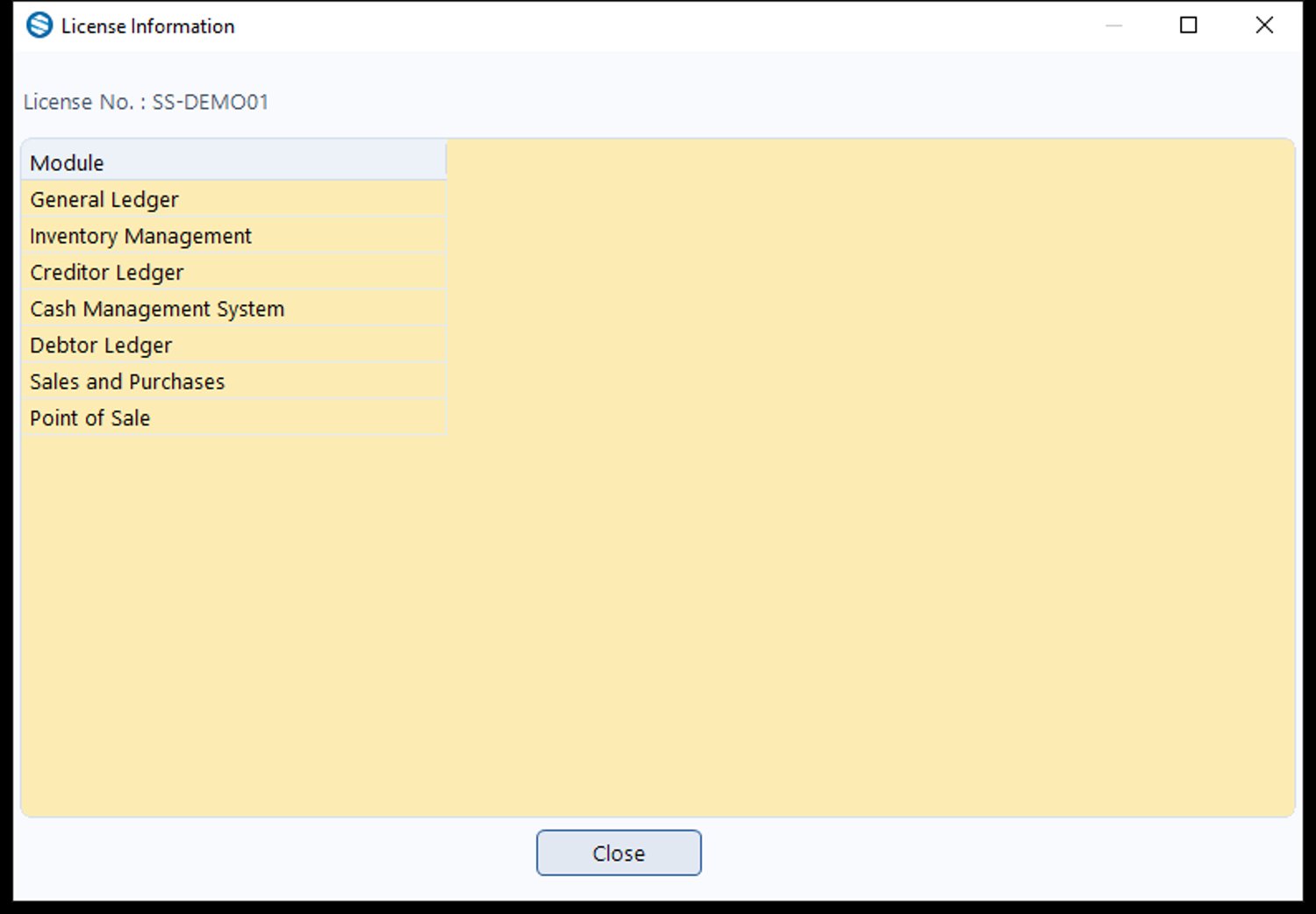
Check System > License Information and read the guide “Synergy Acc2026 – Licence: Changes and Problems”.
8. Is it a remote user, and the message says the user limit is exceeded?
One remote licence allows one remote user at a time. Ask the others to log out. Read the guide “Synergy Acc2026 – Getting Remote Help from Synergy Support”.
Tips
- Each branch PC has its own user setup. The branch admin ID cannot be controlled from head office.
- Setup and restore in the sign-in menu need the Admin/Super-User password typed in the password box first.
Common problems
Locked out of the admin login.
Contact Synergy support. Have the owner’s confirmation and the PC ready. An admin letter may be needed.
Unable to access folder …
The program cannot reach the server folder named in the message. Contact Synergy support and have the full message ready.