
Ask your AI app for a briefing and Synergy tells you what needs your attention today, and what is still open before you can close the month. You only see what your own Synergy user may see.
Before you start
- Your company has AI apps switched on and you have connected your AI app to Synergy.
Steps
1. Ask for the briefing
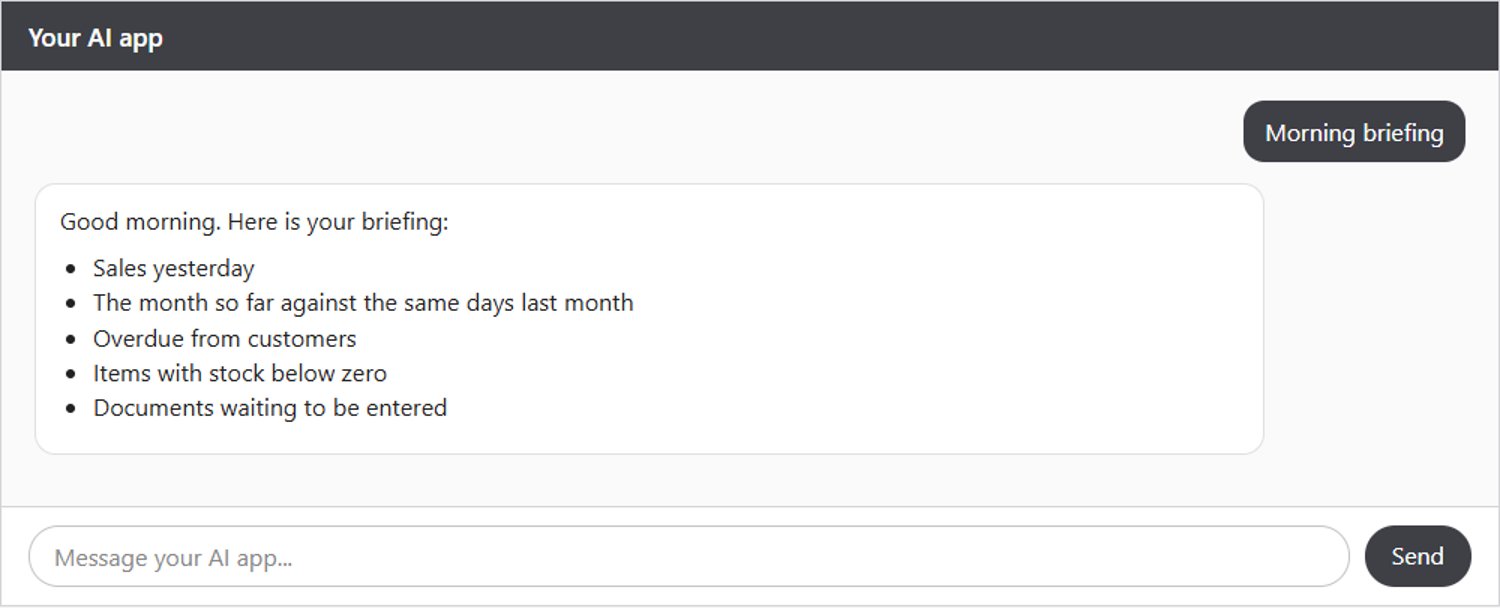
Say: Morning briefing, or Good morning, how is the business? The briefing is made when you ask.
2. Read what it shows
You get sales yesterday, the month so far against the same days last month, what customers owe that is overdue, items with stock below zero and documents waiting to be entered. Only what your user may see is shown.
3. Ask a follow-up
Ask about anything in the briefing, for example Who is overdue the most? Use the guide on asking your business for the questions you can ask.
4. Check supplier bills
Ask: What bills are due? You get supplier bills found in the company mailbox that are overdue, due soon or need a look, with warnings such as a changed bank account or an unusual amount. Nothing is paid or entered by this.
5. Check before month end
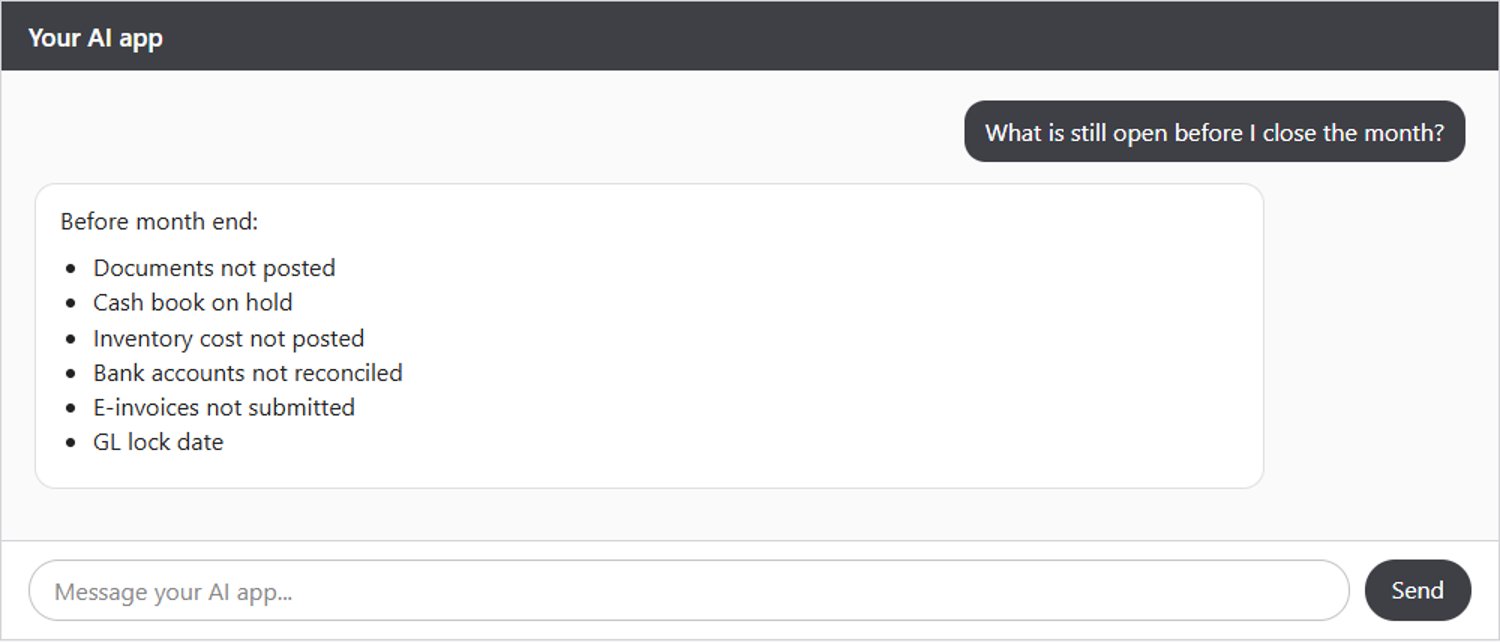
Ask: What is still open before I close the month? You get documents not posted, the cash book on hold, inventory cost not posted, bank accounts not reconciled, e-invoices not submitted and the GL lock date. You only get the checks for pages your user may use.
Tips
- The briefing and checklist only show; they do not change anything in Synergy.
- A line is missing from the briefing when your user may not see that figure.
Common problems
The briefing is missing a part I expect
Your user may not be allowed that figure or page. Ask your Synergy administrator about your rights.