
Retail Shop POS Demo Videos
Everything a shop or minimart needs, in the order you will use it. Watch the videos below, then message us on WhatsApp for a live walkthrough.
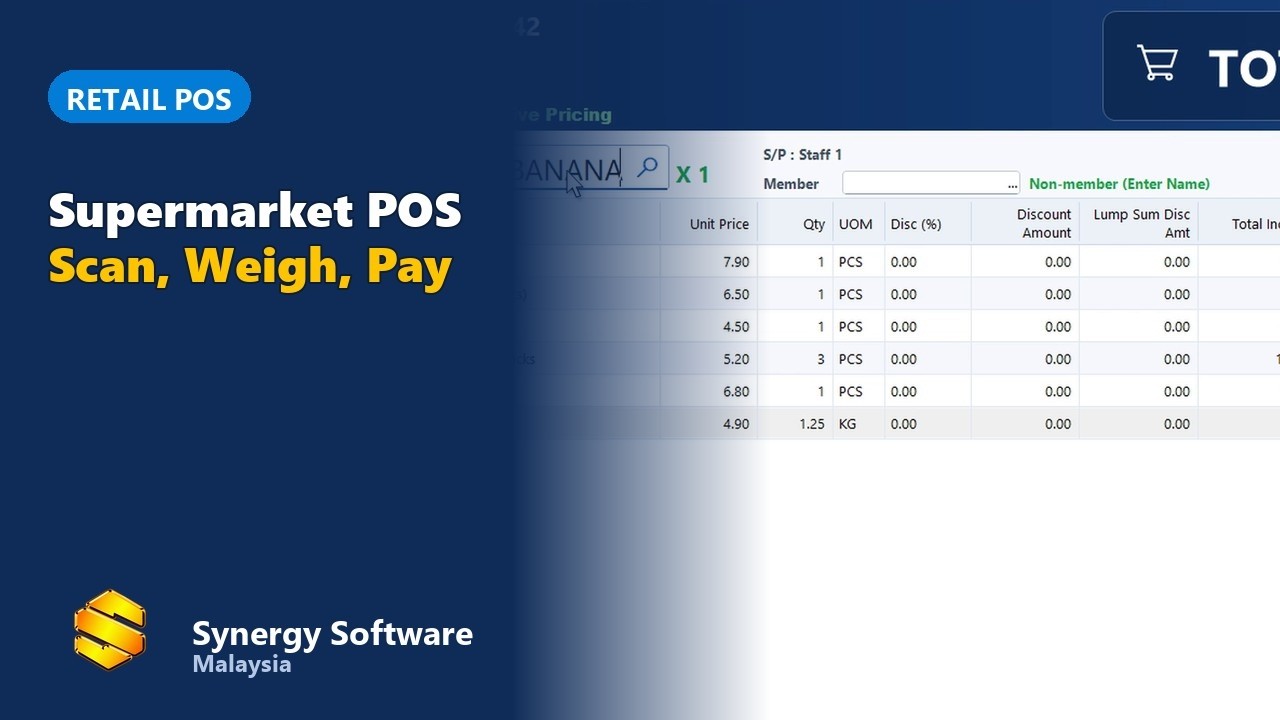
WhatsApp 012-530 08001. Supermarket and minimart counter
Scan, total and take payment at the shop counter.
 ▶
▶2. Barcode selling
Scan or type a code to sell fast, with weighed items too.
 ▶
▶3. Android POS for retail shops
Sell from an Android tablet or phone connected to your Synergy POS.
 ▶
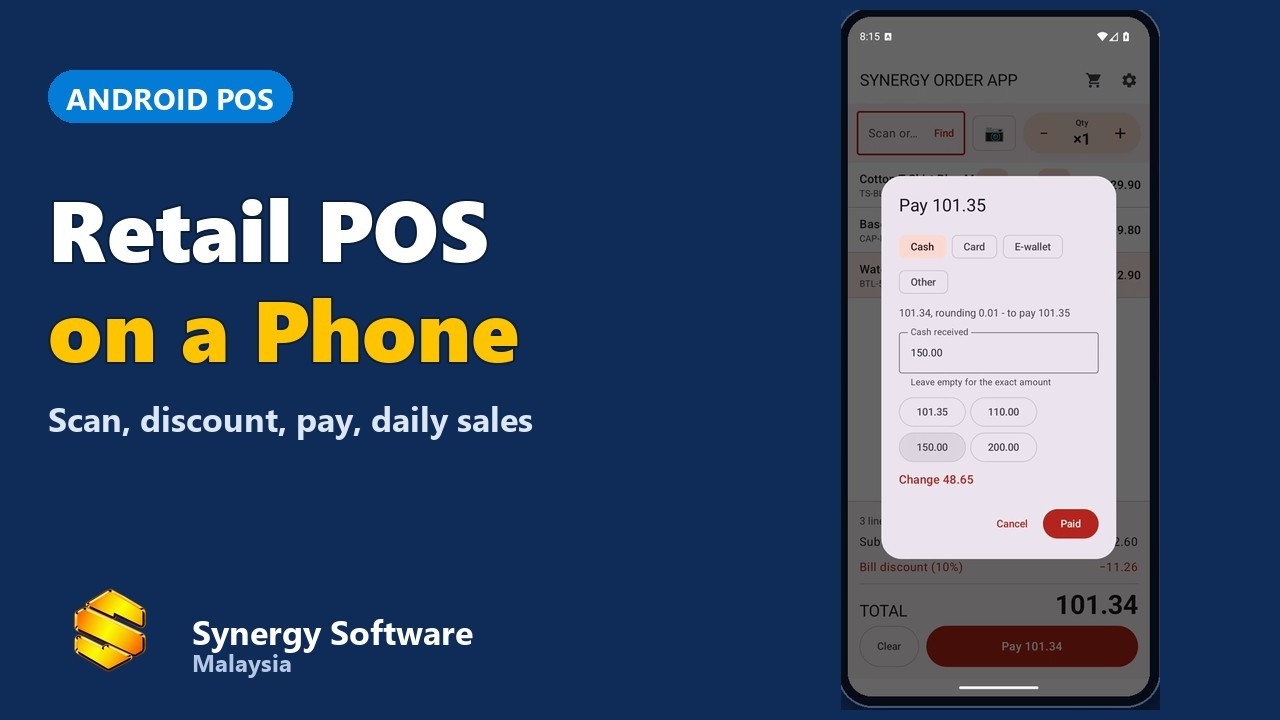
▶4. Android POS retail, stand-alone
A complete POS on one Android device for a small shop.
 ▶
▶5. Payment: cash, card, e-wallet, split
Take every kind of payment, including split bills.
 ▶
▶6. Loyalty and membership
Reward regular customers with member points and offers.
 ▶
▶7. Stock transfer and stock balance
Move stock between outlets and see what is on hand.
 ▶
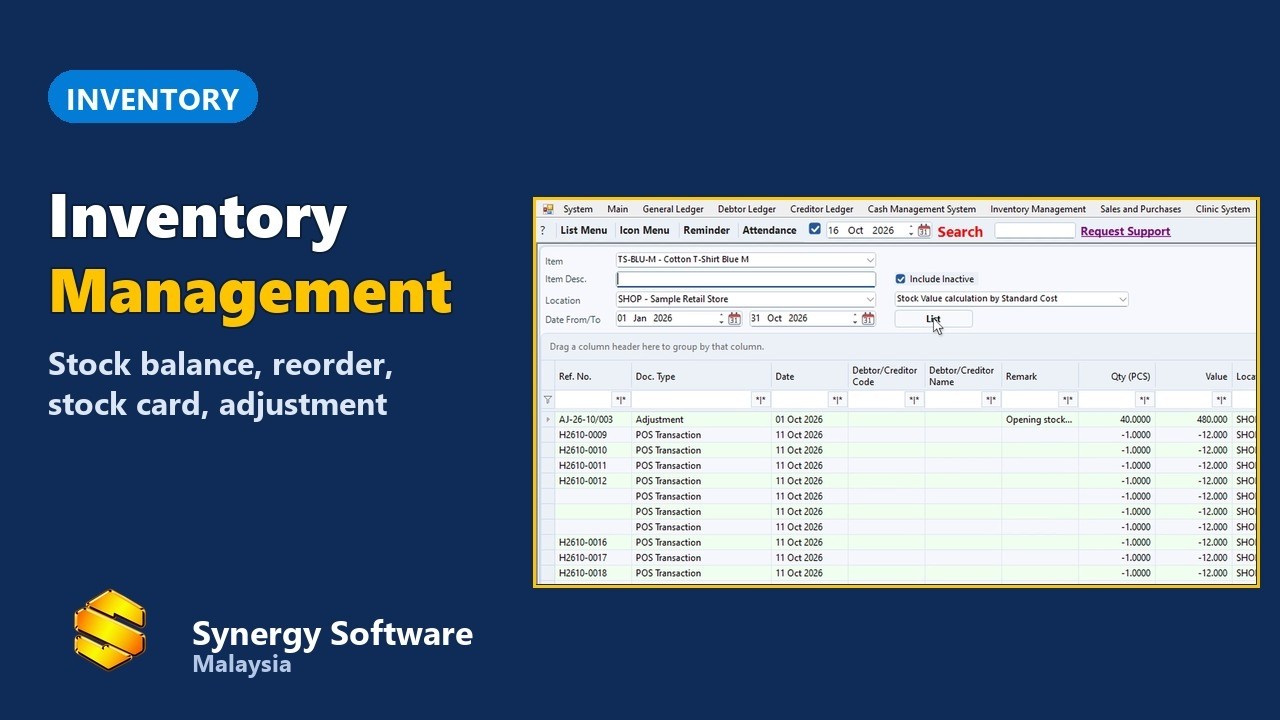
▶8. Inventory overview
Keep track of stock levels across your items.
 ▶
▶9. e-Invoice
Issue e-Invoices to LHDN from the same system.
 ▶
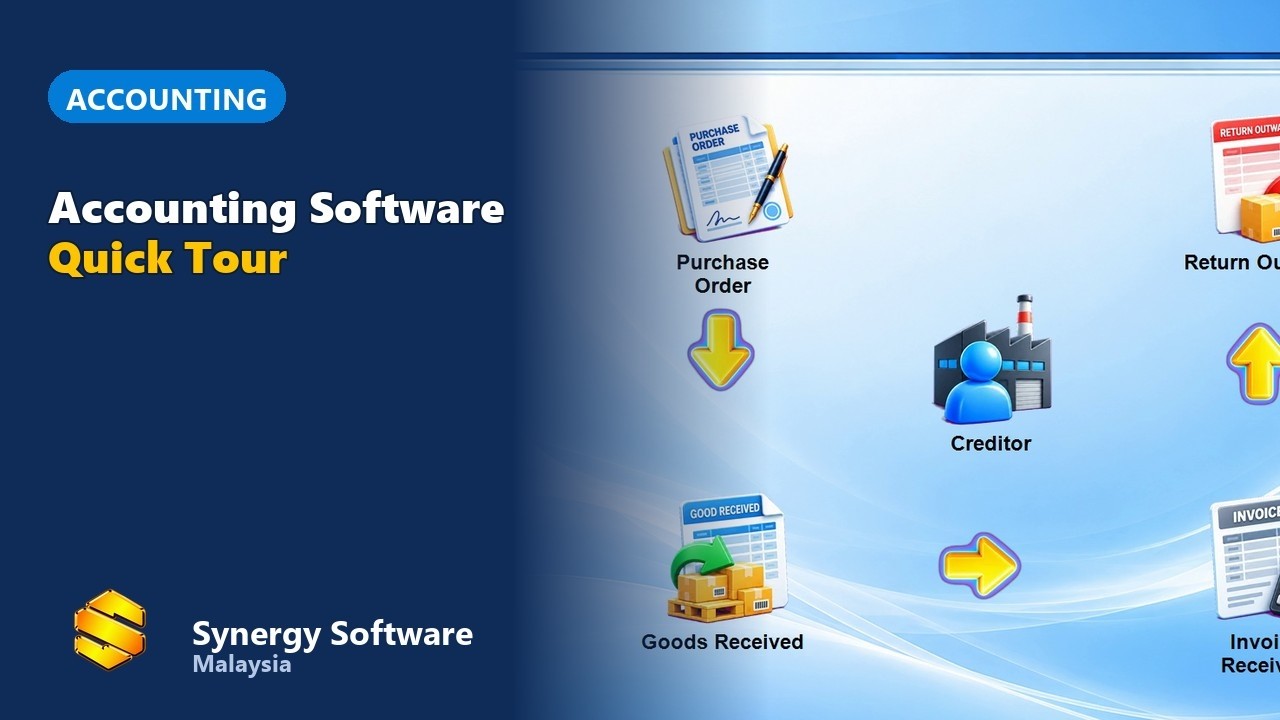
▶10. Accounting built in
A tour of the accounting that comes with the POS.
 ▶
▶Frequently asked questions
Do I need special hardware?
The software runs with a standard receipt printer and barcode scanner on a PC, and the Android POS runs on a phone or tablet. WhatsApp us and we will advise what suits your shop.
Can I use it with my existing barcodes?
Yes. Scan existing barcodes or type the item code. See video 2 above.
Does it handle e-Invoice?
Yes. See video 9 above.