
Wholesaler and Trading Company Software Demo Videos
From the salesman taking the order to the invoice, stock and e-Invoice. Watch the videos below, then message us on WhatsApp for a live walkthrough.
WhatsApp 012-530 08001. Sales Order app for salesmen
Salesmen take orders on an Android phone, and it works offline.
 ▶
▶2. Take an order, then make the delivery order and invoice on the phone
Pick the customer and items, submit the sales order, then copy it as a delivery order and a sales invoice. The documents arrive at head office.
 ▶
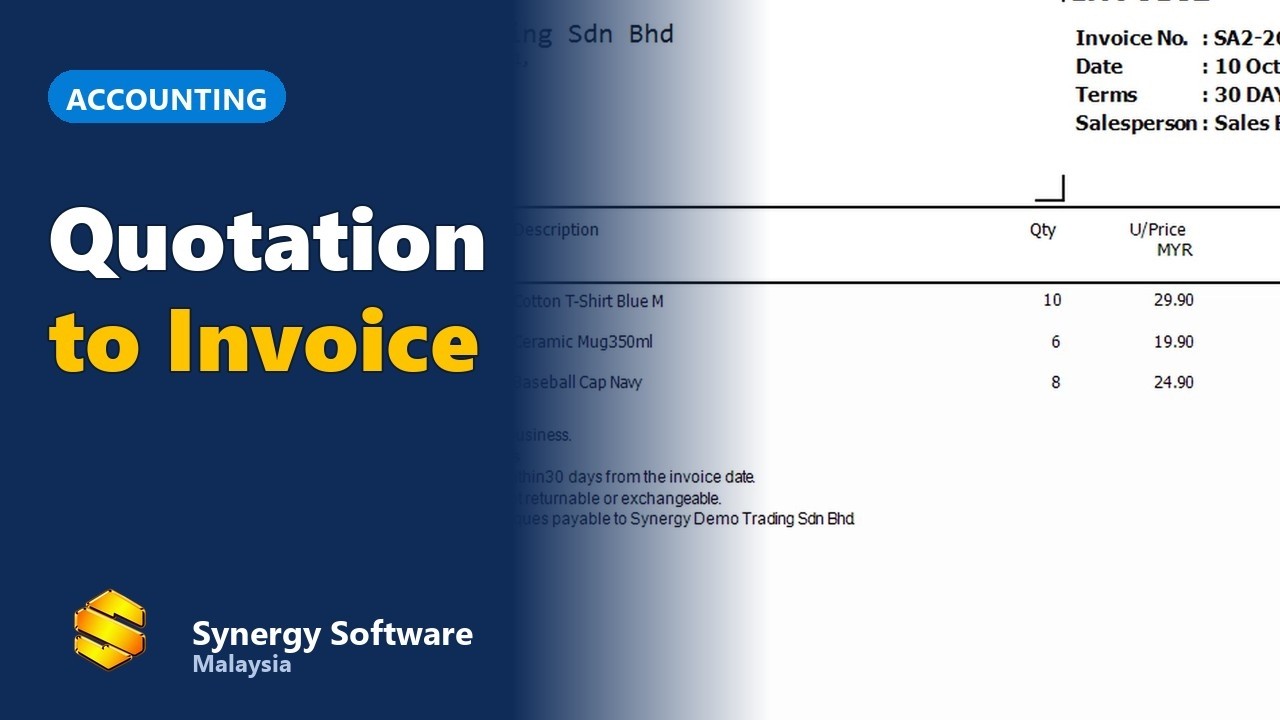
▶3. Quotation to sales order to invoice
Turn a quotation into a sales order and then an invoice.
 ▶
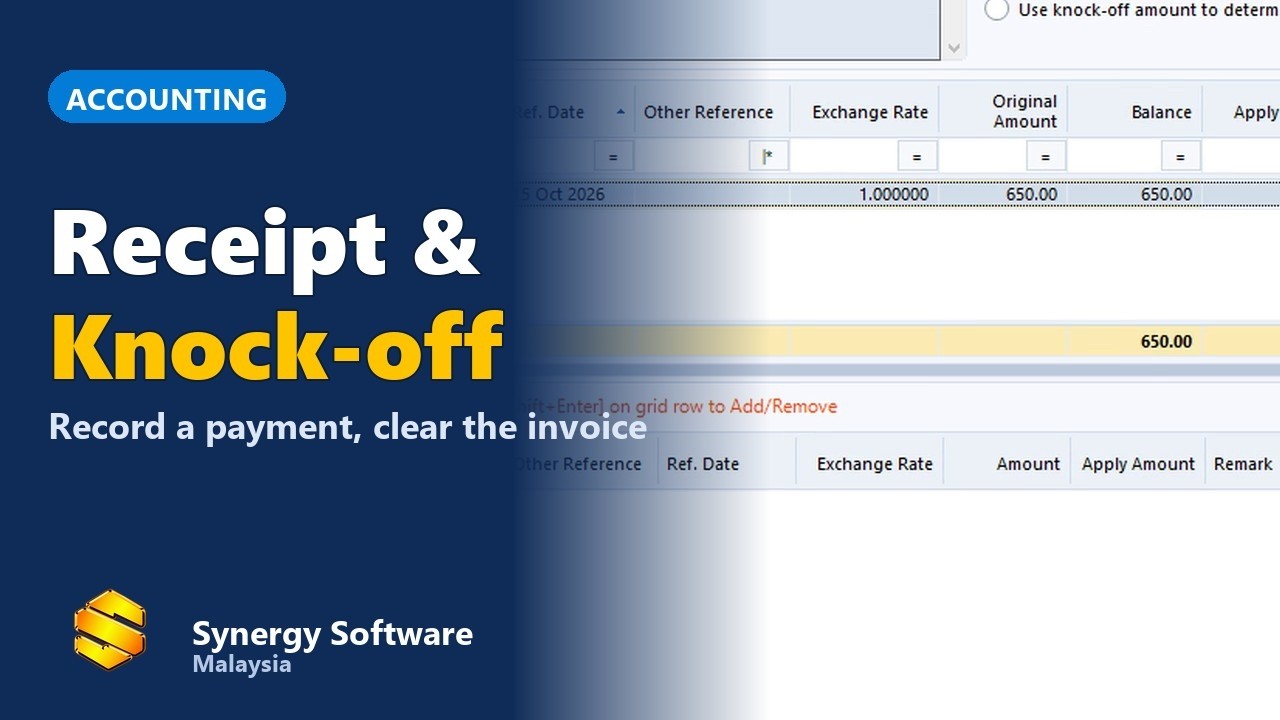
▶4. Receive a customer payment and knock off the invoice
Record the payment and knock it off against the invoice.
 ▶
▶5. Purchase order to goods received and supplier invoice
Follow a purchase from order to supplier invoice.
 ▶
▶6. Stock transfer between outlets and stock balance check
Move stock between outlets and check the balance.
 ▶
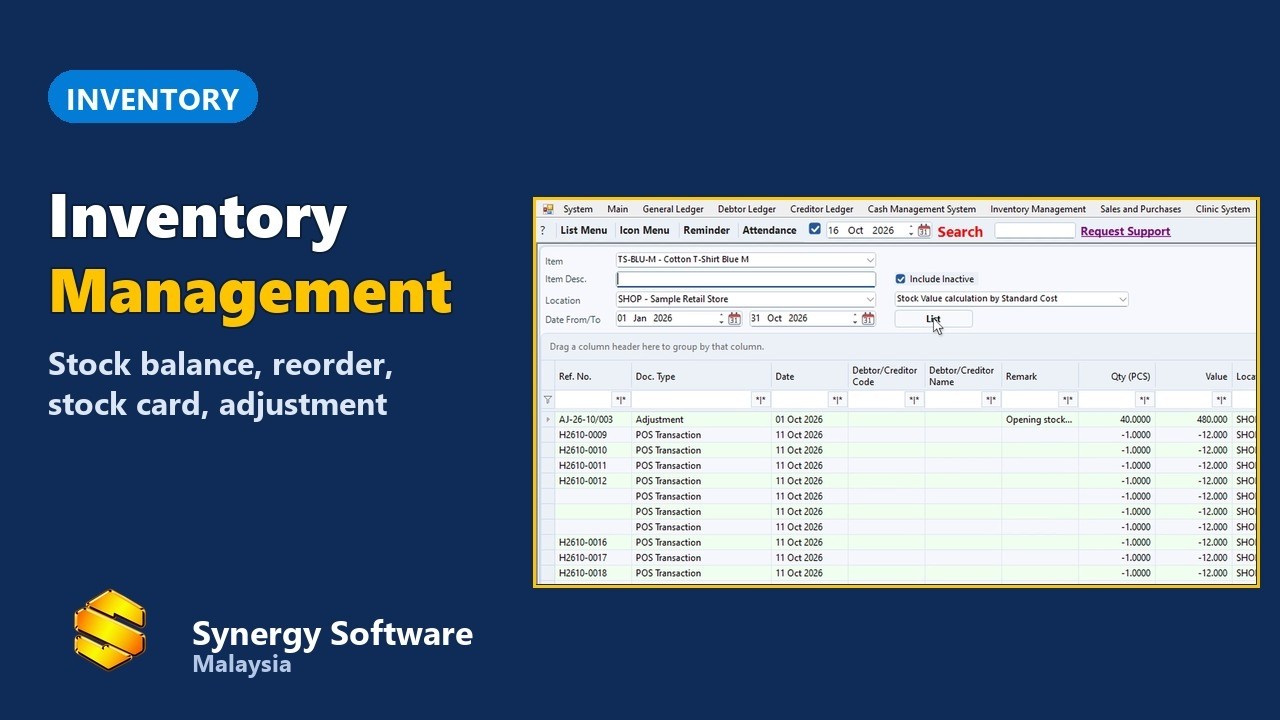
▶7. Inventory management: stock balance, reorder and stock card
See stock balance, reorder levels and the stock card for each item.
 ▶
▶8. Submit e-Invoices to LHDN MyInvois
Issue e-Invoices to LHDN from the same system.
 ▶
▶How the phone documents reach the office
On the phone, the delivery order and sales invoice are made by copying the sales order into new, separate documents. They arrive at head office saved but not yet posted. Posting them, and linking sales order to delivery order to invoice, is done in the desktop accounting software.
Frequently asked questions
Can my salesmen take orders on their phones?
Yes. See videos 1 and 2 above. The app works offline.
Can the salesman make a delivery order and invoice on the phone?
Yes, by copying the sales order into a delivery order or sales invoice. They reach the office unposted and the office posts them. See video 2 above.
Does it track stock?
Yes. See videos 6 and 7 above.
Does it handle e-Invoice?
Yes. See video 8 above.