
Sales App: Salesmen Take Orders on Their Phone, Even Offline
The salesman picks the items and submits. The office gets a normal Sales Order.
Your salesman visits the customer and takes the order on an Android phone. It works without internet and sends the order to the office when the phone is online. In the Synergy desktop program it is a normal Sales Order with its own number.
- Works without internet
- Orders, quotations, delivery orders, invoices
- Same prices and rules as the office
 ▶
For the salesman
Everything needed at the customer’s door
For the office
What arrives at the desk
Good to know
Made for the road
Watch
Sales App videos
Tap a picture to play.
Take orders, then the delivery order and invoice
The wholesaler’s day: take the order on Android, then make the delivery order and invoice in Synergy.
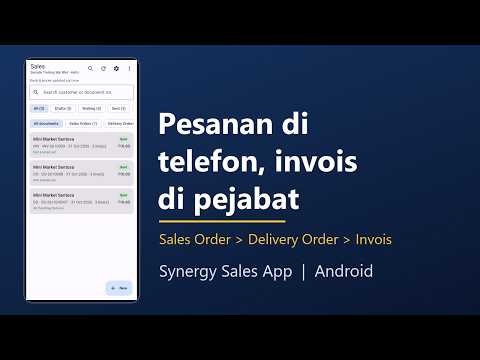
▶Aplikasi Jurujual (Bahasa Melayu)
Ambil pesanan di Android, buat delivery order dan invois, dalam Bahasa Melayu.
 ▶
Log in and take a sales order
Connect, choose your company, log in and take a sales order, even without internet.
 ▶
What to check when orders will not sync
A short checklist when an order stays on the phone.
 ▶
See all Synergy Android app videos on YouTube
More from Synergy: wholesaler demo videos, accounting software, billing and invoicing software and business management software.
See it with your own salesmen
We show you the Sales App on sample customers and items from a business like yours.
Questions
Frequently asked questions
Does the sales app need internet?
Not to take orders. Customers, items, prices and stock are kept on the phone, and the orders are sent when the phone is online.
Does it work with my Synergy accounting?
Yes. Each order arrives as a normal Sales Order in the Synergy desktop program, ready for the delivery order and invoice.
Can a salesman change the price?
Only if their desktop user has the right to change prices.
Can the app change an order after it is sent?
No. The app takes new documents. Changes are made in the desktop program.
How do salesmen get the app?
Synergy gives you the Android app. Each salesman signs in with their own desktop login.