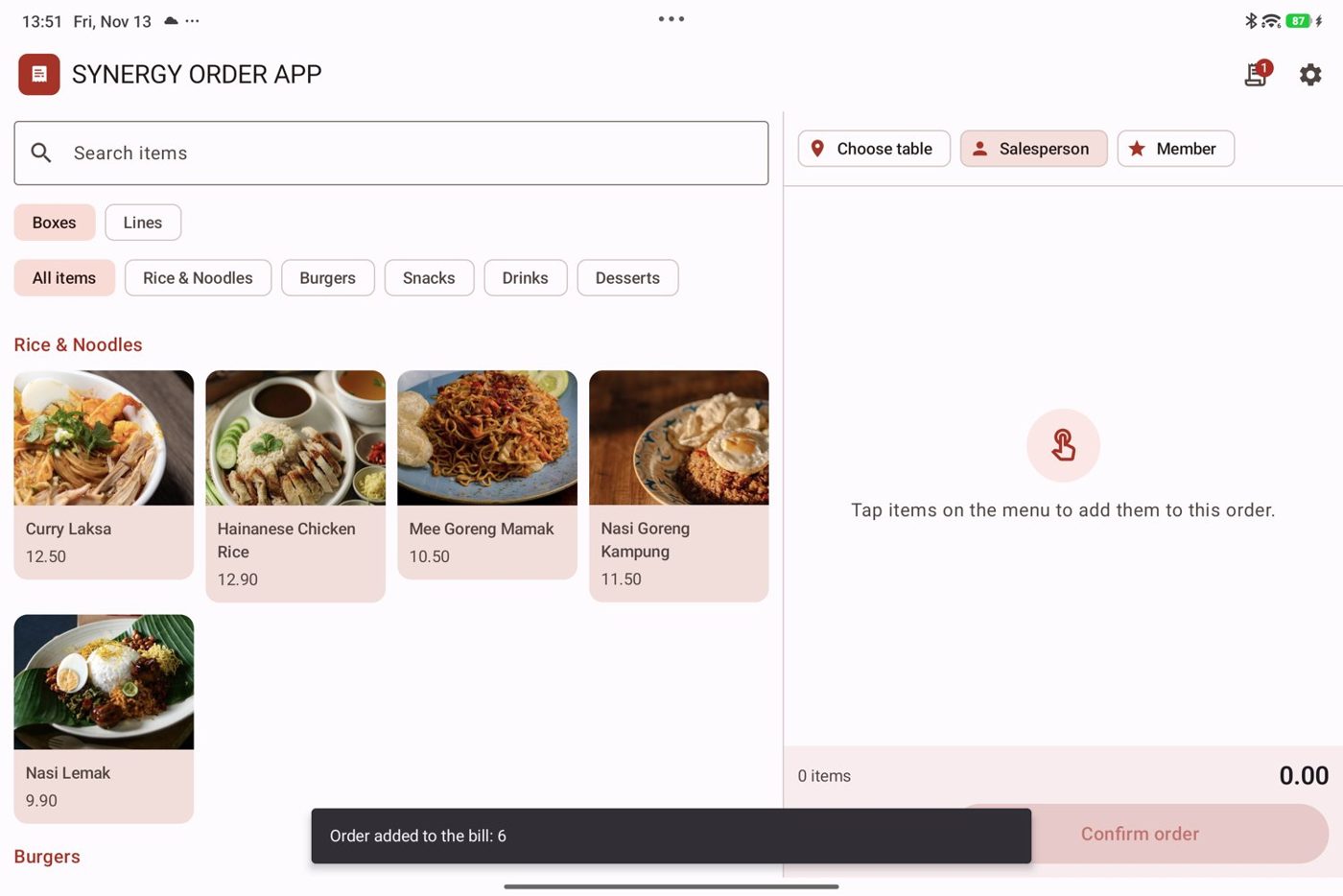
This guide shows you how to take a table order and send it to the kitchen.
Before you start
- Open the Synergy Order App on the ordering screen.
Steps
1. Go to the ordering screen
Go back to the ordering screen.
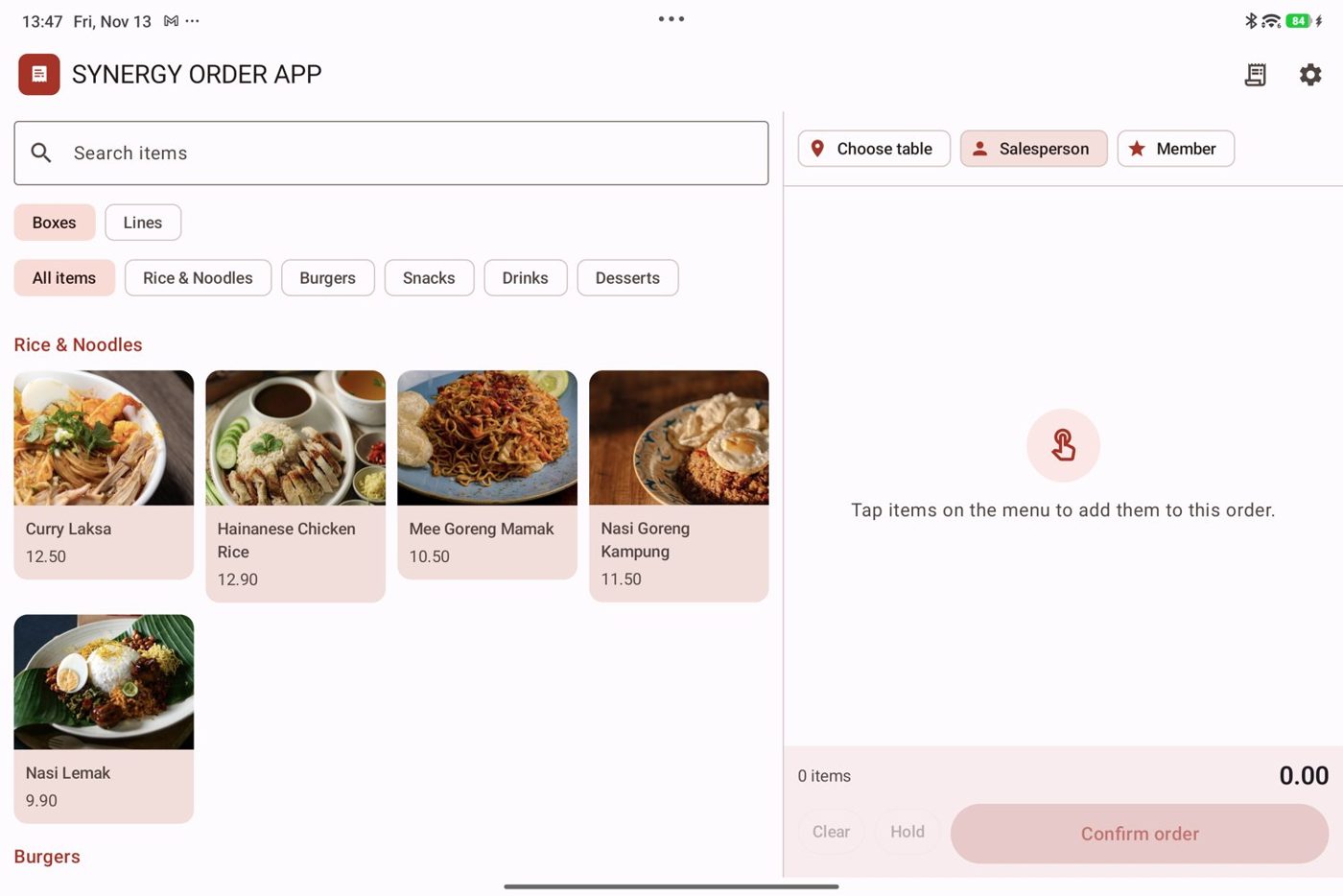
2. Open Choose table
Tap Choose table.
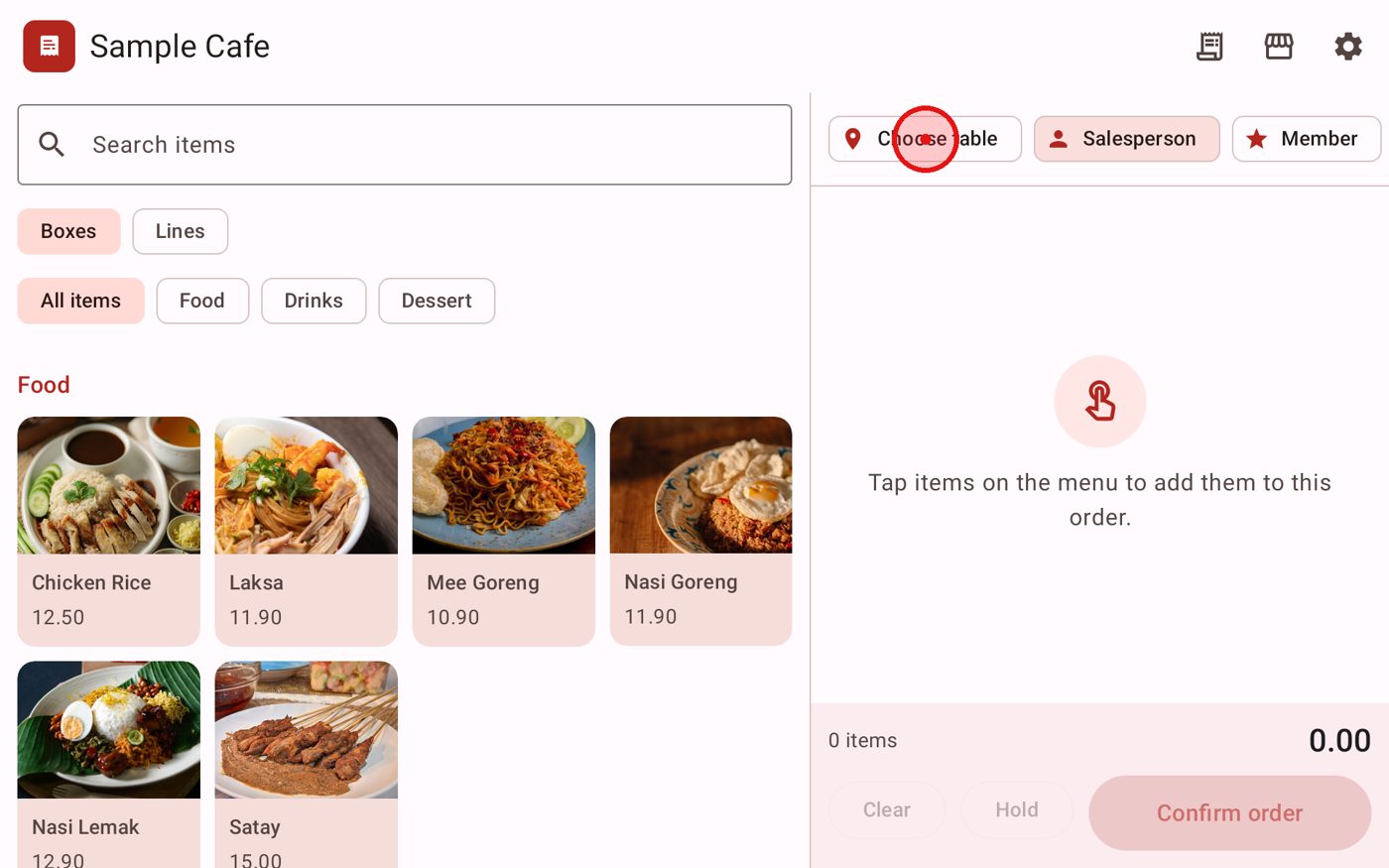
3. Pick the table
Tap the table where the guests sit.
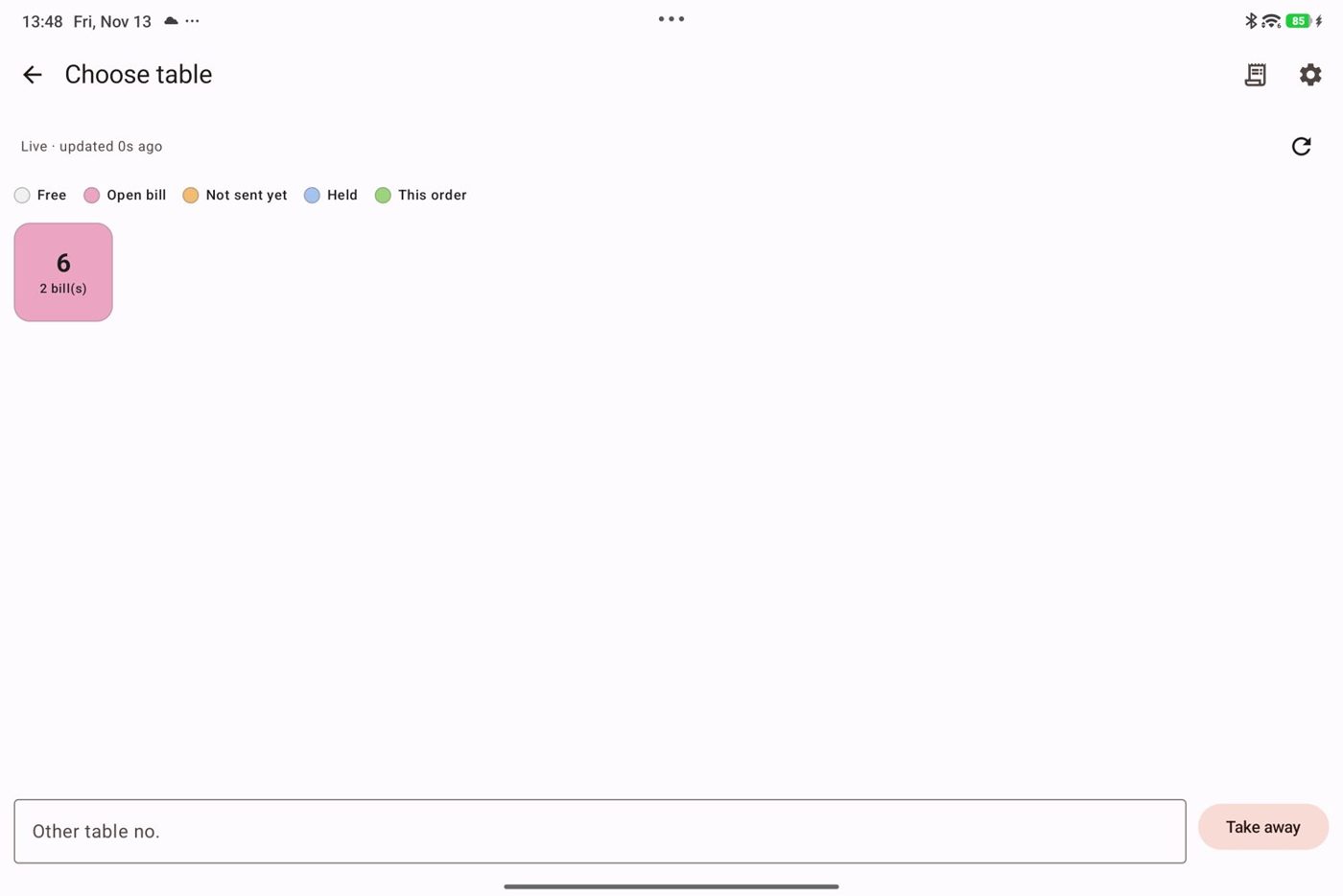
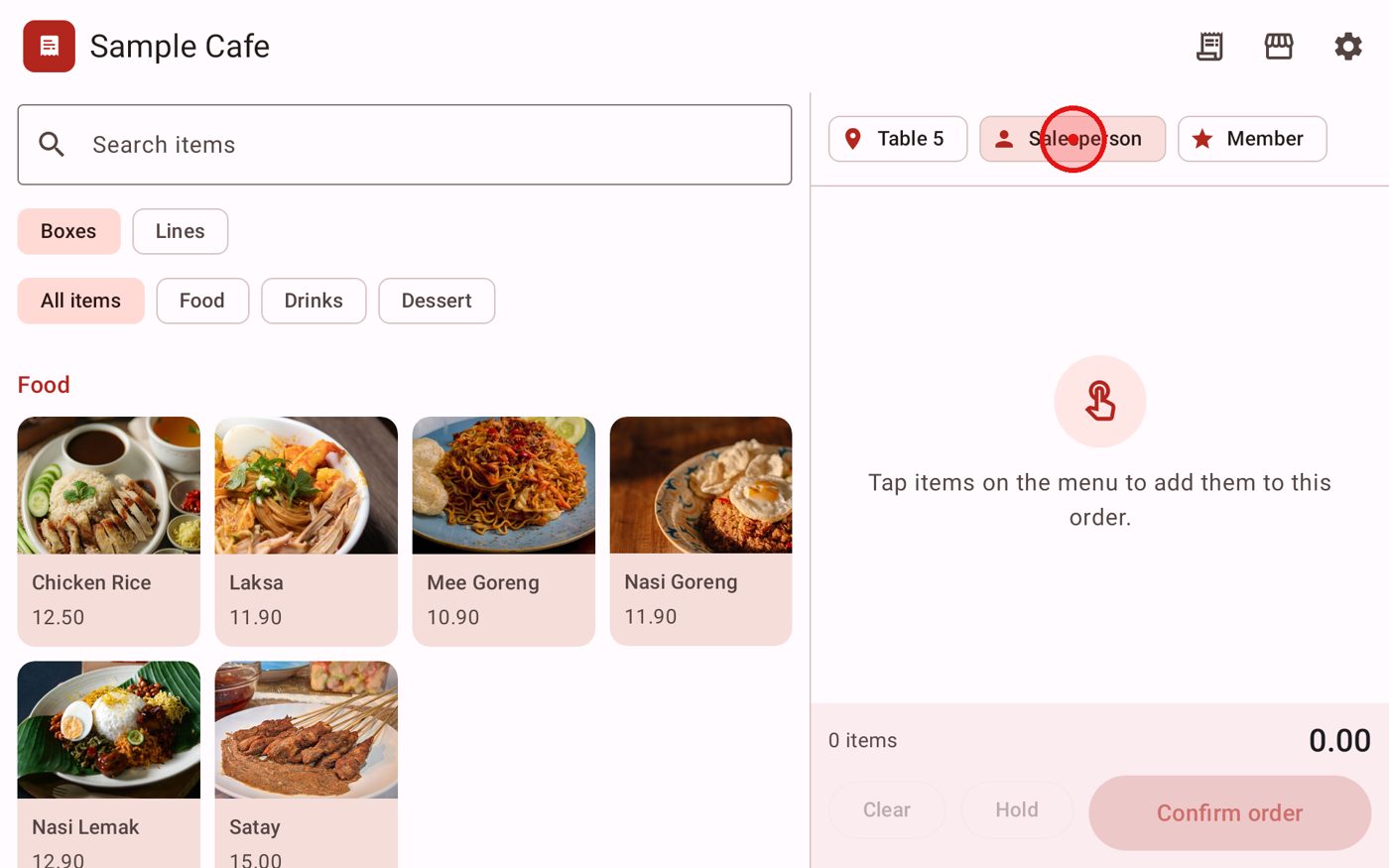
4. Choose the salesperson
Tap Salesperson, then tap your name in the list.
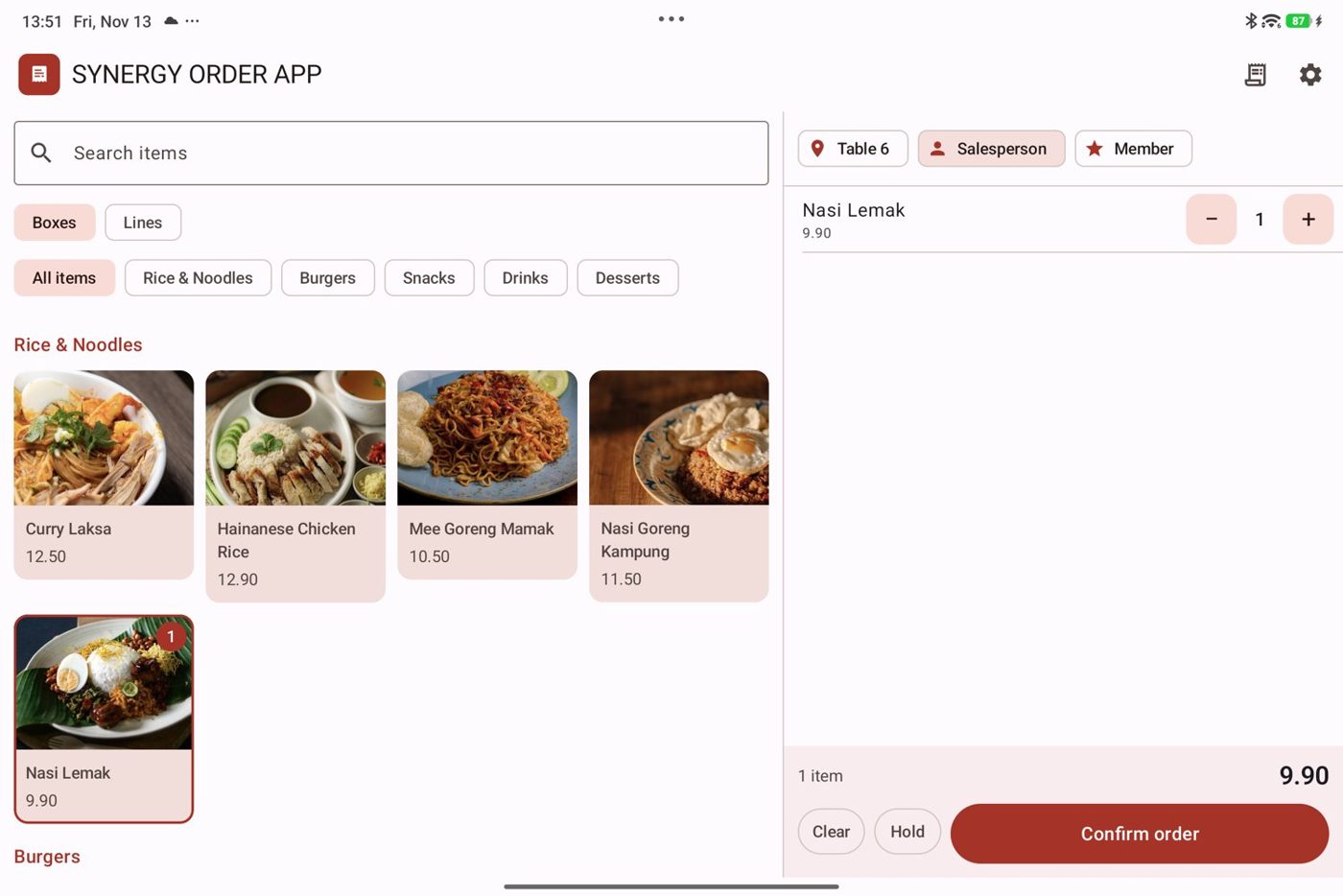
5. Add the dishes
Tap the dishes your customer orders.
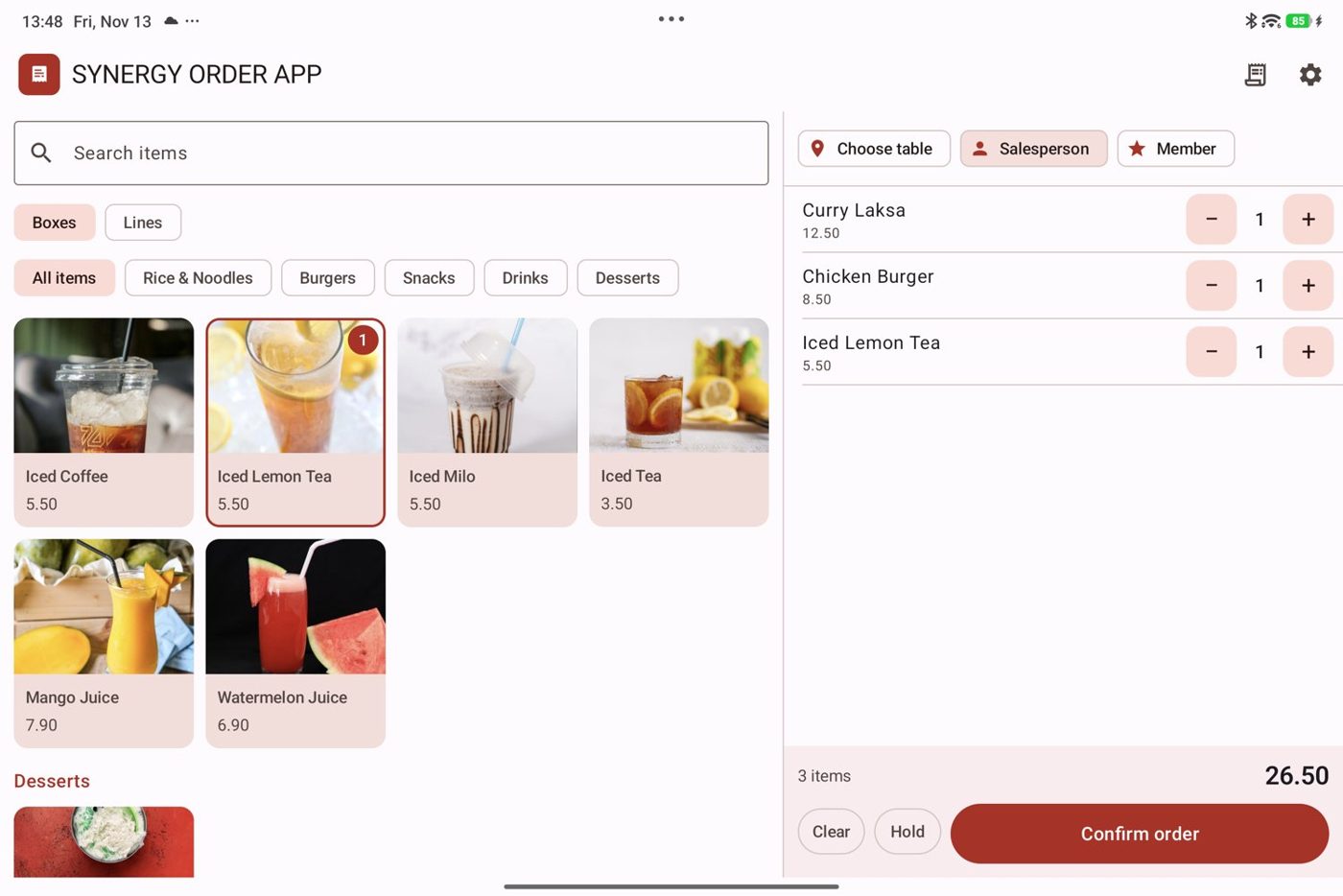
6. Add more items
Add more items from any category, such as Drinks.
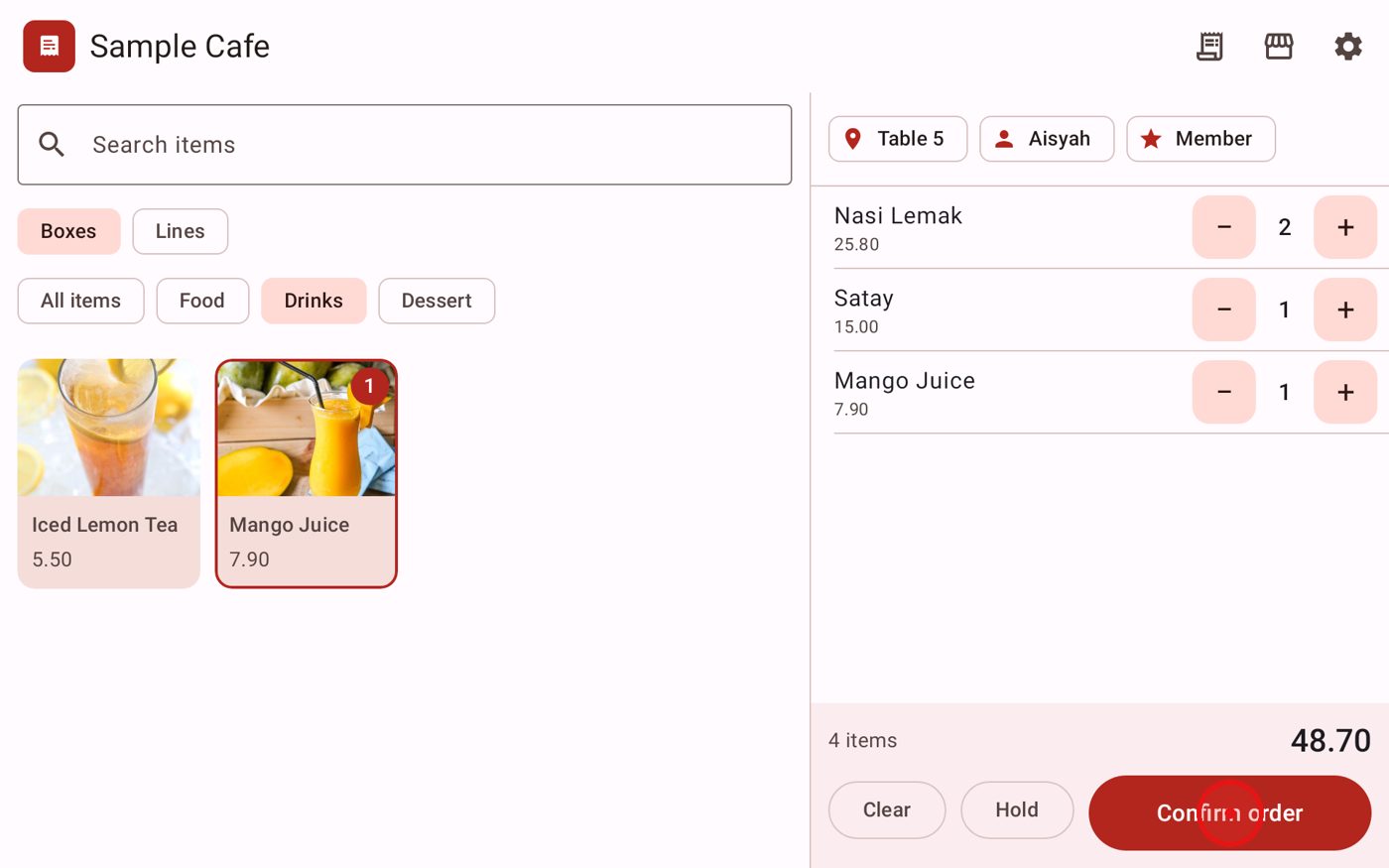
7. Confirm the order
Tap Confirm order, then tap Confirm.
8. Order sent
The order is sent to the kitchen. The screen is ready for the next order.